Adobe Revolutionizes Photoshop and Premiere with AI Assistants
Le brief IA que les pros lisent chaque soir
Les 7 actus IA du jour, décryptées en 5 min. Gratuit.
Inclus dès l'inscription : notre sélection des meilleurs guides & comparatifs IA.
Choisis ton rythme
Gratuit · Pas de spam · Désabonnement en 1 clic
Adobe Revolutionizes Photoshop and Premiere with AI Assistants
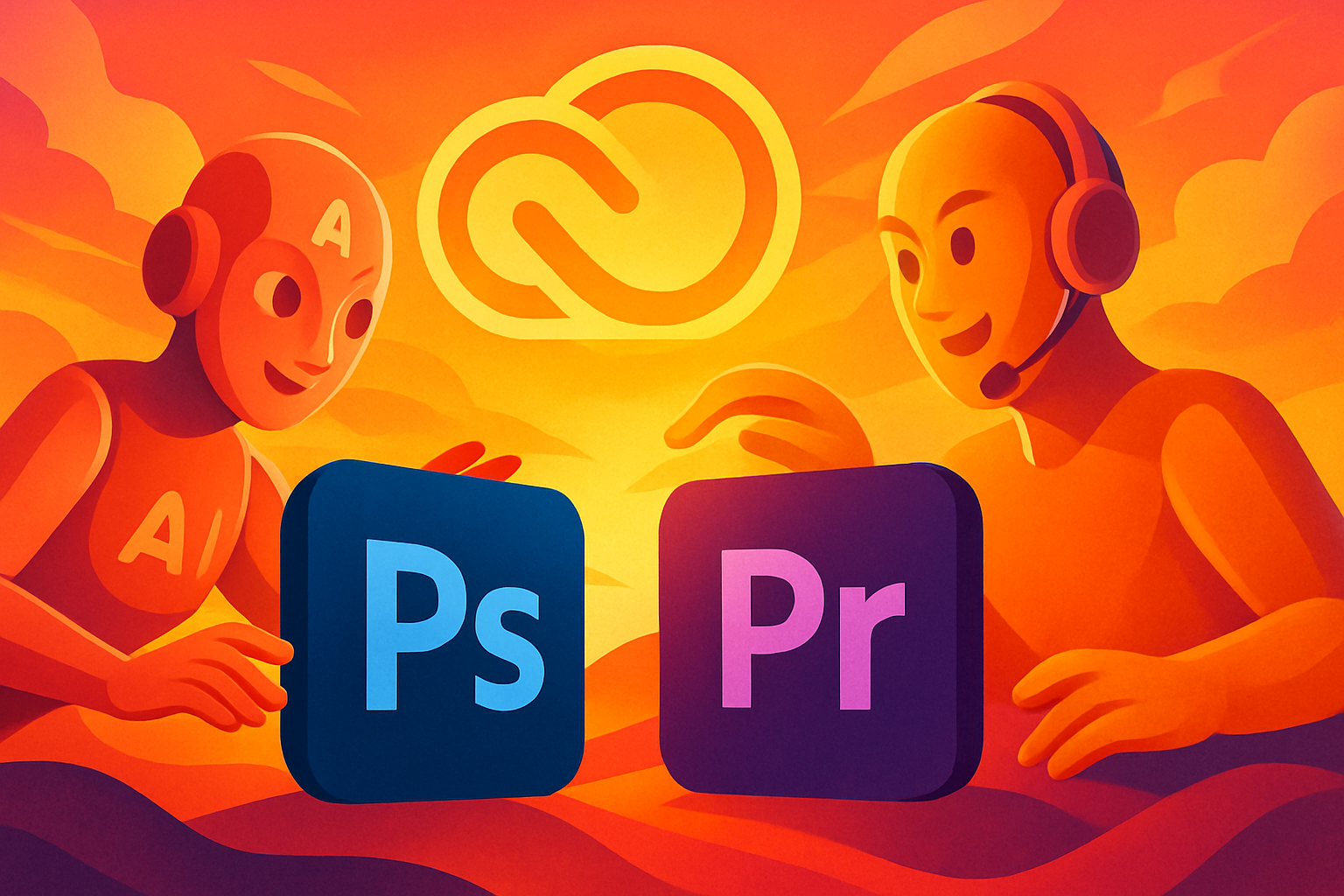
Adobe is implementing AI assistants in its Creative Cloud suite, with new prompt-based editing capabilities now available in its most popular applications. Photoshop, Premiere, Illustrator, InDesign, and Frame.io each have a tailored AI assistant that can be used to organize your work and automate application-specific tasks.
According to Adobe's announcement, while all AI assistants are powered by a “conversational creative agent,” they operate independently and act as specialists within each Creative Cloud application. For example, the AI assistant in Premiere is optimized for tasks like quickly rearranging your video timeline, while the Photoshop version understands how to use some of its most popular photo editing tools on your behalf.
The AI assistants offer a chatbot-like interface in each application, where you can describe the changes you want to make to your project using natural language prompts, similar to those already deployed in Adobe Express, Acrobat, and Firefly. Here’s an overview of each assistant's capabilities:
-
Premiere: The AI assistant can sort items into folders and quickly rename batches of clips based on what’s happening in the sequences. It can also identify specific questions or keywords in recorded speeches and use them to add markers to your project timeline or establish a starting point for your video. Adobe claims that “the tedious prep work is handled for you” and that the AI assistant can assist with everything you do in the Project panel or Timeline.
-
Photoshop: You can “describe the desired outcome,” according to Adobe, which constitutes a prompt-based editing approach we’ve already seen in Adobe's Firefly assistant. You can use it to organize your layers, change backgrounds, resize elements for use on online platforms, and more. This expansion of the desktop application follows the launch of an AI assistant for the web and mobile versions of Photoshop earlier this year.
-
Illustrator: The AI assistant can support “multi-step production tasks,” such as flagging color mode errors or missing fonts, reorganizing layers, and generating multiple versions of design files from a spreadsheet or document.
-
InDesign: For Adobe's publishing software, the chatbot can apply print preparation checks and update text and styles across each layout when you upload a new PDF or open an existing template.
-
Frame.io: The assistant can extract feedback from revisions, organize shooting elements, generate B-roll sequences, and assist with the “creative direction” of your projects, according to Adobe.
David Wadhwani, Adobe's head of creativity, stated: “Adobe has always been at the center of how the best creations come to life, and this is a major expansion of that promise. Every creative now has an agent capable of helping them execute their ideas across every application and platform they work on, so they can define the vision, apply their taste, and make the decisions that only they can make.”
Brief IA — L'actualité IA en français
L'essentiel de l'actualité de l'intelligence artificielle, décrypté et expliqué chaque jour.