Gemini API: Managed Agents and Background Tasks
Le brief IA que les pros lisent chaque soir
Les 7 actus IA du jour, décryptées en 5 min. Gratuit.
Inclus dès l'inscription : notre sélection des meilleurs guides & comparatifs IA.
Choisis ton rythme
Gratuit · Pas de spam · Désabonnement en 1 clic
Gemini API: New Features for Managed Agents
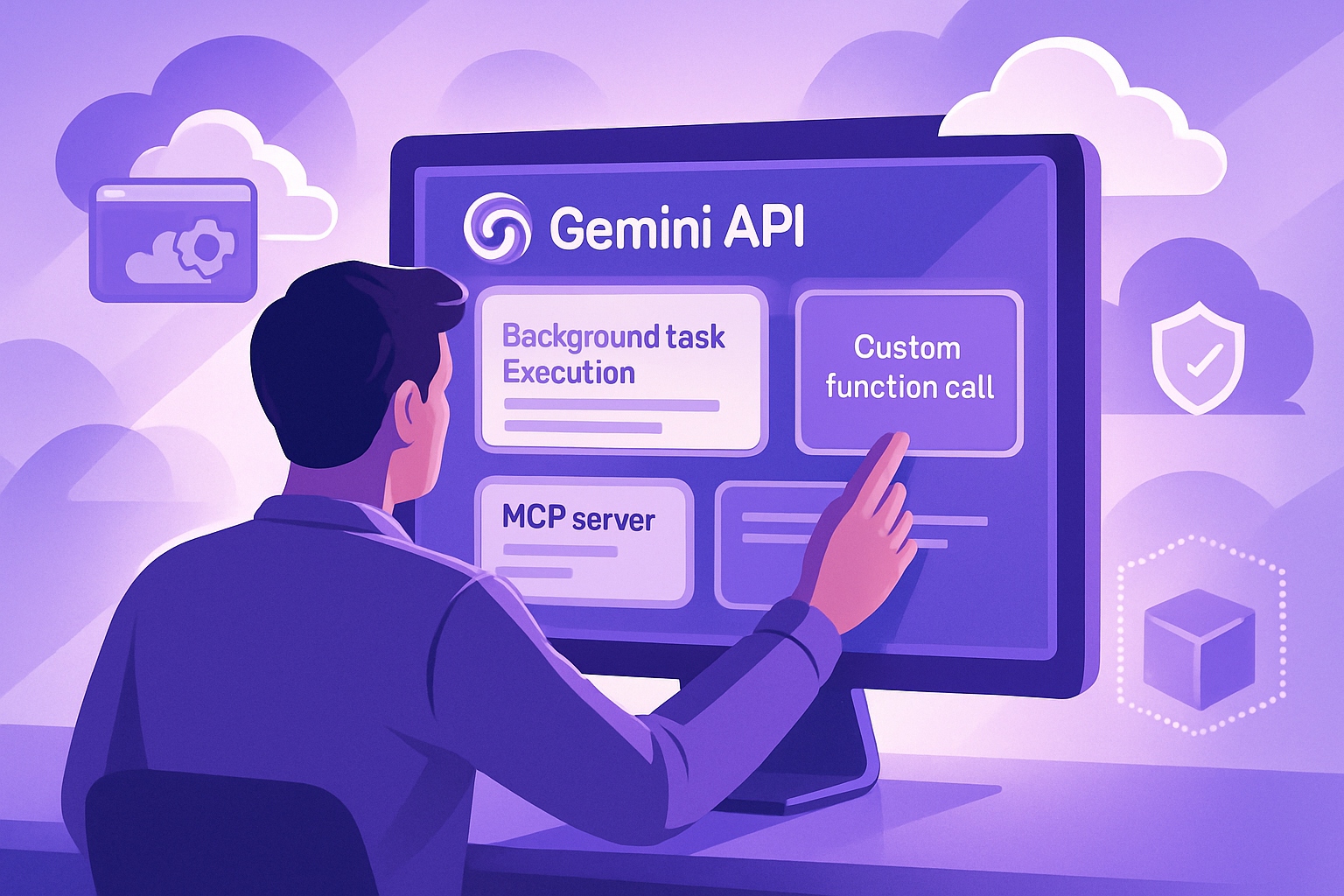
The Gemini API has been enhanced with new features aimed at its managed agents, including background execution, integration of remote MCP servers, custom function calls, and token refreshing during interactions. These improvements are directly derived from developer feedback and identified needs, enabling the creation of more reliable and production-ready agents.
With the Gemini Interactions API, developers can now call a single endpoint. Gemini supports reasoning, code execution, package installation, file management, and web information access in a secure cloud environment. For AI coding agents, users simply need to install the Interactions API skill via the command npx skills add google-gemini/gemini-skills --skill gemini-interactions-api.
Towards Autonomous and Efficient Agents
-
Long-Duration Background Execution
Managing long-duration tasks over an open HTTP connection can be fragile. By passing the parameterbackground: true, interactions can be executed asynchronously on the server. The API immediately provides an identifier that client applications can use to track status, stream updates, or reconnect later while the agent continues its work remotely. For detailed instructions, the background execution guide is available. -
Integration of Remote MCP Servers
Instead of creating a custom proxy middleware to access private databases or internal APIs, managed agents can now connect directly to remote Model Context Protocol (MCP) servers. This feature allows for the combination of remote tools with the built-in capabilities of the sandbox. By adding anmcp_servertool during interaction, alongside Google Search or code execution, the agent can communicate with your endpoints from its secure environment. It is recommended to follow best practices when extending your agent with external tools and APIs. -
Custom Function Calls with Sandbox Tools
Developers can add custom tools in addition to the built-in sandbox tools for local execution. The API uses a step-matching system. Built-in tools automatically execute on the server, while custom functions trigger arequires_actionstate, allowing the client to execute business logic locally. -
Network Token Refreshing
Access tokens and time-limited API keys can expire. It is possible to refresh these tokens or rotate keys using your existingenvironment_idwith a new network configuration during the next interaction. The new rules immediately replace the old ones while maintaining the state of the file system, installed packages, and cloned repositories in the sandbox.
Getting Started with Managed Agents
These updates transform managed agents into asynchronous workers capable of operating in real development environments without blocking the application. To explore custom agent definitions, environment configurations, network rules, and advanced streaming patterns, it is advisable to consult the overview of the Gemini Interactions API as well as the quick start guide for managed agents.
Brief IA — L'actualité IA en français
L'essentiel de l'actualité de l'intelligence artificielle, décrypté et expliqué chaque jour.