ChatGPT Images 2.0: Visual Bugs and Solutions to Avoid Them
ChatGPT Images 2.0: Visual Bugs Disrupting User Creations
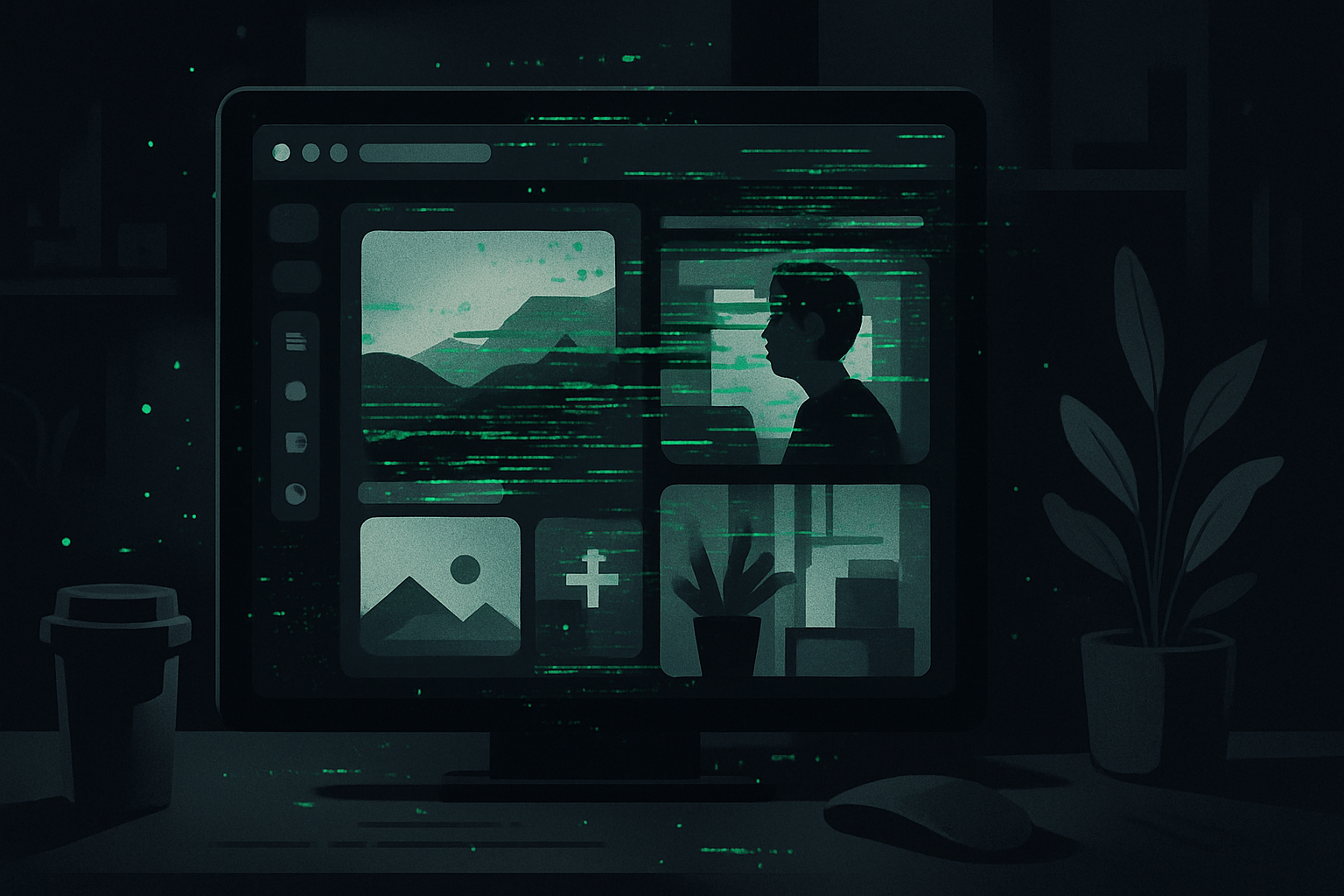
ChatGPT Images 2.0, while powerful, is currently facing visual bug issues that disrupt user creations. Among the most common symptoms are green dots and strange geometric patterns appearing in generated images. These anomalies are particularly frequent during complex queries or when reference images are used.
The recent update of ChatGPT Images 2.0, while bringing significant improvements, is also accompanied by display bugs that can ruin creations. Users report grainy textures, hallucinogenic checkerboards, and remnants of old images overlapping with new ones.
Experts in the community have proposed several theories to explain these malfunctions. One theory concerns the embedded watermark for security reasons, which could become visible as dots and checkerboards when the image is complex. Another theory suggests that the model operates in an autoregressive manner, retaining previous visual elements in memory, leading to unwanted overlays.
To work around these issues, the community recommends several tips. The first is to start a new conversation for each new image to avoid the "ghosting" effect. It is also advised to use the "Edit" tool rather than modifying the prompt text, and to simplify queries to avoid information overload. Finally, it is recommended to limit the use of reference images, as the model struggles to isolate the subject from its original background.
Le brief IA que les pros lisent chaque soir
Les 7 actus IA du jour, décryptées en 5 min. Gratuit.
Inclus dès l'inscription : notre sélection des meilleurs guides & comparatifs IA.
Choisissez votre rythme
Gratuit · Pas de spam · Désabonnement en 1 clic
While waiting for OpenAI to deploy a fix, these methods allow users to make the most of ChatGPT Images 2.0 while circumventing its current limitations. With these few adjustments, users should achieve cleaner image generations and avoid visual artifacts.
Users of ChatGPT Images 2.0 have noticed that visual bugs are particularly rampant when specific styles like "digital art" or "painting" are requested. These styles, due to their complexity, seem to exacerbate issues with fractal noise and checkerboard effects. Additionally, extremely detailed descriptions in prompts can trigger model panic, as it attempts to add artificial details, resulting in a grainy and repetitive texture.
OpenAI has not yet officially documented these bugs, but the community has identified that context indigestion, or the autoregressive effect, is a key factor. The model retains everything it has previously generated in a conversation, which can lead to pixel leaks from one image to another. This faulty visual memory is particularly problematic when users attempt to generate radically different concepts within the same session.
Finally, upscaling, or adding details to fill space, can also be a source of visual artifacts. When the model is faced with a very complex prompt, it gets trapped in a loop of generating repetitive patterns, degrading the quality of the final image. These issues highlight the need for OpenAI to deploy a fix to improve memory management and watermark handling in ChatGPT Images 2.0.
Brief IA — L'actualité IA en français
L'essentiel de l'actualité de l'intelligence artificielle, décrypté et expliqué chaque jour.