Claude Code: Revolutionizing Coding with Autonomous Loops
Le brief IA que les pros lisent chaque soir
Les 7 actus IA du jour, décryptées en 5 min. Gratuit.
Inclus dès l'inscription : notre sélection des meilleurs guides & comparatifs IA.
Choisis ton rythme
Gratuit · Pas de spam · Désabonnement en 1 clic
Applications of LLMs
In the field of software development, process optimization is crucial for increasing efficiency. Loops in coding, particularly with Claude Code, represent a significant advancement. These loops allow agents to operate autonomously, self-verifying without requiring constant oversight from developers. Traditionally, coding agents required continuous interaction: a developer would launch an agent, check its results, and then adjust the process until the task was completed. Loops change this dynamic by enabling agents to manage end-to-end tasks, thereby reducing the workload for developers.
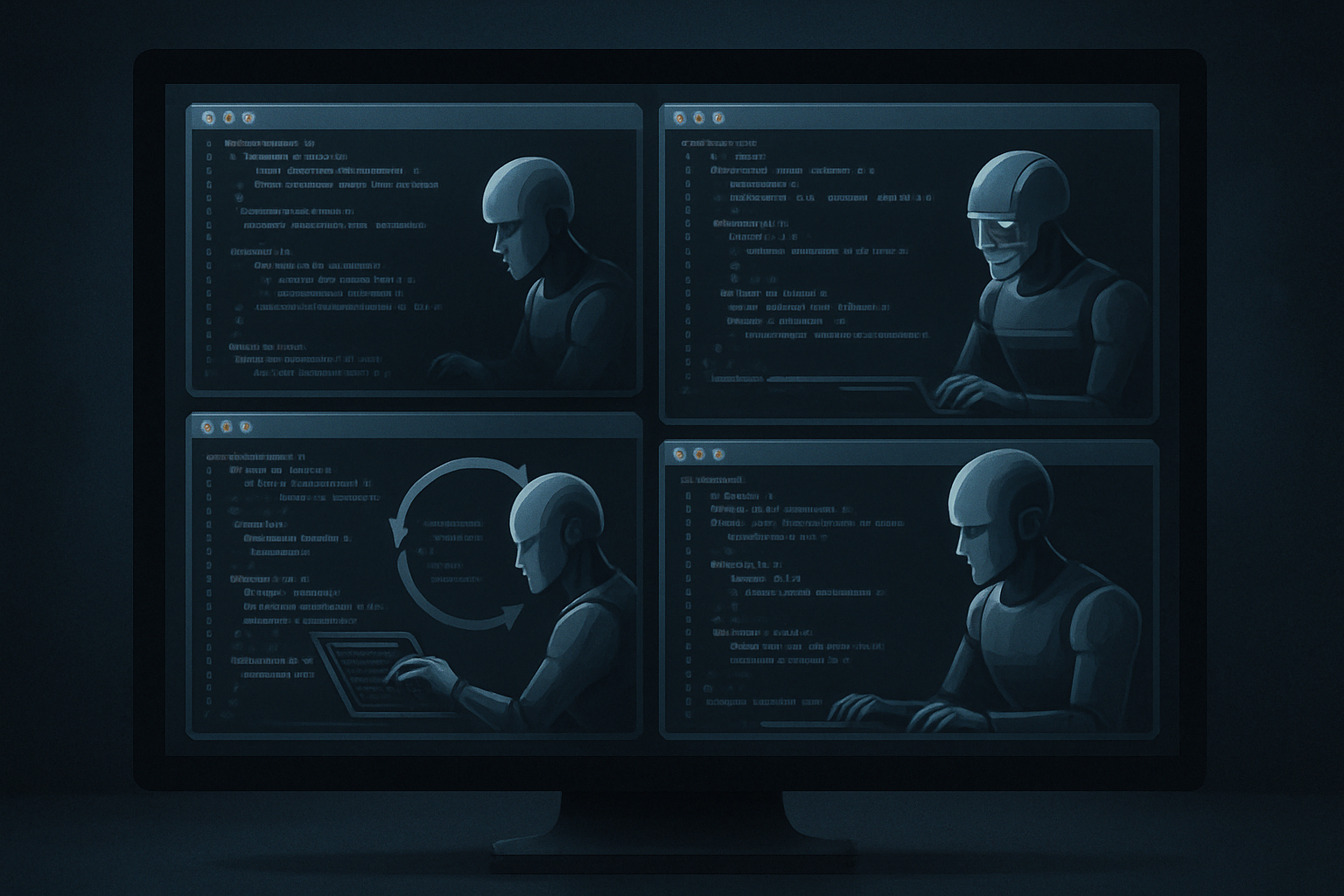
Loops are a concept where an agent operates in a cycle of self-verification, allowing it to work more autonomously. This contrasts with traditional methods where each step required human intervention. With loops, agents can accomplish more tasks without constant supervision, freeing up time for developers to focus on other aspects of the project.
In this article, we will explore why it is beneficial to work in loops with coding agents and how to set up these loops to maximize the efficiency of your coding agents. We will also discuss some essential techniques for effectively interacting with these agents.
Why Use Loops with Coding Agents?
Using loops with coding agents offers several advantages. Primarily, it increases productivity by freeing up time for developers. Let’s consider two scenarios to illustrate this point:
-
Scenario 1: You launch agent A, make a plan with it, and ask it to start working. You then launch agent B, and before you finish planning the task with agent B, agent A is asking you questions or telling you it has completed a task and needs your verification. You decide to finish with agent B, and just after you complete that, you return to agent A. You interact with it, ask it to continue working, and before you finish, agent B again needs your input. You continue like this, only able to interact with two agents at a time, essentially completing two tasks at once.
-
Scenario 2: You launch agent A and ask it to operate in a self-verification loop. Agent A then starts working on a task, and you instruct it to only come back to you once that task is completed. Once you finish instructing agent A, you can do the same for agent B, setting a goal and asking it to work in a loop. This time, agent A does not interrupt you for more input because it has the self-verification loop and no longer needs your input in the same way. Thus, you can continue to set tasks for agents C, D, E, and so on, until agent A finishes its work.
The second scenario clearly demonstrates how loops can enhance the efficiency and productivity of development teams. By allowing agents to work autonomously, developers can focus on strategic planning and other high-level tasks while agents manage the operational details.
How to Work in Loops
Implementing loops in coding may seem complex, but it can be simplified through specific commands. One of the most effective methods is using the /goal command with tools like Claude Code or Codex.
/goal <define your goal here and how to verify it>
For example, a developer might specify:
/goal Implement everything I have requested. Verify it end-to-end by clicking through the browser using Playwright [MCP](/glossaire/mcp). It is not acceptable to test the application solely through integration tests. You must actually click in the application. Continue like this until it works. Fix any issues if you encounter them, then do an end-to-end test again. Run Codex exec and use the review skill with Codex and get it approved, then iterate until Codex has approved. When Codex has approved, come back to me and tell me on which servers I can test it and exactly how to test it.
This command allows the agent to continue working until the goal is achieved or deemed unattainable. It optimizes the agents' working time and enables them to function more autonomously.
Using the /goal command acts as a trigger for coding agents, prompting them to consider the state of completion of their task. If the agent believes the task is finished, it informs the developer; otherwise, it continues its work until it reaches the set goal. This approach ensures continuity in the agents' work, reducing interruptions and increasing overall efficiency.
How to Make /goal Effective
To maximize the effectiveness of the /goal command, it is crucial to clearly define the goals and verification methods. Two main strategies can be employed:
-
End-to-End Verification: Use tools like Playwright MCP to simulate user interactions and verify that features work as intended. This involves the agent taking screenshots and checking results in real-time, thus ensuring complete validation of the process.
-
Review by Codex: Before integrating code into development, have it reviewed by Codex to identify and fix potential bugs. This review step is essential for maintaining code quality and avoiding costly errors.
By providing precise instructions on how to verify the work, developers can ensure that coding agents operate optimally. For instance, by asking the agent to use specific tools to test the code, errors can be minimized, and the final product can meet expectations.
Using Codex Exec to review the code is a crucial step in minimizing the risk of bugs. By integrating this review into the process, developers can ensure that the code is not only functional but also optimized and error-free. This helps avoid costly backtracking and ensures that development progresses smoothly.
Conclusion
Loops in coding, particularly with Claude Code, represent a major advancement for software development. By allowing agents to work autonomously and self-verify, they free up time for developers and increase productivity. Integrating commands like /goal and using Codex for code review are essential steps to make the most of these loops. In the future, these concepts could be expanded to include more complex and self-improving loops, paving the way for a new era of software development.
Loops not only optimize developers' working time but also improve the quality of the produced code. By reducing errors and increasing efficiency, they are a valuable tool for any development team looking to maximize its resources and produce high-quality software.
Brief IA — L'actualité IA en français
L'essentiel de l'actualité de l'intelligence artificielle, décrypté et expliqué chaque jour.