Graphify: the tool redefining AI memory in coding
What is Graphify?
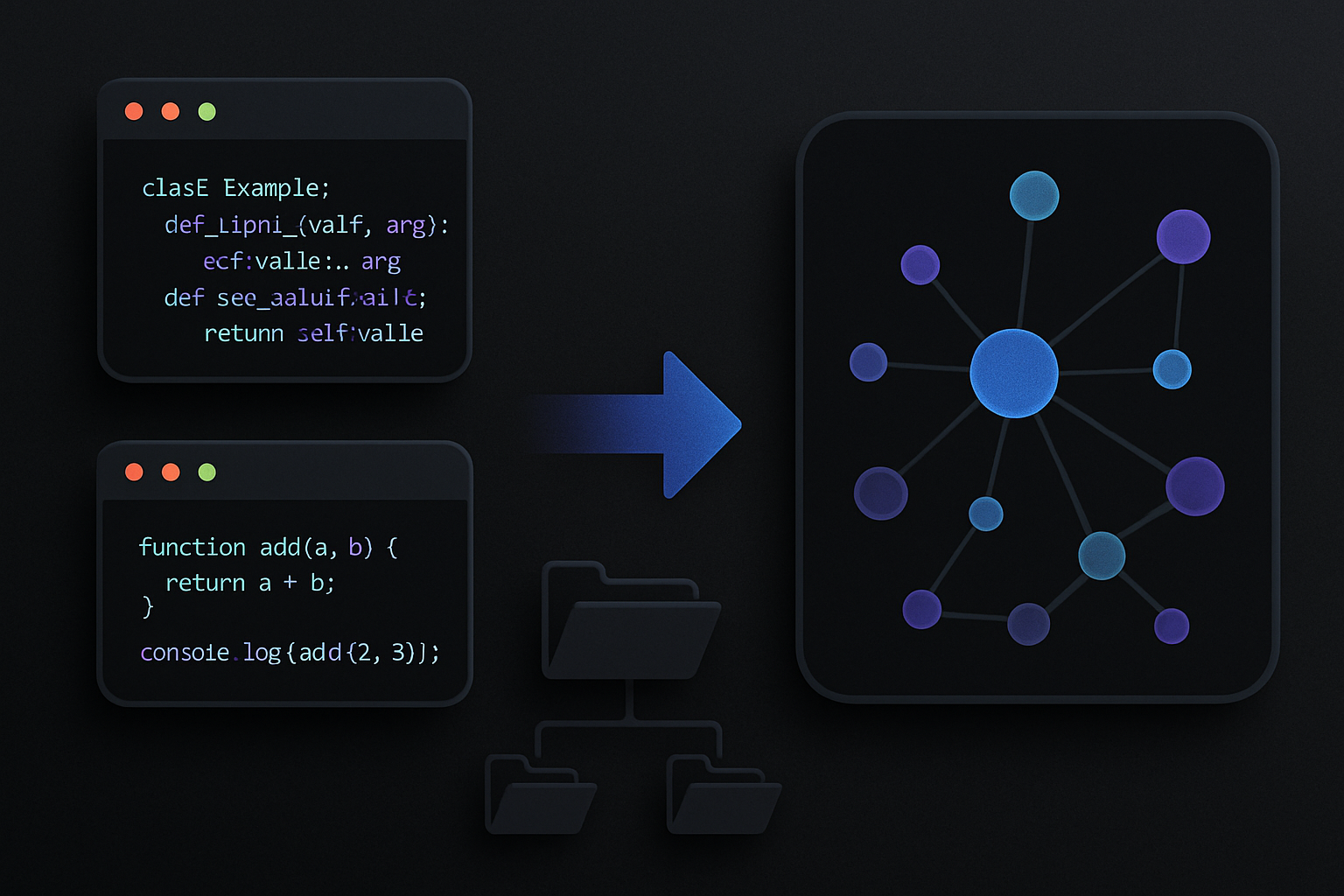
Graphify is an innovative system that functions as an AI coding assistant, allowing users to transform any directory into a searchable knowledge graph. Unlike a simple chatbot, this system acts as an independent entity. It is designed to operate within various AI coding environments, such as Claude Code, Cursor, Codex, Gemini CLI, and other platforms.
To install Graphify, only one command is needed:
pip install graphify && graphify install
Once installed, simply launch your AI assistant and enter the appropriate command. The system must be directed to a folder, whether it be a codebase, a research directory, or a notes repository. The system then generates a knowledge graph that users can explore after pointing to a folder.
What is built (and why it matters)
After running Graphify, you will receive four files in your graphify-out/ folder:
- graph.html: This file is an interactive and clickable representation of your knowledge graph, allowing for filtered searches and discovery of communities.
- GRAPH_REPORT.md: This file provides a plain language summary of your main nodes, unexpected links you might discover, and suggested questions that emerge from your analysis.
- graph.json: This is a persistent representation of your graph that you can query weeks later without having to reread the original data sources to generate your results.
- cache/: This folder contains a SHA256-based cache file, ensuring that only files that have changed since the last execution of Graphify are reprocessed.
These elements become an integral part of your memory layer. Rather than reading raw data, you now access structured data. The token efficiency report is revealing: on a mixed corpus of Karpathy repositories, research papers, and images, Graphify delivers 71.5 times fewer tokens per query compared to directly reading raw files.
How it works behind the scenes
The operation of Graphify relies on two distinct execution phases, crucial for understanding its operational mechanism:
Pass 1 – Deterministic AST Extraction:
Graphify uses tree-sitter to extract the structure of the code, analyzing files to identify their components, such as classes, functions, imports, call graphs, docstrings, and explanatory comments. This process occurs without any LLM component, ensuring that your machine retains all file contents without data transmission. This method has three major advantages: speed, accuracy, and user privacy protection.
Pass 2 – Parallel AI Extraction:
The Claude sub-agents perform their tasks simultaneously across documents, including PDFs, markdown content, and images. They extract concepts, relationships, and design justifications from unstructured content, resulting in the creation of a unified NetworkX graph.
The clustering process uses Leiden community detection, a method based on graph topology that does not require embeddings or a vector database. The extraction from Pass 2 by Claude generates edges of semantic similarity, integrated into the graph, directly influencing the clustering process. The structure of the graph serves as a signal to indicate similarity between elements.
One of the most beneficial aspects of Graphify is its method of assigning confidence levels. Each relationship is labeled as follows:
- EXTRACTED – found in the source with a confidence level of one.
- INFERRED – reasonable inference based on a degree of confidence (number).
- AMBIGUOUS – requires human review.
This allows differentiation between found and inferred data, providing a level of transparency absent in most AI tools and helping to develop the best architecture based on the graph output.
Le brief IA que les pros lisent chaque soir
Les 7 actus IA du jour, décryptées en 5 min. Gratuit.
Inclus dès l'inscription : notre sélection des meilleurs guides & comparatifs IA.
Choisis ton rythme
Gratuit · Pas de spam · Désabonnement en 1 clic
What you can actually query
The process of querying the system becomes more intuitive after the graph is built. Users can execute commands via their terminal or AI assistant, such as:
graphify query "what connects attention to the optimizer?"graphify query "show the auth flow" --dfsgraphify path "DigestAuth" "Response"graphify explain "SwinTransformer"
The system requires users to conduct searches using specific terms. Graphify tracks the actual connections in the graph through each connection point while showing the types of connection, confidence levels, and source points. The --budget flag allows you to limit the output to a certain amount of tokens, which becomes essential when you need to transfer sub-graph data to your next prompt.
The proper workflow unfolds according to these steps:
- Start with the GRAPH_REPORT.md document, which provides essential insights into the main topics.
- Use
graphify queryto extract a targeted sub-graph for your specific question. - You should send the compact output to your AI assistant instead of using the full file.
- The system requires you to navigate through the graph rather than presenting its entire content in a single prompt.
Always-On Mode: Making your AI smarter by default
System-level modifications to your AI assistant can be made using Graphify. After creating a graph, you can execute in a terminal:
graphify claude install
This creates a CLAUDE.md file in the Claude Code directory that instructs Claude to use the GRAPH_REPORT.md file before answering questions about the architecture. Additionally, it places a PreToolUse hook in your settings.json file that triggers before each Glob and Grep call. If a knowledge graph exists, Claude should see the prompt to navigate through the graph structure instead of searching individual files.
The effect of this change is that your assistant will stop randomly scanning files and will use the data structure to navigate. As a result, you should receive faster responses to everyday questions and improved answers for more complex inquiries.
Support for file types
With its multimodal capabilities, Graphify is a valuable tool for research and data collection. Graphify supports:
- Processing trees of 20 programming languages: Python, JavaScript, TypeScript, Go, Rust, Java, C, C++, Ruby, C#, Kotlin, Scala, PHP, Swift, Lua, Zig, PowerShell, Elixir, Objective C, and Julia.
- Extracting citations and concepts from PDF documents.
- Processing images (PNG, JPG, WebP, GIF) using Claude Vision. Diagrams, screenshots, whiteboards, and material that is not in English.
- Extracting relationships and complete concepts from Markdown, .txt, .rst.
- Processing Microsoft Office documents (.docx and .xlsx) by setting up an optional dependency:
pip install graphify[office]
Simply drop a folder containing mixed-type files into Graphify, and it will process each file according to the appropriate processing method.
Additional capabilities to know
Graphify includes several features for use in a production environment, in addition to its core functionality of producing graphs from code files.
-
Auto-sync with –watch: Running Graphify in a terminal can automatically rebuild the graph as code files are modified. When you change a code file, an Abstract Syntax Tree (AST) is automatically rebuilt to reflect your change. When you modify a document or image, you are prompted to run –update so that an LLM can reprocess the graph to reflect all changes.
-
Git Hooks: You can create a Git commit to rebuild the graph every time you change branches or make a commit by running
graphify hook install. You do not need to run a background process to make Graphify work. -
Wiki Export with –wiki: You can export a wiki-style markdown with an index.md entry point for each main node and by community within the Graphify database. Any agent can explore the database by reading the exported files.
-
MCP Server: You can start an MCP server on your local machine and reference structured graph data for repeated queries (query_graph, get_node, get_neighbors, shortest_path) by running
python -m graphify.serve graphify-out/graph.json. -
Export Options: You can export from Graphify to SVG.
Brief IA — L'actualité IA en français
L'essentiel de l'actualité de l'intelligence artificielle, décrypté et expliqué chaque jour.