Oracle and OpenAI: Revolutionizing Document Processing
Le brief IA que les pros lisent chaque soir
Les 7 actus IA du jour, décryptées en 5 min. Gratuit.
Inclus dès l'inscription : notre sélection des meilleurs guides & comparatifs IA.
Choisis ton rythme
Gratuit · Pas de spam · Désabonnement en 1 clic
Oracle and OpenAI: A Partnership to Transform Document Processing
The arrival of the OpenAI Adapter in Oracle Integration Cloud (OIC) has generated particular interest due to its capabilities beyond simple text interactions. Initially, the tool seemed limited to chatbot-like functions, but a deeper exploration revealed its potential to handle various file types, such as images, PDFs, and Word documents. This discovery has paved the way for more sophisticated integrations without requiring custom REST development.
Upon examining the features of the adapter, I found that it could manage files in a more advanced manner. This led me to wonder if the OpenAI Adapter could upload files and process them later using a unique identifier. To test this hypothesis, I developed a prototype that yielded promising results.
With the OpenAI Adapter, it is possible to:
- Upload files directly to OpenAI
- Obtain and use file identifiers for later processing
- Analyze images and PDF documents
- Extract structured data in JSON format
- Handle multilingual content, including documents in Arabic and Persian
This article details the approach taken, the architecture established, and some practical use cases discovered during the prototype development. By the end, you will have a reusable model for extracting invoices, processing documents, and analyzing content, among other things.
Decoding the Architecture
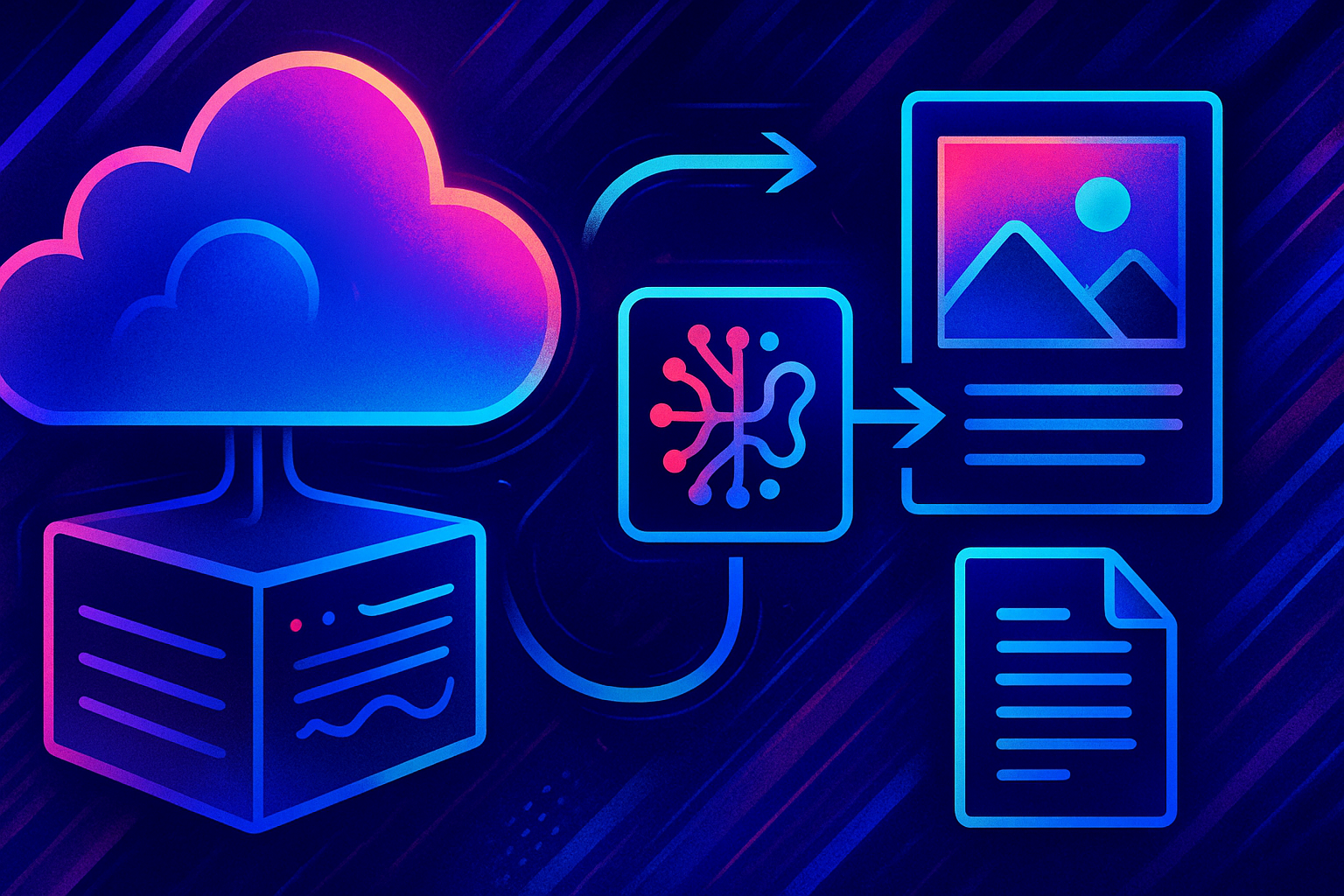
To design the prototype, I opted for a separation into two distinct integrations. The first handles the file upload to OpenAI and obtains a unique identifier. The second uses this identifier to process the document based on a given prompt and returns a structured response. This method allows for the reuse of the uploaded file, making it accessible for multiple analyses without requiring new uploads.
Integration 1 — File Upload
The first integration is designed to accept a file and upload it via the Upload a File operation of the OpenAI Adapter. Supported file formats include:
- Images (JPG, PNG)
- PDF documents
- Microsoft Word documents
The adapter generates a unique file identifier, such as file-xxxxxxxxxxxxxxxx, which can be stored or passed for later processing.
Integration 2 — File Processing
The second integration uses:
- A file identifier
- Specific processing instructions
It invokes the OpenAI Adapter with the Responses operation. Depending on the type of document and the prompt, OpenAI can:
- Extract invoice data
- Analyze documents
- Summarize content
- Return structured JSON
- Process multilingual text
The response obtained can be directly integrated into the OIC and mapped to downstream systems.
Solution Architecture
General Flow
The overall process is structured as follows:
Document (Image/PDF/DOCX)
       |
       v
+------------------+
|  Upload a File   |
|    OpenAI Adapter |
+------------------+
       |
       v
   File ID
       v
+------------------+
|     API Responses  |
|    OpenAI Adapter  |
+------------------+
       |
       v
Structured Output (JSON)
This model relies entirely on the native OpenAI Adapter, eliminating the need for custom REST calls, manual API payload construction, or handling Base64 encoded content.
Building Integration 1 — Uploading Files to OpenAI
The first integration is dedicated to uploading a document to OpenAI and obtaining a reusable file identifier. The file types tested include:
- JPG images
- PNG images
- PDF documents
- Microsoft Word documents
Step 1 — Create the OpenAI Connection
Start by establishing a connection using the OpenAI Adapter. Provide:
- An OpenAI API key
- A connection name
- Security configuration
Once the connection is successfully tested, it can be integrated into your process.
Step 2 — Create the File Upload Integration
Develop an application-driven orchestration.
2.1 Add a Trigger
Add a REST Adapter to accept the incoming file with:
- Multipart attachment processing options
- Multipart request with a payload
- Multipart request of type multipart/form-data with an HTML payload
2.2 Add the OpenAI Adapter
Select the Upload a File operation. This operation allows the OIC to upload a file directly to OpenAI without requiring a manual API REST call.
Step 3 — Configure the Request Mapping
The Upload a File operation requires two key pieces of information:
-
Purpose: Determines the use of the uploaded file. For image processing:
vision. For document processing:user_data. -
File Content: Map the incoming attachment or file reference to the File element of the adapter.
Example mapping:
RequestWrapper
├── Purpose
└── File
    └── streamReference
The adapter handles the upload and stores the file in OpenAI.
Step 4 — Execute the Integration
After activation, invoke the integration with a sample document. If the upload is successful, the response contains a file identifier, for example: file-3UoRxBRyqV7pJRgPC4WSgi. This identifier serves as a link between the upload and the document processing.
Lessons Learned: The Importance of File Names
During my testing, I encountered an issue related to file names. Some uploads failed when the file name contained spaces or special characters. For example, WhatsApp Image 2026-06-05 at 7.25.23 PM.jpeg generated an error if the name contained a space.
By renaming the file with a simpler format, without spaces or special characters, the upload succeeded. Example: invoice_20260605.jpeg. If you encounter upload failures, first check the file name. While this may vary depending on the adapter version and environment, using clean file names is a good practice.
Why the File ID is Crucial
Initially, I thought it would be necessary to send Base64 content to OpenAI for each document analysis. The file identifier-based approach is much more efficient. Once the document is uploaded:
- The file can be reused
- Multiple prompts can be applied to the same file
- There is no need to re-upload the document
This method optimizes the process and simplifies the integration, making the whole system more efficient.
Brief IA — L'actualité IA en français
L'essentiel de l'actualité de l'intelligence artificielle, décrypté et expliqué chaque jour.