Antigravity CLI: Google Challenges Claude Code with Lightning Speed
Le brief IA que les pros lisent chaque soir
Les 7 actus IA du jour, décryptées en 5 min. Gratuit.
Inclus dès l'inscription : notre sélection des meilleurs guides & comparatifs IA.
Choisis ton rythme
Gratuit · Pas de spam · Désabonnement en 1 clic
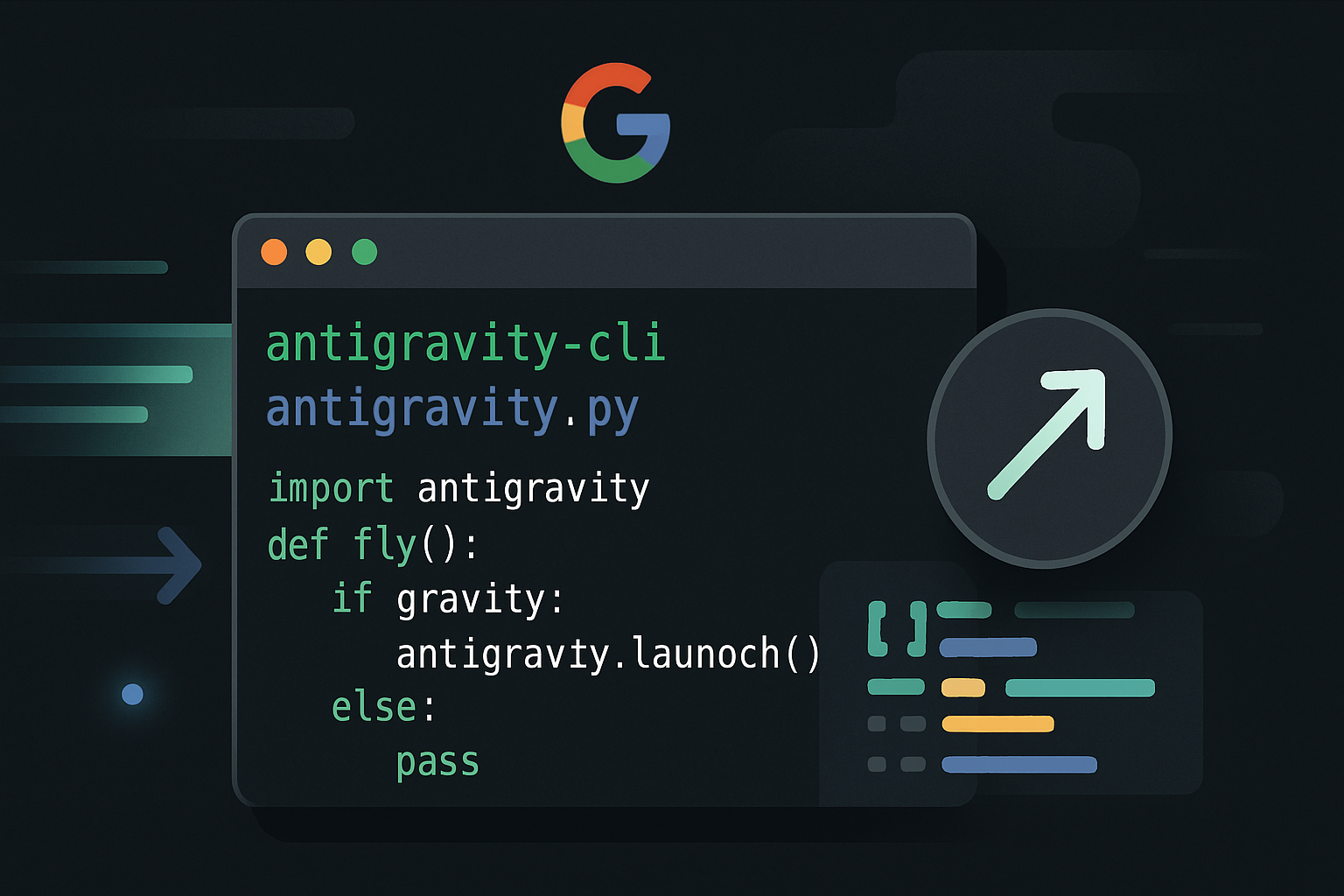
Google recently showcased its new tool, Antigravity CLI, at the Google I/O event. Designed to directly compete with Claude Code, this coding agent stands out for its speed and ability to efficiently handle development tasks.
Antigravity comes in four versions, each tailored to specific needs. The basic version automates simple tasks on a computer, positioning itself as an alternative to Claude Cowork. Antigravity IDE focuses on graphical code editing, while Antigravity SDK allows for the creation of agents in Python. Antigravity CLI, on the other hand, is aimed at developers and enthusiasts who want to edit and launch new projects in vibe coding.
A Performance Model
Antigravity CLI adopts the design of Gemini CLI, Google's former console coding agent. Google has drastically improved response latency, background task management, and the overall experience. The tool is based on the Gemini 3.5 Flash model, which generates 277 tokens per second, far exceeding the 64 tokens per second of Claude Code with Opus 4.8. This speed enables developers to produce code more quickly, although the performance in terms of quality remains slightly inferior to that of Claude Opus 4.8.
Antigravity CLI incorporates all the expected standards: skills, sub-agents, plugins. These features allow for customization and extension of the tool's capabilities, enriching the user experience.
Permission Management and Pricing
Antigravity CLI offers four permission management modes:
- The request-review mode requires manual validation for each command.
- The proceed-in-sandbox mode allows commands but containers them in a sandbox.
- The always-proceed mode gives the agent free rein.
- The strict mode enforces systematic validation requests.
Regarding costs, the subscription to Antigravity ranges from €7.99 to €219.99 per month, with qualitative tiers rather than numerical quotas. The Pro plan at €21.99 per month is recommended for light daily use, but intensive developers will need to opt for an Ultra subscription at a minimum of €100 per month. The free version is ridiculously stingy, allowing only a limited preview of the tool.
User Experience and Limitations
To install Antigravity CLI, simply enter a specific command in the terminal. Launching is then done with the command: “agy.” To illustrate its capabilities, we asked the AI to create a web app locally on our computer, capable of querying Alexa's temperature sensors via Home Assistant. The home weather web interface should display the temperature of each room, the temperature of the main indoor sensor, the outdoor temperature, and humidity wherever available. AGY CLI finds all the requested sensors in a matter of seconds. In less than a minute, the final project is delivered and 100% functional.
After several days of testing, Antigravity CLI proved effective for simple to moderately complex coding tasks. However, for more ambitious projects, Claude Code remains superior. We found ourselves quickly limited after less than an hour of coding with a Pro AI plan. Additionally, the lack of a command to compact context and an automatic mode for permissions are notable shortcomings.
In conclusion, while promising, Antigravity CLI still requires improvements to fully compete with Claude Code. The upcoming arrival of Gemini 3.5 Pro could, however, change the game. We are still far from the speeds of a Cerebras or a Groq, but the commitment is real and direct.
Brief IA — L'actualité IA en français
L'essentiel de l'actualité de l'intelligence artificielle, décrypté et expliqué chaque jour.