ChatGPT: Secure Your Account with Advanced Authentication
Le brief IA que les pros lisent chaque soir
Les 7 actus IA du jour, décryptées en 5 min. Gratuit.
Inclus dès l'inscription : notre sélection des meilleurs guides & comparatifs IA.
Choisis ton rythme
Gratuit · Pas de spam · Désabonnement en 1 clic
OpenAI has introduced an option for advanced security for ChatGPT users, aimed at enhancing account protection against unauthorized access. However, this feature requires some precautions to avoid losing access to your account.
How to Activate Advanced Security
To enable this feature, several steps must be followed:
-
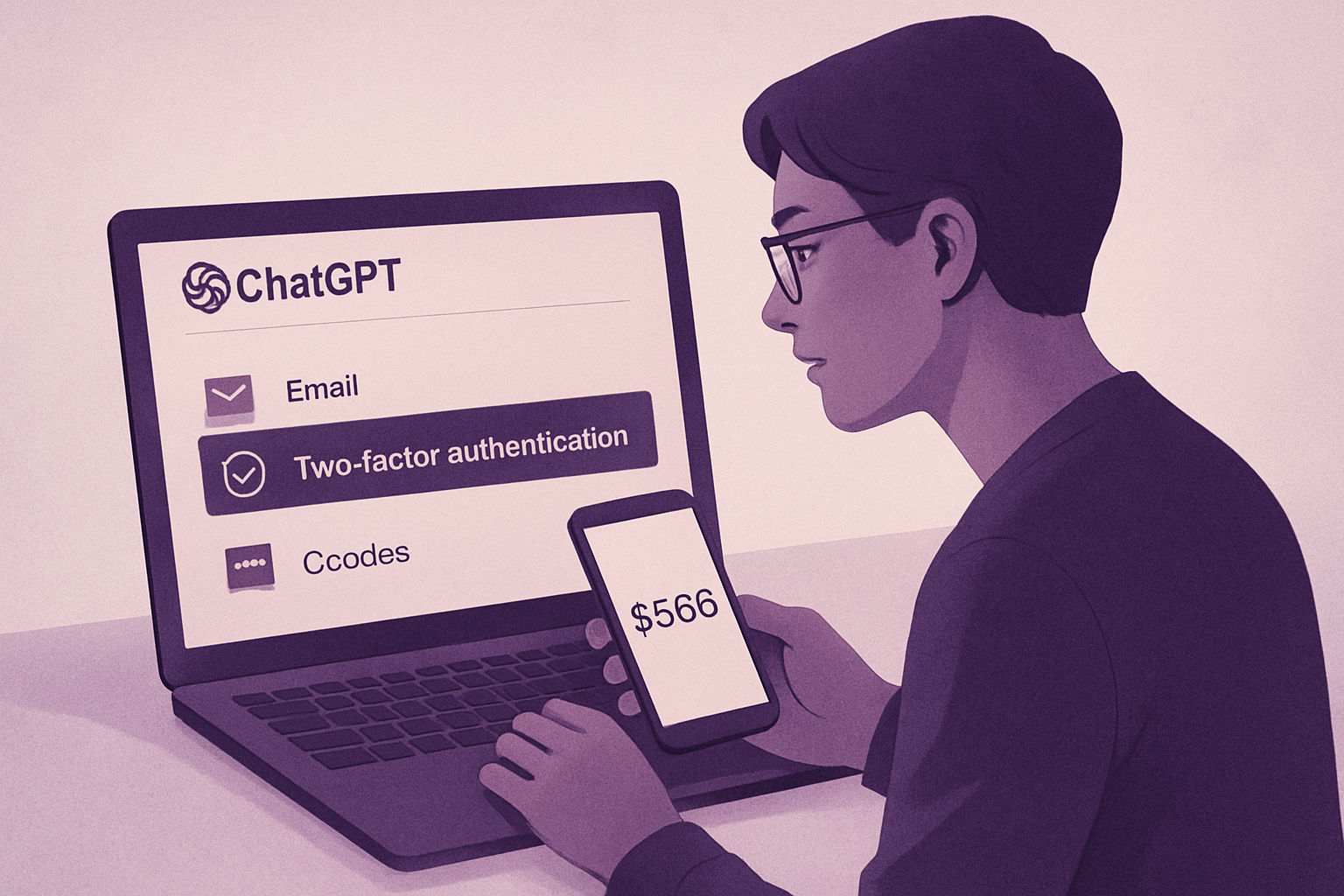
Email Verification: Ensure that the email address associated with your account is correct and accessible, as it is essential for account recovery.
-
Two-Factor Authentication (2FA): This method adds an extra layer of security. You can choose to receive a code via SMS or through an authentication app to secure your login.
-
Backup Recovery Codes: During activation, recovery codes will be provided to you. It is crucial to keep them in a safe place, as they will be necessary if you lose access to your primary authentication method.
-
Update Security Information: Make sure your security information, such as security questions, is up to date to ensure optimal protection.
Additional Precautions
To maximize the security of your ChatGPT account, it is recommended to:
-
Not Share Your Login Information: Keep your credentials confidential to prevent unauthorized access.
-
Stay Vigilant Against Phishing Attempts: Do not click on suspicious links and always verify the authenticity of the communications you receive.
By following these recommendations, you can activate the advanced security of your ChatGPT account while minimizing the risks of losing access.
Brief IA — L'actualité IA en français
L'essentiel de l'actualité de l'intelligence artificielle, décrypté et expliqué chaque jour.