Claude Code on Linux: A Limited Advancement Due to Local AI
Le brief IA que les pros lisent chaque soir
Les 7 actus IA du jour, décryptées en 5 min. Gratuit.
Inclus dès l'inscription : notre sélection des meilleurs guides & comparatifs IA.
Choisis ton rythme
Gratuit · Pas de spam · Désabonnement en 1 clic
Claude Code Invades Linux: An Anticipated Advancement
Claude Code, the long-awaited desktop application, is finally available for Linux users. This new offering provides an interesting alternative for those looking to leverage artificial intelligence directly from their workstation. However, using AI locally presents challenges that should not be underestimated.
A Promising Yet Demanding Application
The Claude Code application for Linux is now accessible, and it operates effectively as long as certain constraints are met. However, attempting to run it locally has proven to be a complex and often unfruitful endeavor.
Linux enthusiasts are constantly on the lookout for applications that enable this platform to compete with its counterparts. There are many open-source options that prove competitive, even in the AI domain. For instance, tools like Alpaca and Moose offer graphical interfaces for locally installed Ollama instances, which is a preferred method for using AI. These applications provide well-designed interfaces, the flexibility to work locally or in the cloud, and optimized use of system resources.
However, there are times when some users want to turn to a more mainstream option. This is where the new Claude Code desktop application for Linux comes in, integrating all the features of the MacOS and Windows versions, with the ability to enable developer options to enhance the user experience.
Installation Process on Linux
To get started, installing Claude Code on Linux requires a few specific steps. Unlike other AI GUI applications, where you simply open the application store of your distribution, search for the app, and install it, Claude Code requires adding a repository before installation. Currently, this desktop application is only available for Debian and Ubuntu-based distributions.
The installation steps include adding the Anthropic signing key, adding the repository, and then updating and installing the application. Here are the necessary commands:
-
Add the Anthropic signing key:
sudo curl -fsSLo /usr/share/keyrings/claude-desktop-archive-keyring.asc https://downloads.claude.ai/claude-desktop/key.asc -
Add the repository:
echo "deb [arch=amd64,arm64 signed-by=/usr/share/keyrings/claude-desktop-archive-keyring.asc] https://downloads.claude.ai/claude-desktop/apt/stable stable main" | sudo tee /etc/apt/sources.list.d/claude-desktop.list -
Update and install:
sudo apt update && sudo apt install claude-desktop
Once the installation is complete, the Claude Code application can be launched from the desktop menu, offering a well-designed user interface.
The Complexity of Connecting to Local AI
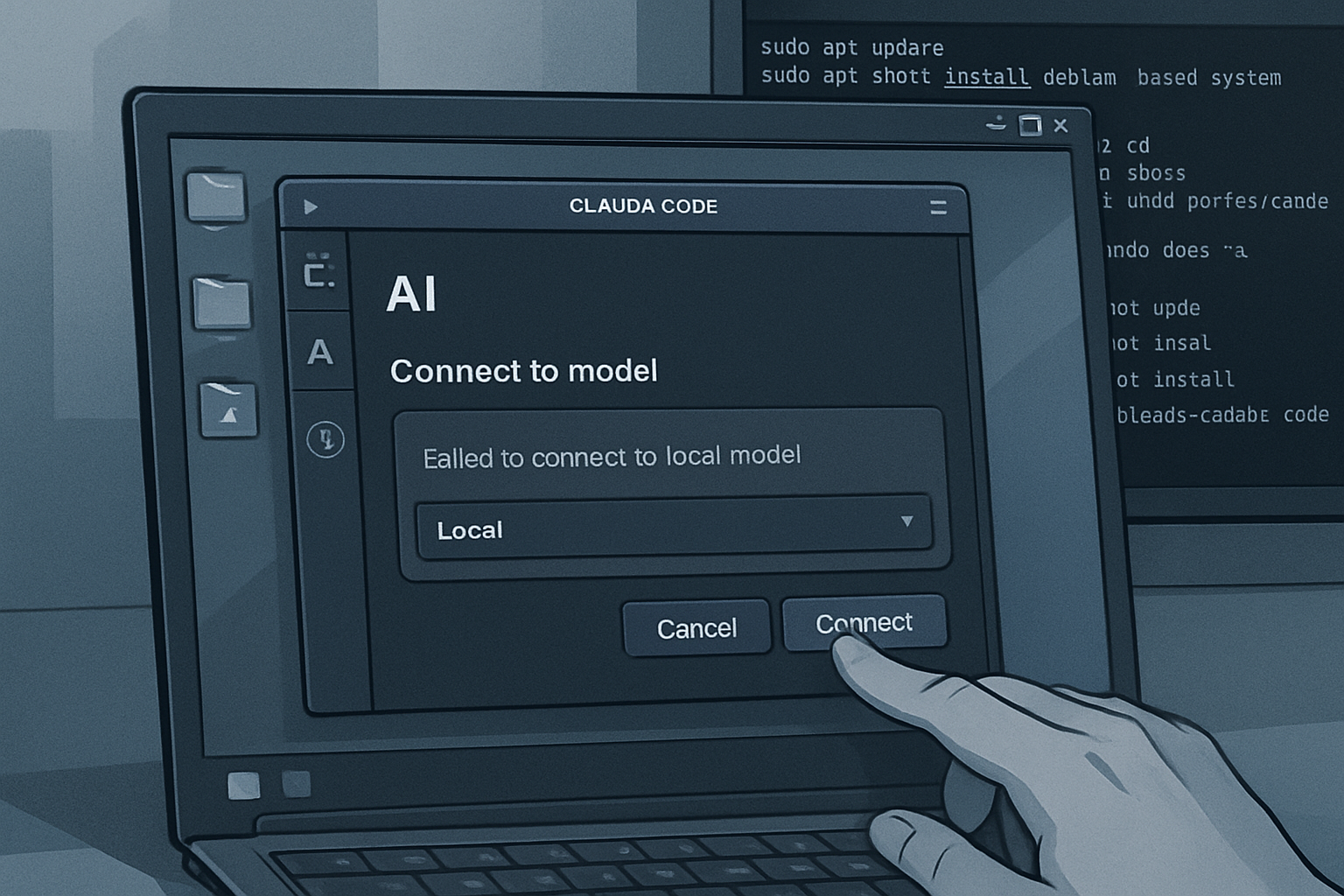
This is where the difficulties begin. Although numerous local AIs have been set up for various desktop clients, Claude Code has proven to be a challenge. To get it working, it was also necessary to install Claude Code via Ollama with the command ollama launch claude, which makes it possible to select a LLM to download and use with Claude Code.
The option chosen was the Qwen6 LLM, a 15 GB model, which requires some caution. Without downloading a model, the interface cannot detect one.
After that, developer options had to be enabled in Claude Code (Help > Troubleshooting > Enable Developer Options). After a restart, it was possible to access Developer > Configure Third-Party Inference. This is where there was hope of connecting to a local AI. The required settings are:
- Gateway base URL:
http://localhost:11434 - Gateway API:
ollama - Authentication scheme:
bearer
Unfortunately, despite these configurations, Claude Code did not recognize the downloaded models, making it impossible to use the application with a local AI.
Comparison with Other Operating Systems
On a more positive note, the Linux application of Claude Code is identical to its MacOS version. The features are the same, with only a few interface differences. This ensures a consistent user experience, regardless of the operating system used.
System Resource Management
Evaluating system resource usage would have been more relevant if Claude Code had worked with a local AI. As it stands, the application primarily relies on cloud resources, which does not impact the machine's performance.
For the tests, the following request was used: "Write a GUI Linux application for the Pop!_OS COSMIC desktop to create invoices for clients. It should be able to track clients and various deliverables (like articles and videos), include custom fields, and export invoices in PDF format."
Although a free account did not allow the request to be completed, as long as the application was functioning, the machine's performance remained stable. In contrast, with a local AI application, the same task would have temporarily slowed down the system.
Conclusion: A Mixed Advancement
In conclusion, although it was not possible to connect Claude Code to a local AI, the application remains a viable option for those with an Anthropic account looking to simplify the use of Claude Code on Linux. Launching Claude Code via Ollama works well, but this method is not accessible to everyone.
For those seeking simplicity, the new Claude Code desktop application for Linux is an interesting solution. Just make sure your Anthropic account is ready to go. For local AI usage on Linux, Alpaca or Moose remain recommended alternatives.
Brief IA — L'actualité IA en français
L'essentiel de l'actualité de l'intelligence artificielle, décrypté et expliqué chaque jour.