Google AI Studio: Create Android Apps Through Simple Dialogue
Le brief IA que les pros lisent chaque soir
Les 7 actus IA du jour, décryptées en 5 min. Gratuit.
Inclus dès l'inscription : notre sélection des meilleurs guides & comparatifs IA.
Choisis ton rythme
Gratuit · Pas de spam · Désabonnement en 1 clic
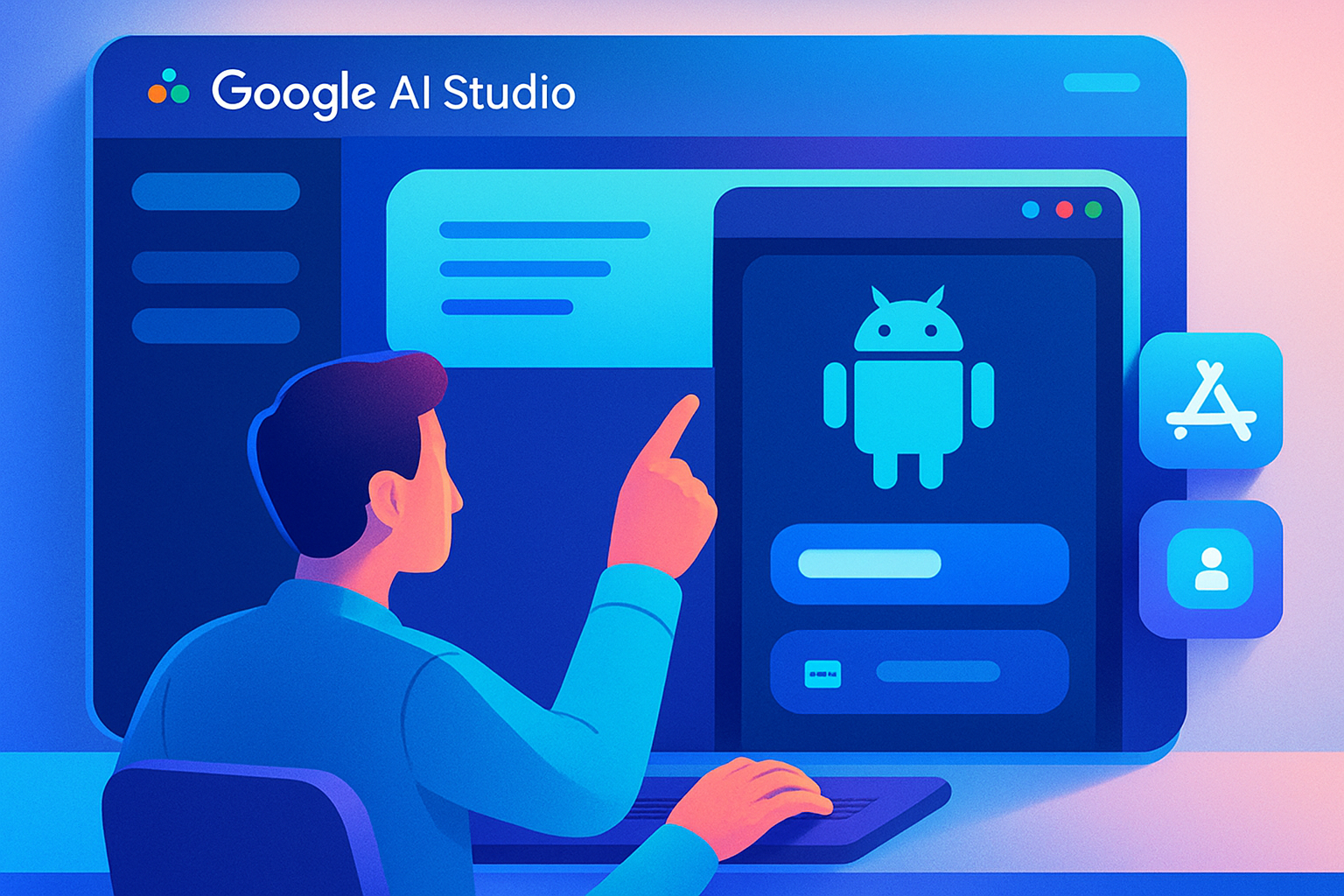
Google AI Studio revolutionizes Android app creation by allowing users to generate complete applications in just a few minutes. By using a natural language description, it is now possible to create a testable app directly from a browser, without the need for extensive technical knowledge. This innovation aligns with Google's strategy to accelerate its race in generative AI, having already explored images, videos, and smart assistants.
This year, Google has decided to simplify mobile app creation by enabling users to describe their idea in a few sentences on Google AI Studio. For example, a simple request like "create a task management app with local storage" is enough to see an Android application come to life. This approach eliminates the need to spend hours configuring complex tools or searching for solutions on obscure forums.
A Simplified Creation Process
The operation of Google AI Studio is based on a simple idea: replacing part of the technical work with a natural language conversation. Specifically, the user selects the "Create" mode, chooses Android, and then describes the app they wish to generate. Google's AI agent then generates a complete Android project using Kotlin and Jetpack Compose. This project runs directly in an Android emulator integrated into the browser, meaning there is no need to install Android Studio, an SDK, or a local emulator. Google aims to eliminate all the steps that often discourage beginners even before they have written a first line of code.
The experience goes even further. Changes made by the AI appear in real-time in the emulator, allowing the user to immediately see the results of their descriptions. Once satisfied, the user can install the app on an Android smartphone via USB, without having to configure a complicated ADB. Additionally, Google AI Studio allows for the app to be published on a test channel of the Play Store, signing the APK and preparing the project for initial testers.
Limitations to Consider
Despite its promises, Google AI Studio does not instantly turn anyone into a professional Android developer. The generated applications remain client-side only, meaning that features requiring a server, such as Firebase, certain Google APIs, or multiplayer capabilities, are not supported. For more complex projects, hands-on coding will still be necessary.
The integrated emulator also presents several hardware limitations. For instance, it is impossible to properly use the camera, Bluetooth, or NFC from the browser. Even Google Play services do not function in this environment. Another detail that may frustrate some developers is that Google AI Studio mandates the use of Kotlin and Jetpack Compose. Older projects based on Java or XML are not compatible, and more advanced applications using native code in C or C++ remain out of reach.
In reality, this tool resembles an ultra-fast prototyping platform rather than a miracle solution for creating the next big Android app. Nevertheless, Google aims to minimize the technical barrier surrounding mobile development. And while AI may not replace developers tomorrow morning, it is beginning to change the way they work.
Brief IA — L'actualité IA en français
L'essentiel de l'actualité de l'intelligence artificielle, décrypté et expliqué chaque jour.