Google Enhances Gemini on Mac with New AI Features
Le brief IA que les pros lisent chaque soir
Les 7 actus IA du jour, décryptées en 5 min. Gratuit.
Inclus dès l'inscription : notre sélection des meilleurs guides & comparatifs IA.
Choisis ton rythme
Gratuit · Pas de spam · Désabonnement en 1 clic
Google Enhances Gemini on Mac with New AI Features
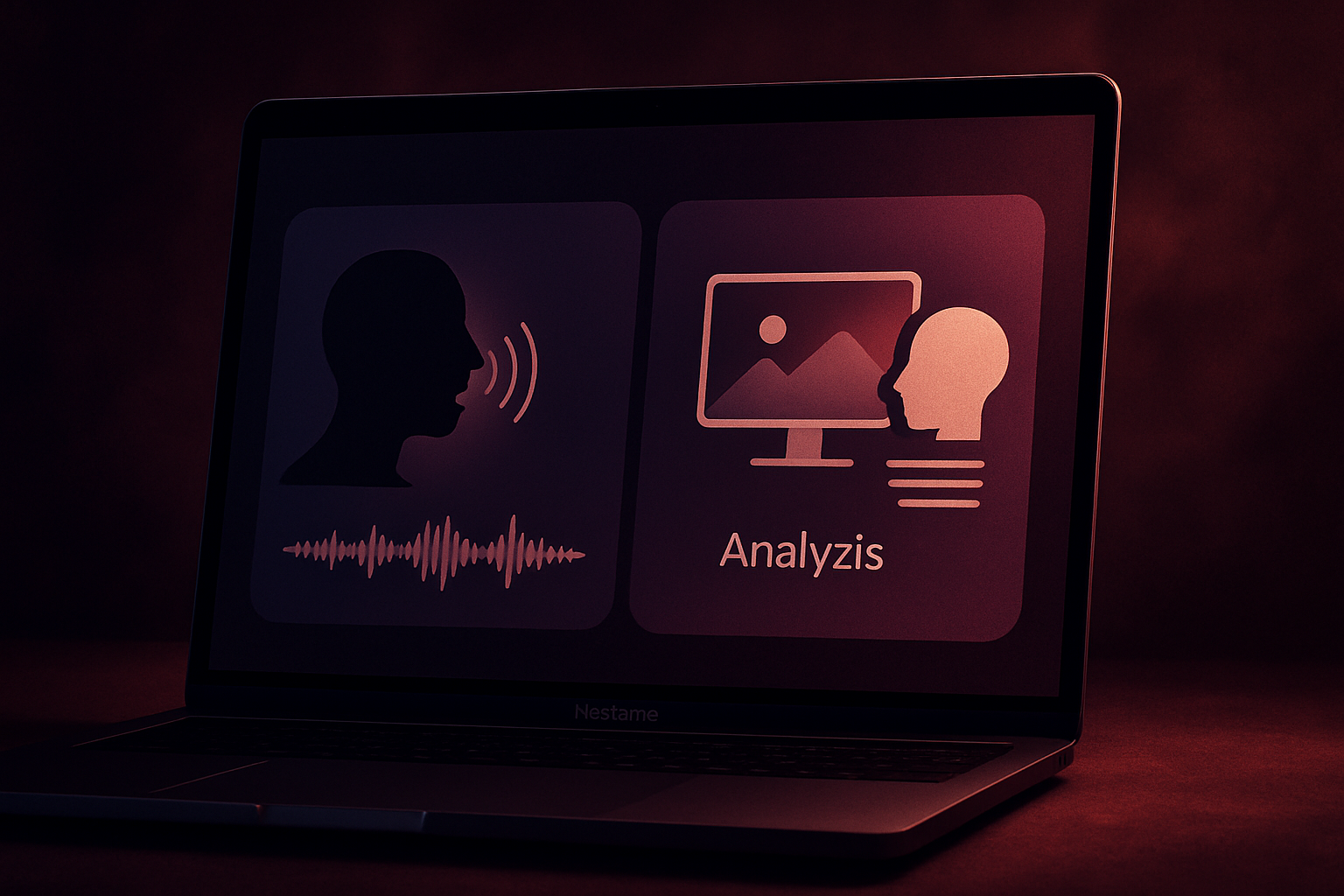
Google has just enriched its Mac application with two new features. The assistant can now transcribe voice to text anywhere in the system and utilize the content displayed on the screen to respond to complex requests. Gemini no longer just answers: on Mac, the AI can now listen to what you say and understand what is displayed on the screen.
Google's assistant continues to evolve on Mac. Following the launch of the Gemini application on macOS earlier this year, the Mountain View giant is adding two new features aimed at facilitating interactions with its assistant:
- Voice dictation accessible from any window
- The ability to take into account what appears on the screen
These two functions now allow the AI to act directly on the user's tasks instead of simply responding to requests from its own interface.
Gemini Transforms Voice into Text from Any Application
The first new feature concerns dictation. By holding down the Fn key on the keyboard, users can now speak from any open window. Gemini then transcribes the speech into text directly at the cursor's location, automatically removing certain hesitations and filler words, such as "uh" and "um."
The feature is enabled by default, requiring no special configuration on your part. It can be used to draft an email, respond to a Slack message, or prepare a document without needing to use a separate dictation tool. Google is rolling out this capability globally to users of the Gemini application on macOS. While dictation currently works only in English, Google plans to add additional languages later in the year.
Gemini Can Now Utilize What Appears on the Screen
The second new feature goes even further. This function allows Gemini to analyze the content of active windows and use it as context to handle elaborate requests. For example, a user can select a passage of raw notes and ask the AI to produce an executive summary: Gemini then rewrites the text and places it directly where the cursor is located.
The American company presented a more elaborate example during the announcement. A user preparing a team dinner asks Gemini to check open files to identify budget constraints and dietary restrictions, and then draft a reminder email incorporating this information. The request also includes retrieving restaurant suggestions in the vicinity via Google Maps, added as a postscript to the message, all from a single instruction.
As a reminder, voice dictation is being rolled out globally but is currently limited to English. Meanwhile, the feature allowing Gemini to utilize the content displayed on the screen requires voluntary activation by the user.
Brief IA — L'actualité IA en français
L'essentiel de l'actualité de l'intelligence artificielle, décrypté et expliqué chaque jour.