Google is Using Your Data for AI: How to Regain Control
Le brief IA que les pros lisent chaque soir
Les 7 actus IA du jour, décryptées en 5 min. Gratuit.
Inclus dès l'inscription : notre sélection des meilleurs guides & comparatifs IA.
Choisis ton rythme
Gratuit · Pas de spam · Désabonnement en 1 clic
Google Collects Your Data to Train Its AI: What This Means
Recently, Google updated its privacy settings, allowing the company to store more of your personal data, including media such as images, audio files, and videos. The stated goal is to improve its artificial intelligence (AI) models. In other words, every time you upload media to Google’s search services, that data may be used to train the AI, unless you choose to opt out of this process.
This change was quietly introduced through an update to the privacy settings of Google’s search services, announced in June via an email to users. With this update, Google essentially enrolled users in this expanded AI training under the pretext of giving them more control over their saved history and personalized recommendations.
Services Affected by Data Collection
The update introduced two new settings: Search Services History and Personalized Recommendations. These settings allow you to configure how your activity is used to personalize your Google experience and how long your web and app activity is retained.
This update does not only pertain to Google Search but also extends to other search services such as Maps, Shopping, Flights, Hotels, Translate, and News. For example, when you use Google Lens to visually search for something by taking a photo, that image can now be saved for AI training.
Similarly, if you use the new Search Live feature to perform voice searches in the Google app, those audio recordings could be saved, just like any other voice search on Google. If you use Google Translate to practice your pronunciation, that audio is also recorded.
A General Trend in the Tech Industry
These changes reflect a broader trend in the industry towards data collection by any means necessary to enhance AI services. Rather than relying solely on information scraped from the web, Google and other companies are increasingly collecting data that users upload or create while using their services. Meta is another example of a consumer-focused tech company doing this on a large scale, training its AI on users' images and media, as well as content recorded by its AI glasses.
Google has directly confirmed the use of media for training, stating in an email to customers: “Just like your search services history, your saved media is also used to develop and improve Google’s services and technologies, including AI models and security measures.”
Its help documentation reinforces this, noting that the company “uses your history to provide, develop, and improve its services (such as training generative AI models) and to protect Google, its users, and the public with the help of human reviewers.”
Some of this storage is temporary and related to the proper functioning of the product, but according to Google’s language, saved media may also be retained specifically for training its AI.
How to Adjust Your Privacy Settings
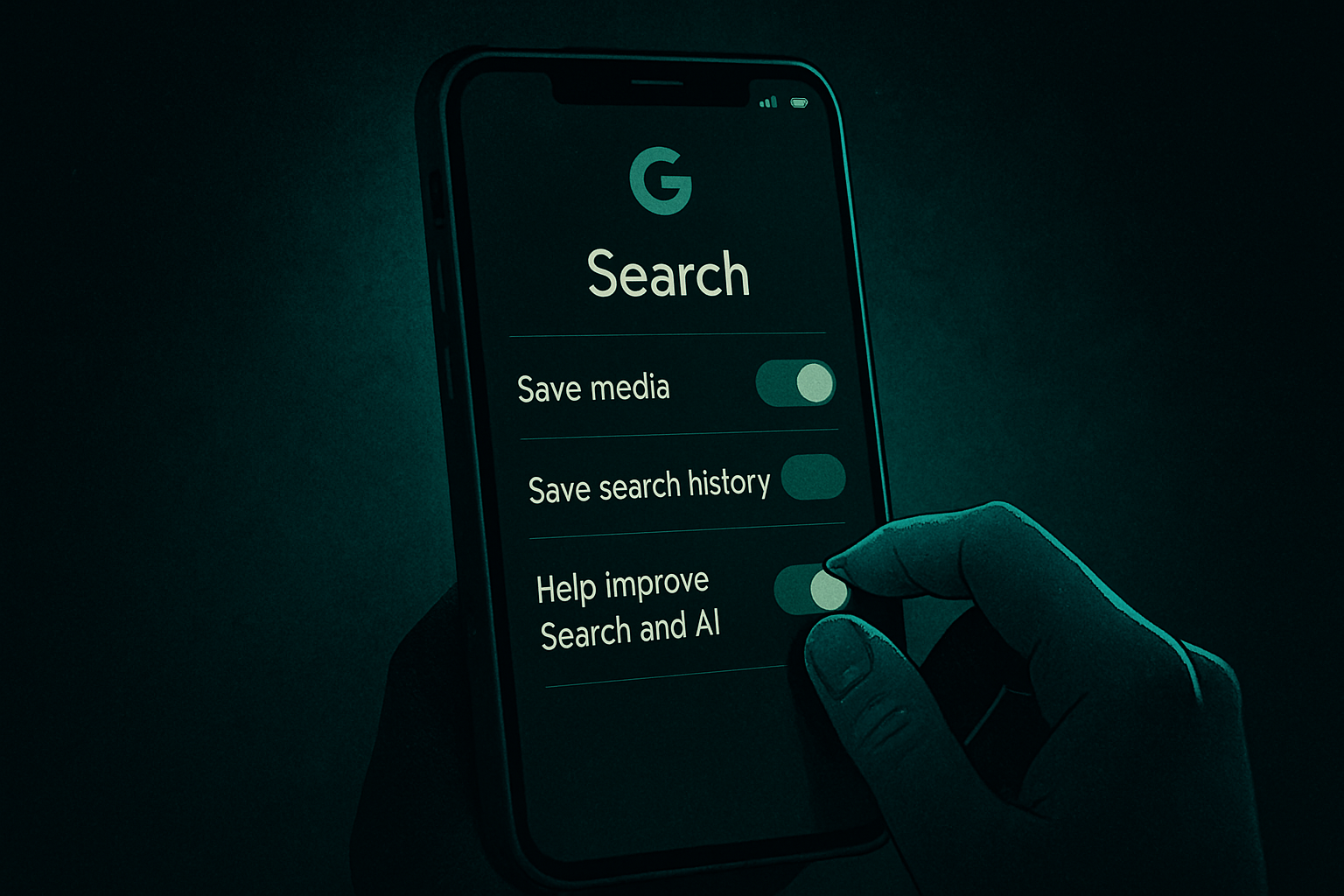
The good news is that you have some control here. You can modify your preferences on the Search Services History and Search Services Personalization pages. On the first, you can uncheck the box for “Save Media” separately from the “Search Services History” box, or uncheck both. You can also set how often you want the saved data to be automatically deleted — after 3 months, 18 months, or 36 months.
From there, you can access this page to explore other privacy settings, including Web and App Activity, Timeline, YouTube History, and more.
Beyond saved media, Google also uses your search history, location, and other information from the websites you visit to personalize your experience on Google, including the ads displayed.
Before this update, Google allowed you to configure which historical search data was saved through its Web and App Activity settings. This has now been separated into two settings: Web and App Activity data and the new Search Data setting, which is enabled by default.
This means that if you modify the data retention settings for Web and App Activity in an effort to opt out of having your data saved by the tech giant, the update will no longer affect your use of Google’s search services, as it is now a distinct option.
Brief IA — L'actualité IA en français
L'essentiel de l'actualité de l'intelligence artificielle, décrypté et expliqué chaque jour.