Meta and Instagram: Protect Your Photos from Muse Image AI
Le brief IA que les pros lisent chaque soir
Les 7 actus IA du jour, décryptées en 5 min. Gratuit.
Inclus dès l'inscription : notre sélection des meilleurs guides & comparatifs IA.
Choisis ton rythme
Gratuit · Pas de spam · Désabonnement en 1 clic
Meta and Instagram: Protect Your Photos from Muse Image AI
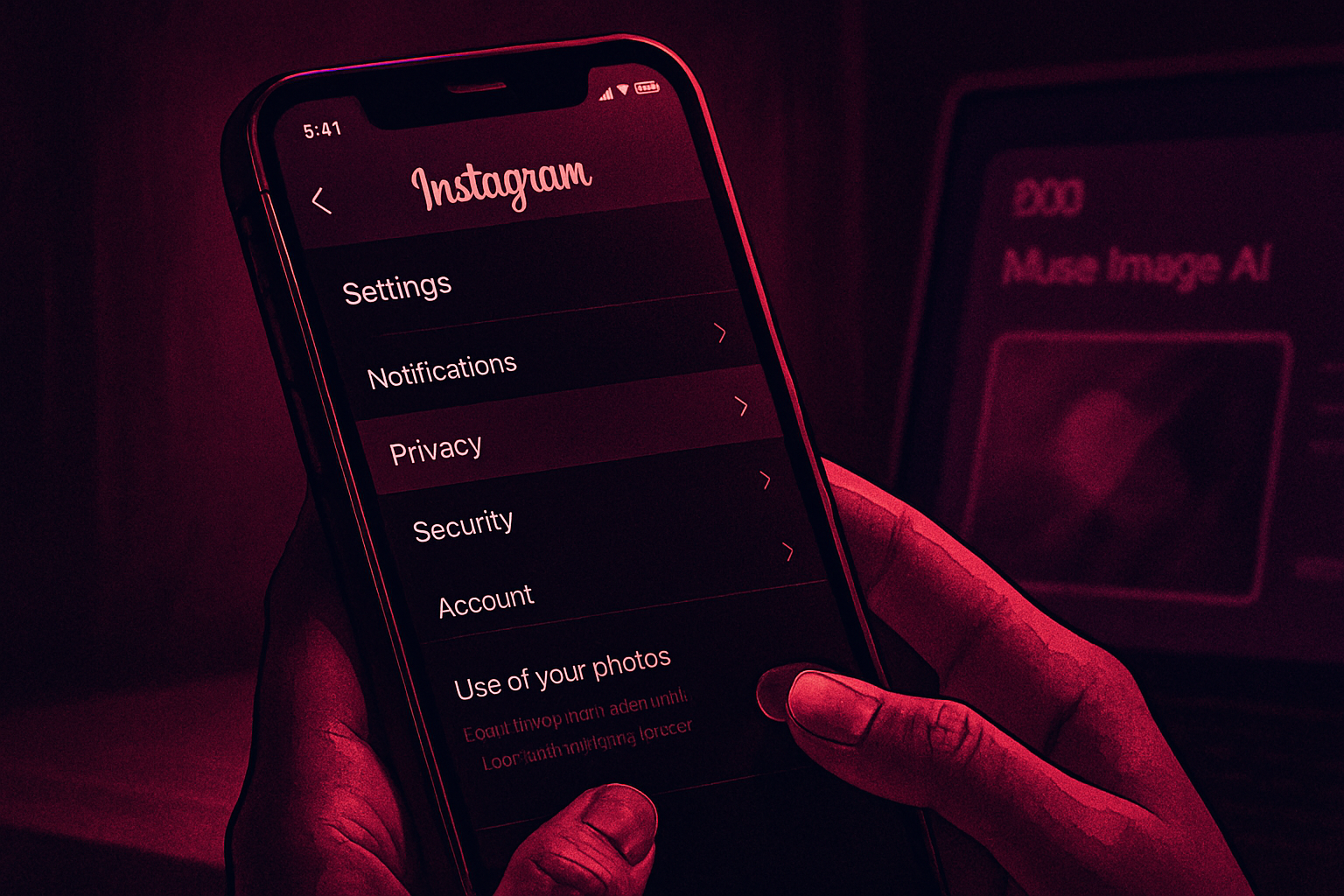
Muse Image, an image generator created by Meta's AI, draws from public Instagram accounts. However, you can remove your own photos from this system directly from your account settings, without having to fill out a form.
With Muse Image, Instagram can reuse your content, including your photos, without your consent by default. Meta has rolled out this tool in its applications, allowing users to describe a scene in text or reuse a photo already published on Instagram. Meta also modifies existing photos and assembles personalized advertisements using this technology. Since Instagram accounts and content are public by default, any user can associate your account with a creation and use your own published photos. Only private accounts and profiles of users under 18 automatically escape this implicit consent. Furthermore, you do not receive any notification when your photos are used as raw material for a creation. Fortunately, it is possible to prevent this exploitation, and it can be done from the sharing settings.
Disable Reuse in Four Steps
Although Meta has not made a major announcement about this, the explanations and process are available on Instagram's help page. To protect your content from unwanted reuse by other users, simply log into your account and follow these steps:
- Open your Instagram profile.
- Tap on the three horizontal lines in the top right corner to access settings.
- Select the "Sharing and Reuse" section.
- Scroll down and locate the title "Allow others to create with your content and reuse it."
- Turn off the toggle associated with posts.
- Repeat the process for reels, further down.
This is sometimes much more than just a matter of consent. Users may experience problematic uses, such as harassing edits or pornographic deepfakes, before even realizing that their photos have been used.
Instagram Places the Burden of Proof on the User
Meta had already requested a refusal form from European users in May 2025. Without this step, your public posts automatically fed its AI models. The Irish data protection authority approved this system the same year, after several months of negotiations with Meta. The organization noyb criticized this choice, stating that the GDPR requires obtaining your consent before using your data, rather than allowing you the option to opt-out afterward.
In contrast, YouTube launched this year Likeness Detection, a resemblance detection tool reserved for individuals who voluntarily sign up for the program. On Instagram, you must instead seek out the switch yourself, hidden in a sub-menu of the sharing settings. Even though the process is simple, you still need to know that it exists and that it is possible.
The Federal Trade Commission imposed a $5 billion fine on Meta, approximately €4.4 billion, in 2019 following the Cambridge Analytica scandal.
Brief IA — L'actualité IA en français
L'essentiel de l'actualité de l'intelligence artificielle, décrypté et expliqué chaque jour.