Microsoft Teams activates AI archiving to boost Copilot
Le brief IA que les pros lisent chaque soir
Les 7 actus IA du jour, décryptées en 5 min. Gratuit.
Inclus dès l'inscription : notre sélection des meilleurs guides & comparatifs IA.
Choisis ton rythme
Gratuit · Pas de spam · Désabonnement en 1 clic
Microsoft Teams Activates AI Archiving to Boost Copilot
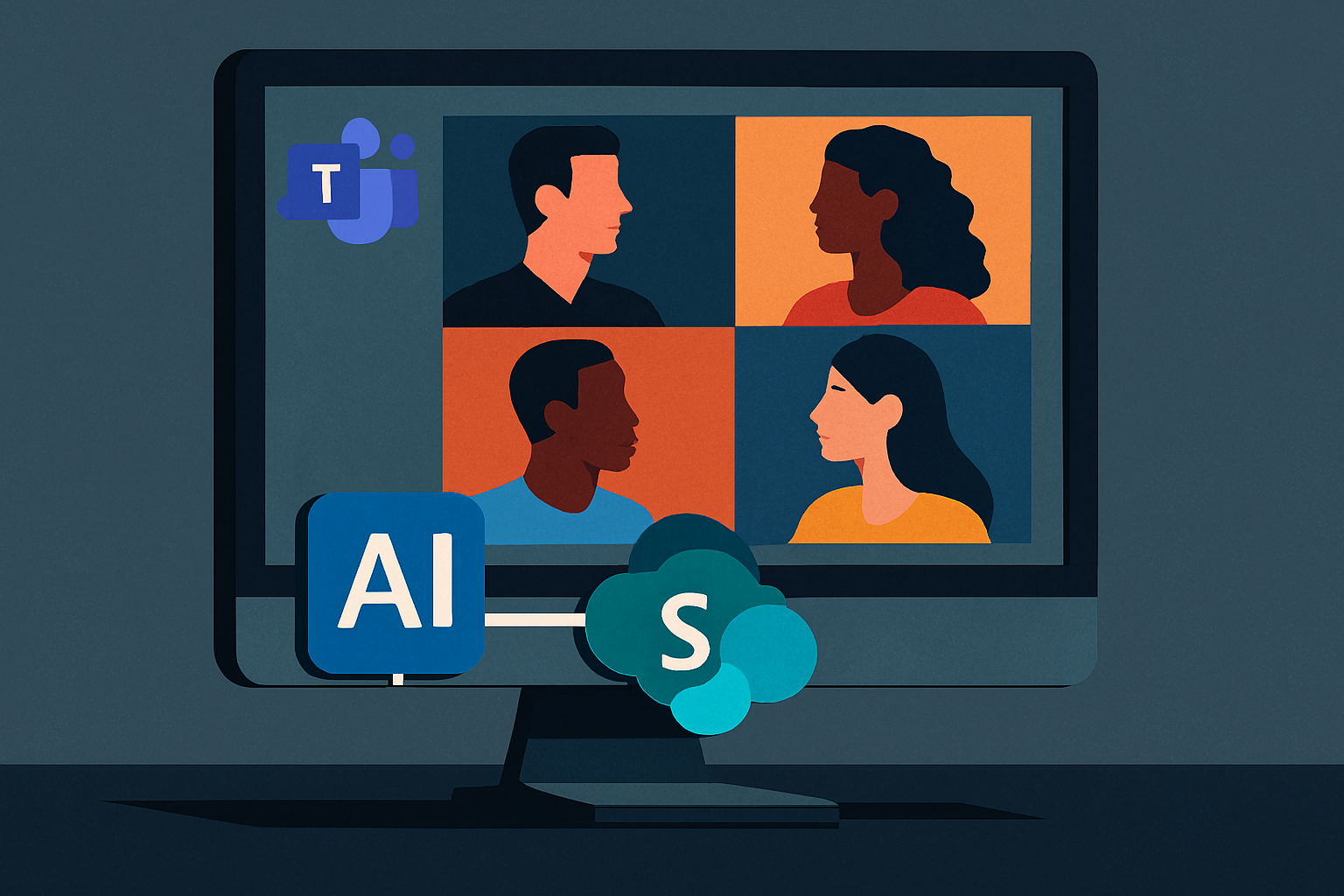
Microsoft is preparing to automatically activate AI-generated archives for certain Teams meetings. Stored in SharePoint, these files will be used to enhance the responses of Facilitator, and subsequently those of Microsoft 365 Copilot.
Starting in August 2026, Microsoft will begin generating .meeting files, designed to retain useful information from a discussion in a structured format, allowing its AI tools to retrieve them later. By default, this feature will be enabled in Microsoft 365 organizations; however, it will not apply to all meetings and will not replace standard recordings or transcriptions.
An Archive Distinct from the Transcription
This new file is intended to condense the essential knowledge extracted from a meeting, including:
- its title
- its date
- the main topics discussed
- information deemed important by the AI
Microsoft assures that it will not contain any raw excerpts from the transcription, even though Teams will need to analyze the transcription and associated metadata to produce its summary.
At launch, this memory will first feed into Facilitator, the agent responsible for taking notes and tracking decisions made during a meeting. It will be able to rely on the file to answer subsequent questions, referring back to the corresponding summary or invitation, before Microsoft opens up broader access to Copilot and its other AI tools.
Conditions for Creating the Archive
The creation of this archive will remain subject to several conditions:
- Teams will only generate a .meeting file when a transcription has been created and recorded.
- At least one invited participant must have a Microsoft 365 Copilot license.
- The organizer must have authorized the use of Copilot and Facilitator during and after the meeting.
Teams will not create an archive for end-to-end encrypted exchanges, those protected by certain confidentiality labels, or those subject to restrictions preventing their copying and transfer. The organizer can also avoid the generation of the file by only allowing AI functions during the meeting.
Retention Duration and File Management
The .meeting files will be stored in a SharePoint Embedded container owned by the organization, not in the organizer's personal space. Participants will not be able to open, rename, move, or modify them directly. Their content will only be accessible through responses from Facilitator, and later from Copilot, and only to individuals who already have access to the meeting or its summary.
Additionally, this archive will have its own lifespan. It will continue to exist if the organizer's account is deactivated and will not automatically disappear with the expiration or deletion of the recording and transcription. Microsoft plans to retain it for five years by default, although administrators will be able to shorten or extend this period.
Finally, administrators will be able to completely disable the generation of .meeting files from Teams meeting rules. However, the feature will be enabled by default across each organization upon deployment.
Targeted deployment is set to begin in early August 2026, with general availability expected between late August and late September. Microsoft plans to make administrative settings available about two weeks before the first archives are created.
Brief IA — L'actualité IA en français
L'essentiel de l'actualité de l'intelligence artificielle, décrypté et expliqué chaque jour.