Model Context Protocol: The Revolution of AI-Tool Connections
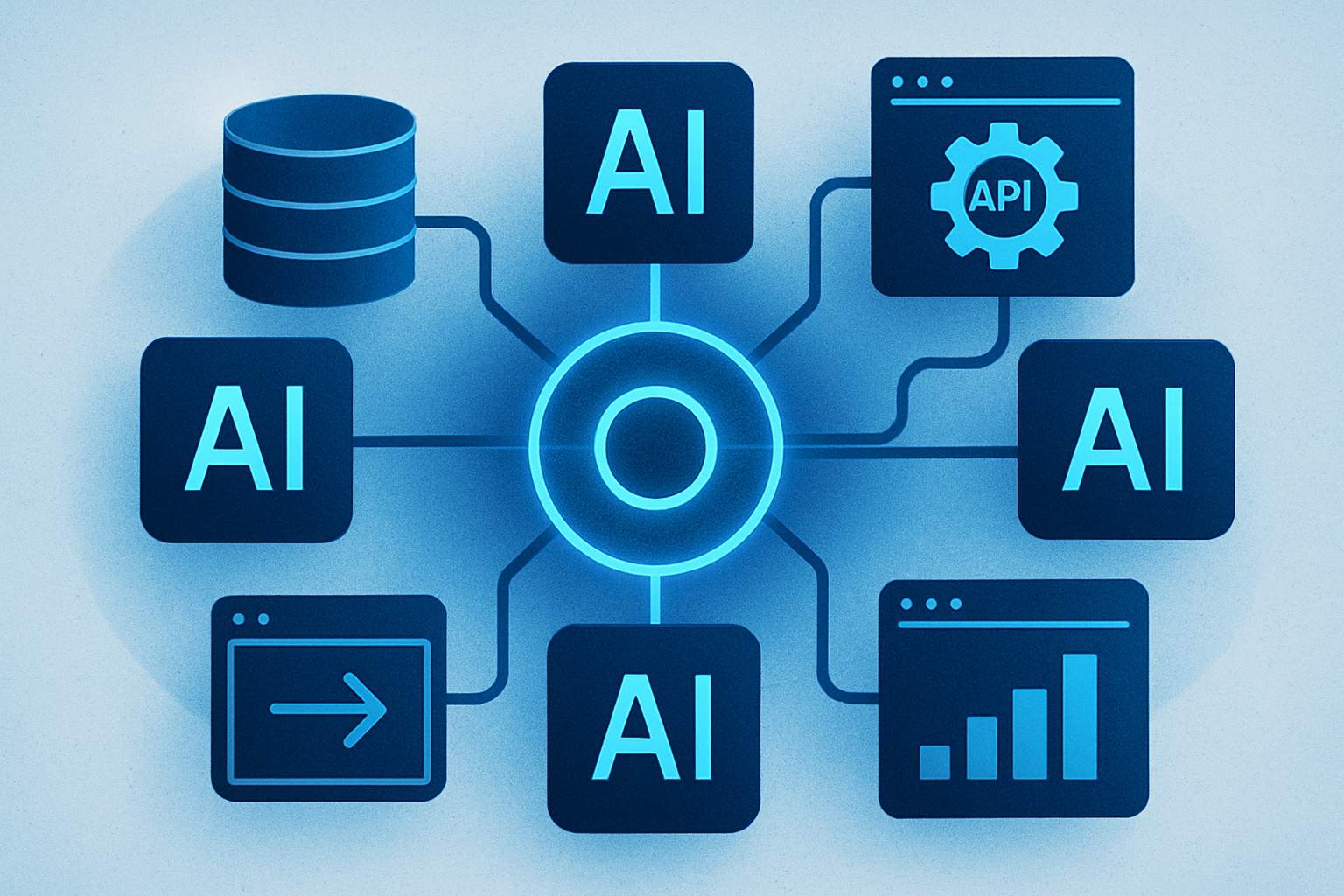
A New Era for AI Agents: the Model Context Protocol
In my previous articles, I explored how AI agents choose and use various tools, detailing the process by which a model generates a tool call, our code executes it, and the result is returned to the model. This method works well in a simplified framework, but it poses a major problem: the provenance of the tools.
In the examples we studied, the tools were defined manually in the same Python script as the agent. This method, while adequate for a tutorial, quickly becomes impractical in a real application. Each tool requires custom integration, each model-tool pair needs its own connector, and so on. For example, a setup with three AI models and ten tools could require up to thirty integrations, and any change in these elements can lead to malfunctions. In short, this approach does not adapt well to complex configurations.
This problem is not isolated but represents a significant challenge in the current era of agentic AI. It is precisely to solve this problem that the Model Context Protocol (MCP) was designed.
Challenges Before the Introduction of MCP
Before the advent of MCP, connecting an AI model to an external tool, such as a database or a GitHub repository, required a custom integration each time. The model had to understand how to call the tool in its specific format, and the tool had to know how to respond in a format understandable by the model. If either the model or the tool changed, the integration had to be rewritten.
This problem is often described as the M×N problem, where M represents the number of models and N the number of tools, requiring M×N custom integrations. As the number of models and tools increases, this approach becomes unsustainable.
A useful analogy is the evolution of hardware connectors. In the past, each computing device had its own proprietary connector. This problem was solved by the adoption of USB as the standard connector. Similarly, the MCP can be seen as the USB of AI agents, a standard protocol allowing any MCP-compatible agent to connect to any compatible tool, regardless of their manufacturer.
Definition and Architecture of the Model Context Protocol
The Model Context Protocol is an open standard that allows developers to create secure, bidirectional connections between their data sources and AI-powered tools. Created by Anthropic and released as open source in November 2024, it replaces custom integrations with a single client-server protocol, enabling any MCP-compatible AI host to discover and use MCP-compatible tools and data resources.
The architecture of the MCP is based on three main participants:
-
The Host: This is the AI application with which the user interacts, such as Claude Desktop or a VS Code extension. The host manages the model's context window, decides when to invoke tools, and redirects tool outputs into the conversation.
-
The Client: It resides within the host and manages the connection to one or more MCP servers. The client is the part of the application that handles the MCP protocol.
-
The Server: This is where the actual tools and data reside. An MCP server exposes capabilities through a standardized interface but never communicates directly with the LLM; all interactions are mediated by the client.
The capabilities exposed by the MCP server can be of three types:
-
Tools: These are executable operations that return their output to the AI model, such as queries to a database or sending an email.
-
Resources: They provide read-only access to data, such as file contents or API responses.
-
Prompts: These are reusable prompt templates that define structured interaction patterns.
Le brief IA que les pros lisent chaque soir
Les 7 actus IA du jour, décryptées en 5 min. Gratuit.
Inclus dès l'inscription : notre sélection des meilleurs guides & comparatifs IA.
Choisissez votre rythme
Gratuit · Pas de spam · Désabonnement en 1 clic
Implementing an MCP Server in Python
To illustrate how MCP works, let’s look at an example of a minimal MCP server in Python, using the official MCP SDK:
from mcp.server.fastmcp import FastMCP

# create an MCP server
mcp = FastMCP("weather-server")

def get_current_weather(city: str, unit: str = "celsius") -> dict:
    """Get the current weather for a given city using Open-Meteo."""
    # geocode the city
    geo = requests.get(
        "https://geocoding-api.open-meteo.com/v1/search",
        params={"name": city, "count": 1}
    )
    lat = geo["results"][0]["latitude"]
    lon = geo["results"][0]["longitude"]
    weather = requests.get(
        "https://api.open-meteo.com/v1/forecast",
        params={
            "latitude": lat,
            "longitude": lon,
            "current": "temperature_2m,weather_code",
            "temperature_unit": unit
        }
    )
    return {
        "temperature": weather["current"]["temperature_2m"],
    }

if __name__ == "__main__":
    # Start the server
    mcp.run()
In this example, we register our get_current_weather function as an MCP tool using @mcp.tool(). This decorator automatically generates the JSON schema from the type annotations, making it discoverable by any MCP-compatible host. Thus, the need for custom integrations and model-specific adapters is eliminated. Any MCP-compatible agent can now call this weather tool by connecting to this MCP server.
Client-Side Integration
Now let’s look at the client side, where an agent can connect to this server:
from anthropic import Anthropic
from mcp import ClientSession, StdioServerParameters
from mcp.client.stdio import stdio_client

async def run_agent_with_mcp():
    server_params = StdioServerParameters(
        command="python",
        args=["weather_server.py"]
    )
    async with stdio_client(server_params) as (read, write):
        async with ClientSession(read, write) as session:
            # discover available tools on the server
            tools = await session.list_tools()
            print(f"Available tools: {[t.name for t in tools.tools]}")
            # Available tools: ['get_current_weather']
            # the agent can now call this tool like any other
            result = await session.call_tool(
                "get_current_weather",
                arguments={"city": "Athens", "unit": "celsius"}
            )
            print(result.content)
            # {'city': 'Athens', 'temperature': 29.0, 'unit': 'celsius'}
At runtime, the host discovers the available tools on the server without needing to know them in advance. Thus, we move from hard-coded integrations to dynamic and discoverable capabilities.
Practical Implications of MCP
Before MCP, the question of whether an agent could use a tool required a custom engineering response. With MCP, this question becomes trivial, replaced by considerations of which tools agents should have access to and how to secure that access at scale.
MCP was launched in November 2024 with around 100,000 monthly downloads of the SDK. By March 2025, OpenAI officially adopted it, followed by Google for its Gemini project. By March 2026, the combined Python and TypeScript SDKs had reached 97 million monthly downloads.
In December 2025, Anthropic transferred MCP to the Agentic AI Foundation (AAIF), under the auspices of the Linux Foundation, ensuring its long-term viability. This transfer placed MCP alongside projects like Kubernetes and PyTorch in the Linux Foundation's open infrastructure portfolio.
We are witnessing the emergence of an MCP ecosystem, with a market for pre-built MCP servers for popular tools. MCP servers exist for GitHub, Slack, PostgreSQL, Docker, Kubernetes, and many others, all searchable via the MCP Registry. Connecting an agent to these servers is now a simple configuration step.
For developers, this changes the calculus between building and integrating. Before MCP, connecting an agent to various systems required multiple custom integrations. With MCP, if servers exist, it’s a simple configuration. If they do not exist, creating an MCP server once allows any agent to use it.
It is crucial to note that MCP does not replace REST APIs. MCP is a protocol for accessing AI tools, not a general API standard. Your REST and GraphQL APIs continue to serve human clients and traditional services, with MCP simply wrapping them.
Brief IA — L'actualité IA en français
L'essentiel de l'actualité de l'intelligence artificielle, décrypté et expliqué chaque jour.