Moebius 0.2B: Image Inpainting Comes to Your Browser
Le brief IA que les pros lisent chaque soir
Les 7 actus IA du jour, décryptées en 5 min. Gratuit.
Inclus dès l'inscription : notre sélection des meilleurs guides & comparatifs IA.
Choisis ton rythme
Gratuit · Pas de spam · Désabonnement en 1 clic
Discovery of Moebius on Hacker News
This morning, while browsing Hacker News, I came across an image inpainting model named Moebius: 0.2B Lightweight Image Inpainting Framework. This model, although lightweight, promises performance comparable to much larger models, reaching the 10B level. It is designed to allow users to select areas of an image to remove, then generate what should fill the empty space. Initially, the model required the use of PyTorch and NVIDIA CUDA. However, intrigued by its description as a 0.2B model, I decided to try to get it working via WebGPU in a browser. After a few attempts, I succeeded, and you can now try the demo at simonw.github.io/moebius-web/.
Presentation of the Final Tool
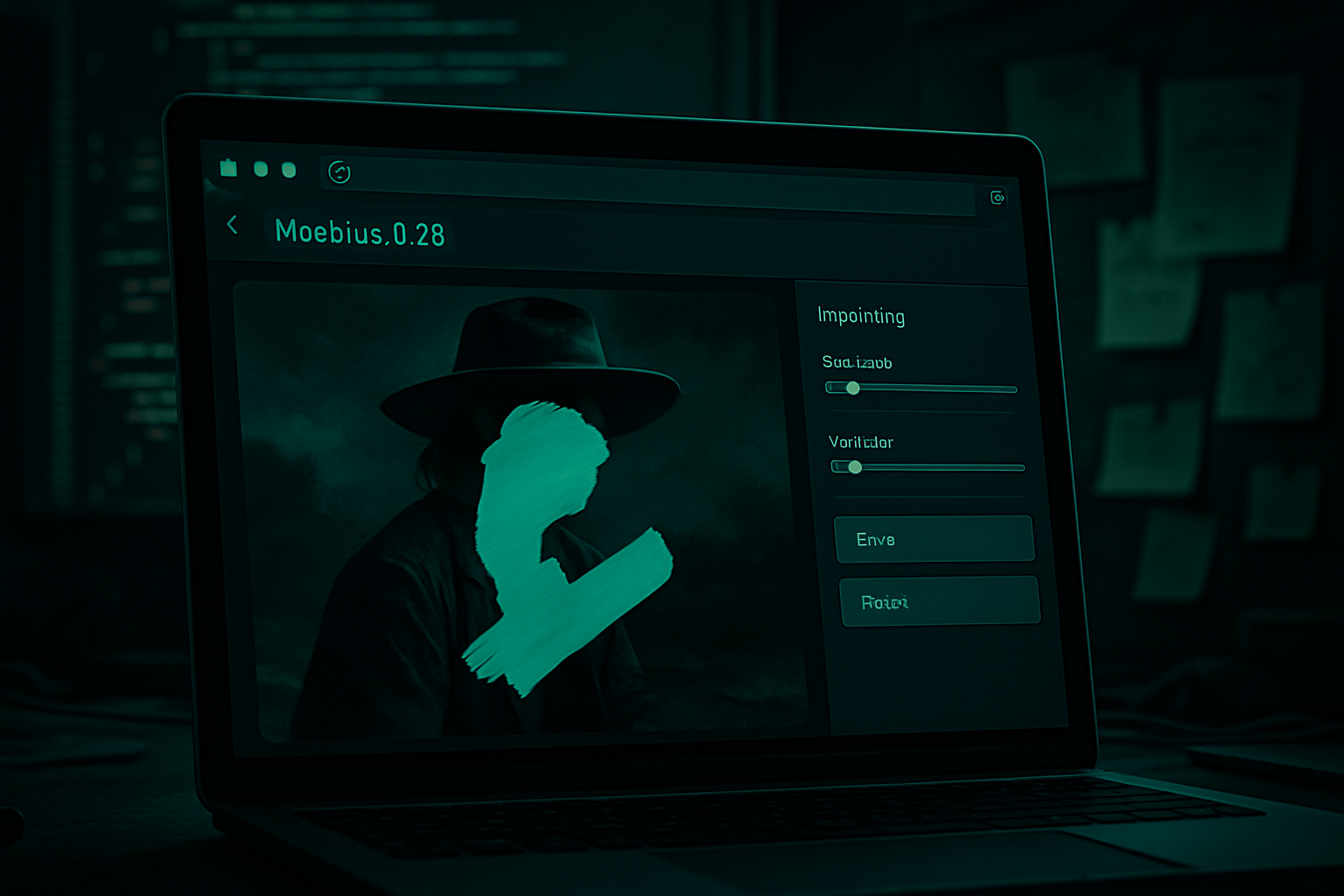
A demonstration video is available to illustrate how the finalized tool works. You can load any image, even if it is not square, as it will be automatically adjusted. Then, simply highlight the areas you want to remove, click the "Run inpaint" button, and wait for the model to do its job.
A Side Project with Datasette
My main project for the day was to finalize a major feature in Datasette: a user interface for creating and modifying tables. This followed the row insertion and editing feature I had published the previous week. I was working on this project in Codex Desktop and often spent 5 to 10 minutes waiting for the system to finish a medium-sized refactoring or add the finishing touches to a user interface change.
Exploration with Claude Code
During these waiting periods, I decided to launch Claude Code in a terminal window to see how far I could go in porting Moebius to the web. My first step was to ask Claude about the feasibility of this project. In Claude.ai, which has the capability to clone repositories from GitHub, I asked:
- Clone https://github.com/hustvl/Moebius/ and tell me if they have published the code and weights to run this model somewhere.
- For Moebius, what are the options to run it right now - only Python and NVIDIA CUDA or other options as well?
- Consider the feasibility of porting it to Transformers.js or similar and running it in a browser.
I often ask models to "consider X," as it is a concise way to express that I want them to think about a problem without providing a concrete goal. Claude suggested using ONNX Runtime Web on the WebGPU backend, a more suitable solution than the Transformers.js library I had initially considered.
Setting Up the Project
Convinced by this approach, I decided to pursue the project. I started by gathering as much information as possible that the coding agent might need. Since I did not expect this project to actually work, I did everything in my /tmp folder:
- Retrieve the Python code for Moebius
git clone https://github.com/hustvl/Moebius - And the model weights (Claude understood this):
GIT_LFS_SKIP_SMUDGE=0 git clone https://huggingface.co/hustvl/Moebius Moebius-weights - Finally, a few libraries we might use:
git clone https://github.com/huggingface/transformers.js
git clone https://github.com/microsoft/onnxruntime
Launching Claude Code
I created a directory for the rest of the project and ran git init so that Claude could start recording code notes:
mkdir /tmp/Moebius/moebius-web
cd /tmp/Moebius/moebius-web
- Copy the research.md from earlier
git add research.md
git commit -m "Initial research by Claude Opus 4.8"
I launched an instance of Claude in the /tmp/Moebius folder, the level above all the research materials I had prepared for him. I prompted him:
- Read ./moebius-web/research.md - your goal is to port this model to ONNX and WebGPU so that we can run it directly in a browser, with a simple user interface.
As he began to work, I added this follow-up (errors included):
- Build this in /tmp/Moebius/moebius-web and commit often, also maintain a notes.md file in there with notes on what you discover along the way - also start drafting a plan.md in there and update this plan as you work.
I often ask agents to keep notes like this—the final result is often interesting, both for me and for the next agent session that touches the same project. Here’s what this notes.md file looked like at the end of the project.
Publishing on Hugging Face
How to publish this on Hugging Face so that the model weights are there and the HTML demo appears in Hugging Face Spaces? Claude Code knows how to use the hf CLI tool, so I created a model repository on Hugging Face, then created a token that could write to this repository and placed it in a /tmp/Moebius/token.txt file for Claude to use.
He published the 1.24 GB of converted ONNX weights at huggingface.co/simonw/Moebius-ONNX for me. I had already seen other demos load weights in the browser from Hugging Face, so I knew it was possible. I decided to host my own frontend code on GitHub Pages, so I said:
- I want to publish the moebius-web folder on GitHub, except for the large files (so maybe except for the models/ folder), so that when I enable GitHub Pages for this repository, navigating to https://simonw.github.io/moebius-web/ serves the user interface.
Specifying the final URL was important in case he needed to correct the URLs in the demos he was building so that they would work when deployed in production.
Loading Optimization
After a few more iterations, between working on my main project, we got a deployed and functional version! Except that... every time I reloaded the page, it seemed to download about 1.3 GB of model weights. The browser cache seemed very important for this!
- Is there something smart we can do with service workers or similar to help cache these items? It seems to reload every time; I’m concerned there might be something weird about how HF redirects work that means we’re not benefiting from the browser cache.
I knew that Transformers.js projects could handle this properly, so I took a copy of the Whisper Web demo, placed it in /tmp/Moebius/whisper-web, and said:
- Look in /tmp/Moebius/whisper-web (with a sub-agent) and see how they do this.
This project was entirely obfuscated, built from JavaScript files, so I thought using a sub-agent would avoid passing the rest of my higher-level token context to decipher these files.
Claude understood that it was using caches.open("transformers-cache")—the CacheStorage API—and added that to our project.
Final Thoughts
This definitely counts as vibe coding: I didn’t look at a single line of code from the project, limiting my input to testing, suggesting small feature improvements (like a progress bar for large file uploads), and guiding the model in the direction of examples of how I wanted things to work.
Since I didn’t write any code, the amount I learned about the underlying technologies—WebGPU, ONNX, and the Moebius model itself—was very limited. As is often the case with this kind of project, the most important things I learned were about what was possible:
-
Claude Opus 4.8 is capable of converting a PyTorch model to ONNX, publishing the result on Hugging Face, and then building a web application and interface that can load and execute this model.
-
Chrome, Firefox, and Safari are all now capable of running this kind of model—I tried it in all three.
-
The CacheStorage API works with model files of about 1.3 GB.
... which means we can have inpainting as a feature of a purely client-side web application! (If our users can tolerate downloading 1.3 GB.)
I felt like I should probably try to learn a bit more about my project. I launched Claude.ai and prompted him:
- Clone https://github.com/simonw/moebius-web/ and use it to teach me everything about the model and ONNX and the process of converting a model to ONNX and WebGPU and basically everything I would need to know to fully understand this repository.
Here’s the transcript and the understanding.md file in Markdown that he created, which I have now added to the GitHub repository. I found the explanation of ONNX particularly enlightening:
ONNX (Open Neural Network Exchange) is a portable and framework-agnostic file format for neural networks. An .onnx file is essentially two things bundled together:
-
A computation graph—a directed graph of nodes, where each node is an operator (Conv, MatMul, Add, Einsum, Softmax, Gather, Resize, …) connected by named tensors that flow between them. This is the "recipe" for the forward pass.
-
The weights—the learned parameter tensors (the convolutional kernels, the embedding table, etc.), stored as initializers in this same graph.
Crucially, ONNX describes what to compute, abstractly, without saying how or on what hardware. The set of operators is versioned by an opset number (this repository uses opset 18), which specifies exactly which operators exist and what their semantics are.
It turns out that PyTorch has built-in mechanisms for exporting to ONNX, as seen here in export_onnx.py:
torch.onnx.export(
    dec, (lat,), dec_path, opset_version=args.opset,
    input_names=["latent"], output_names=["image"],
    dynamic_axes={"latent": {0: "B"}, "image": {0: "B"}},
)
Claude also included a handy glossary and a barely broken ASCII diagram showing how the model pipeline is structured.
Brief IA — L'actualité IA en français
L'essentiel de l'actualité de l'intelligence artificielle, décrypté et expliqué chaque jour.