NotebookLM vs. the Competition: Which AI Alternatives to Choose?
Le brief IA que les pros lisent chaque soir
Les 7 actus IA du jour, décryptées en 5 min. Gratuit.
Inclus dès l'inscription : notre sélection des meilleurs guides & comparatifs IA.
Choisis ton rythme
Gratuit · Pas de spam · Désabonnement en 1 clic
NotebookLM: A Valued Tool but Not Unique
NotebookLM has carved out a prominent place among artificial intelligence tools thanks to its ability to effectively synthesize data. Awarded our Editor’s Choice prize, it is, however, not the only player in the market offering this type of service. Many other tools exist, each with its own features, although few match the accessibility of NotebookLM.
For some users, it may be necessary to have a more specific type of output, or simply not to want to entrust their data to Google. The alternatives we will explore do not all offer advanced features like Audio or Video Overviews that have made NotebookLM famous. Nevertheless, they may provide capabilities better suited to your needs, whether you are a student, analyst, or privacy-conscious. Here’s an overview of AI learning tools that might better fit your profession or workflow.
Atlas.org: The Student's Ally
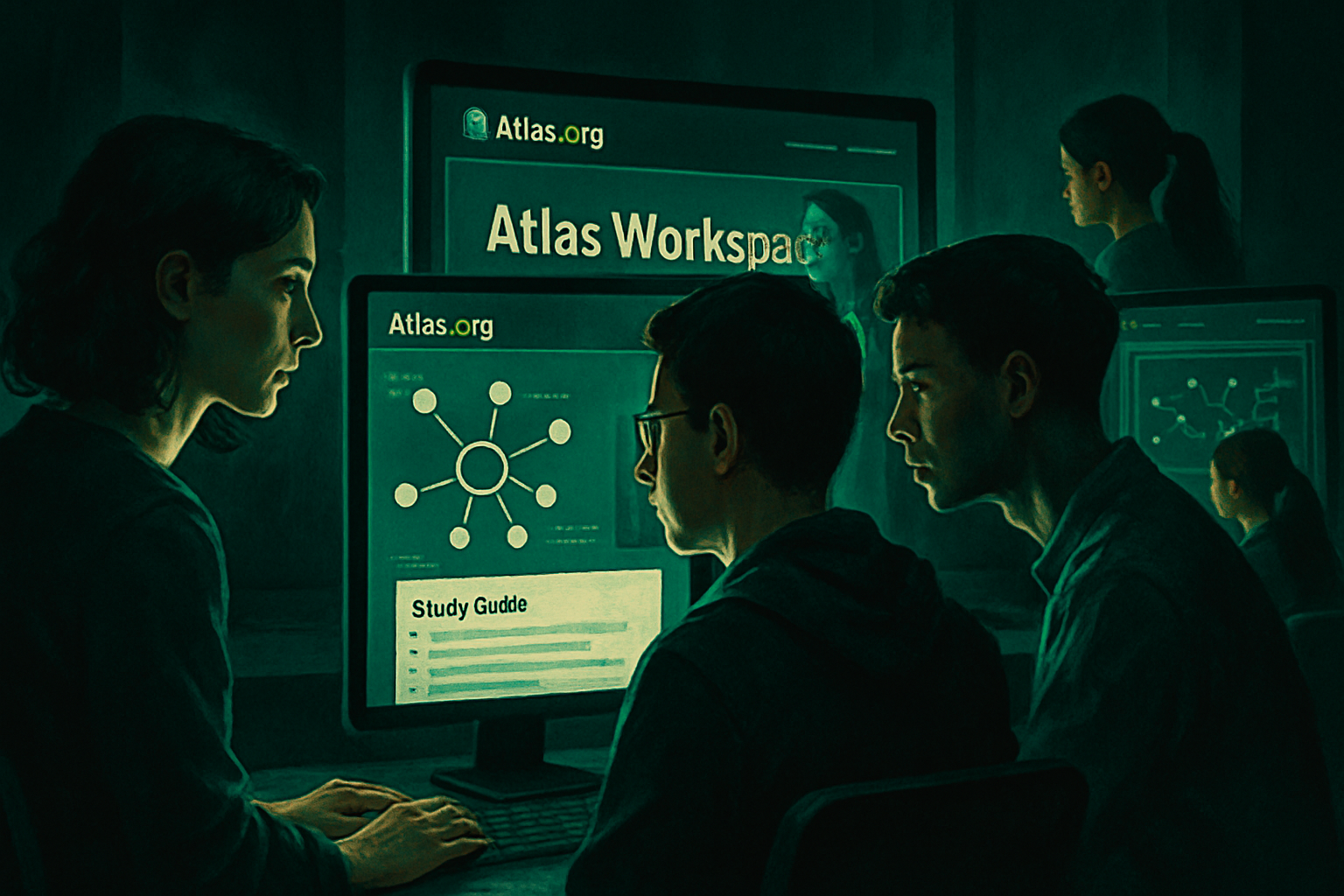
Launched in 2024, Atlas.org was designed by a team of current students, recent graduates, and former teachers, with the primary mission of assisting users with their homework. The tool is structured to optimize the learning experience.
Upon signing up, you gain access to several options designed to enrich your learning. The three main sections focus on studying, homework, and note-taking, each offering specific tools to deepen your knowledge.
- For studying, you can create a study guide, a quiz, or flashcards.
- You have the option to automatically generate class notes from audio recordings or receive detailed answers to your homework questions.
The data you upload to Atlas.org is stored indefinitely, allowing you to build a growing knowledge base on your study topics. You can also create dedicated spaces for different themes. Like NotebookLM, Atlas.org has a mobile app for iOS and Android, making learning on the go easier.
While Atlas is free to try, the free level imposes restrictions. To lift these limitations, you can opt for the Pro version at $18 per month.
Atlas Workspace: For Researchers and Analysts
Although sharing the name Atlas, Atlas Workspace distinguishes itself with its specialization in knowledge mapping, primarily targeting scientists and research analysts. This tool allows you to create a detailed knowledge base on its servers, providing the ability to accurately map the desired information.
- The more sources you integrate, the more you benefit. Unlike NotebookLM's Notebooks, where sources are isolated, Atlas Workspace centralizes your information, making it easier to access.
By uploading a source like a PDF, Atlas Workspace automatically generates a knowledge map, breaking down the essential elements of your source. You can then ask specific questions and visualize a semantic map for a more visual representation of your data.
Atlas Workspace is not for everyone, as it requires a time investment to master, with a notable learning curve. However, the Atlas Workspace blog offers detailed comparisons with its competitors, useful for those who are hesitant.
The free version of Atlas Workspace manages 10 sources and five lifetime AI discussions, but offers unlimited projects, similar to NotebookLM's Notebooks, with the ability to connect concepts between projects. The Pro plan at $20 per month extends the capacity to 1,000 sources and offers unlimited AI discussions.
OpenNotebook: Flexibility at Its Best
OpenNotebook is another tool that closely resembles the functionalities of NotebookLM. However, its setup can be complex for those who do not consider themselves tech-savvy. Once established, OpenNotebook offers a multitude of possibilities.
You can upload your sources and interact with the AI about them. What sets OpenNotebook apart is the freedom to choose almost any AI model. This requires more work and may necessitate a paid API key depending on the chosen model. You even have the option to use a local LLM.
One of the major advantages of OpenNotebook is its respect for privacy. Your data remains under your control, and you decide what you share. Additionally, OpenNotebook is free and open-source.
Brief IA — L'actualité IA en français
L'essentiel de l'actualité de l'intelligence artificielle, décrypté et expliqué chaque jour.