Photoshop Launches AI Editor in Beta and Retains Pro Editor
Le brief IA que les pros lisent chaque soir
Les 7 actus IA du jour, décryptées en 5 min. Gratuit.
Inclus dès l'inscription : notre sélection des meilleurs guides & comparatifs IA.
Choisis ton rythme
Gratuit · Pas de spam · Désabonnement en 1 clic
Adobe introduces a second prompt-centered interface within Photoshop, while retaining the traditional editor. AI also makes its way into the classic mode, with new features such as a light adjustment layer and access to Adobe Stock, while some partner models remain to be specified.
AI Enters Pro Editor and New Tools Arrive
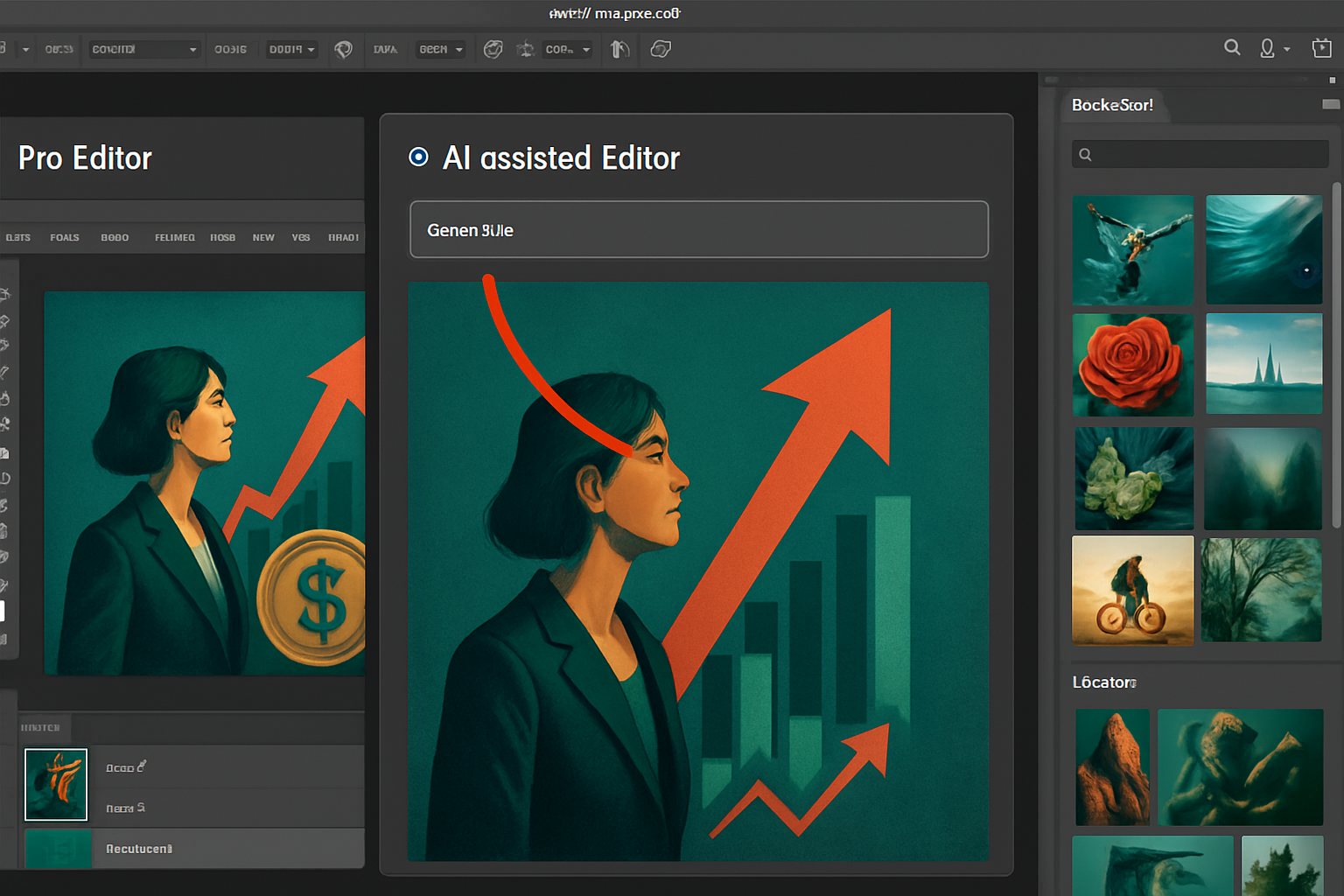
Adobe now refers to the classic mode as Pro Editor. In this interface, a Modify command via a prompt appears in the contextual taskbar. The AI-generated results stack on separate layers, allowing for adjustments or removals without affecting the original. The update also introduces a dedicated light adjustment layer for finer controls, as well as a capability for text to dynamically follow shapes and paths. A panel opens access to over 900 million resources from Adobe Stock. Image professionals might find a way to speed up certain repetitive tasks here.
A Language and Gesture-Guided AI Editor
The new AI-assisted Editor groups operations such as object removal, enlargement, cropping, or resolution enhancement around a prompt bar. AI Marking allows for precise designation of the action area by surrounding, pointing, or sketching a shape. A Guided Modification with masks, powered by Firefly Image 5, enables retouching a part of the image while preserving the rest. Requests described in natural language are executed via Firefly or partner models, although Adobe has not yet detailed which will be accessible. The editor thus combines language and gestures to limit vague requests and avoid overflowing retouches.
Two Interfaces Side by Side, Beta Announced on August 27
The traditional interface remains in place and coexists with a dedicated AI editor, while retaining layers, palettes, and shortcuts. Adobe presented an optional AI-assisted Editor in beta on August 27. For software launched in 1990, this separation of spaces marks a milestone, following trials of AI assistants conducted in the beta. The assistant becomes a fully-fledged working environment, without replacing the existing logic. The AI-assisted Editor caters to users familiar with prompts as well as those whom the historical interface may have discouraged.
Brief IA — L'actualité IA en français
L'essentiel de l'actualité de l'intelligence artificielle, décrypté et expliqué chaque jour.