Qwen3.6 and MCP: Revolutionizing Local AI for Developers
Le brief IA que les pros lisent chaque soir
Les 7 actus IA du jour, décryptées en 5 min. Gratuit.
Inclus dès l'inscription : notre sélection des meilleurs guides & comparatifs IA.
Choisis ton rythme
Gratuit · Pas de spam · Désabonnement en 1 clic
Introduction of MCP
Developers working with local artificial intelligence systems often encounter a common challenge: while models excel in reasoning and code generation, they cannot directly interact with internal databases or APIs. This forces developers to create custom Python wrappers for each tool, requiring constant maintenance with every API update.
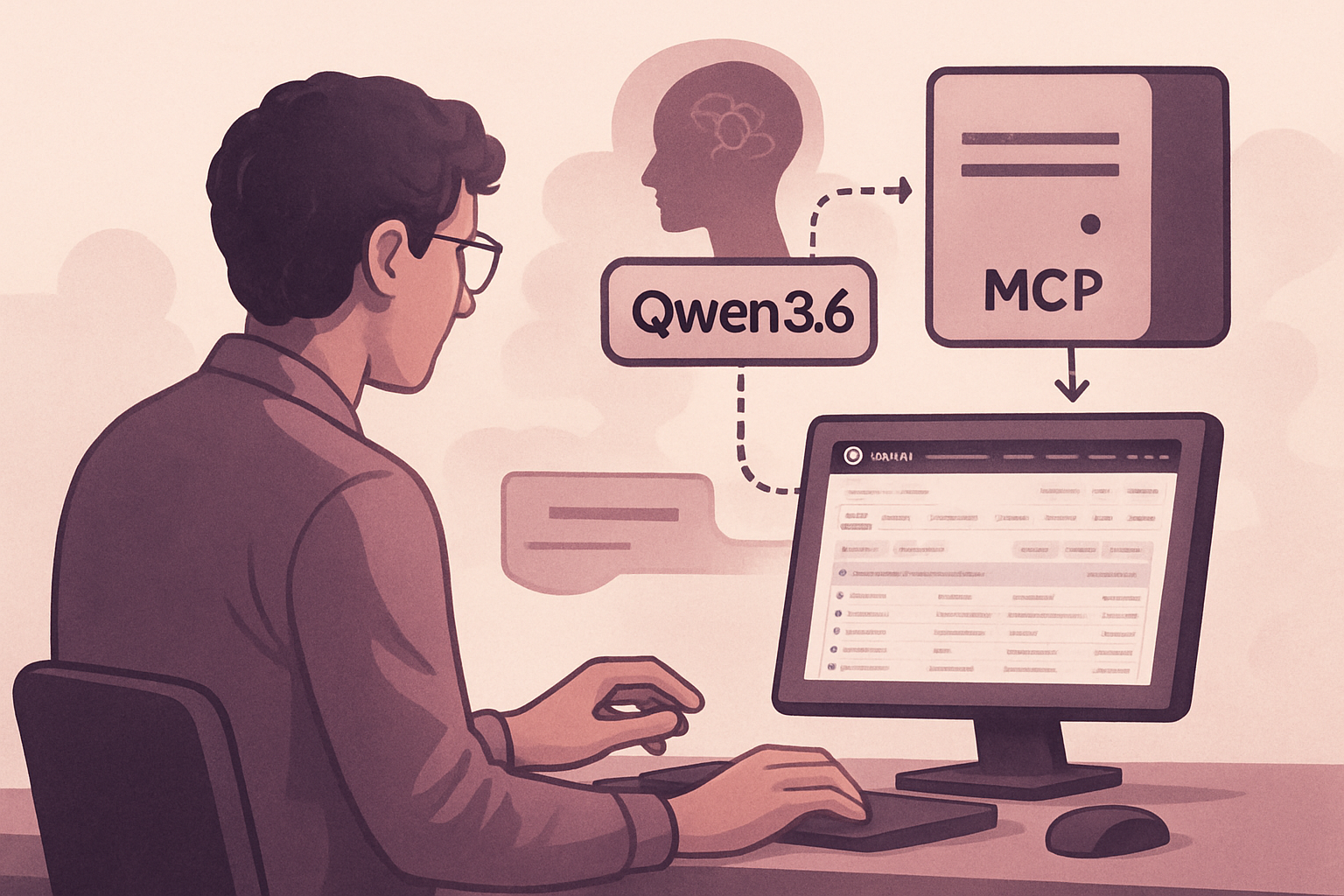
To address this issue, Anthropic has introduced the Model Context Protocol (MCP). This open and universal protocol aims to simplify AI tool connectivity. By defining a tool as an MCP server, any compatible model or framework can discover and use it without the need for specific integration code.
The Qwen3.6-35B-A3B model is currently the most effective for such tasks. With a context window of 262,144 tokens and a Mixture of Experts (MoE) architecture, it activates only 3 billion of its 35 billion parameters per pass. This allows it to operate on hardware that would normally not support such a large model. This model has been specifically trained for agentic tasks based on MCP.
This article explores the creation of a local GitHub developer assistant capable of reading open issues from a repository, identifying relevant code, drafting a fix, and creating a pull request, all on your hardware via MCP servers, without reliance on the cloud.
Understanding Qwen3.6-35B-A3B
To fully grasp how Qwen3.6-35B-A3B operates, it is crucial to understand its architecture. The model contains 35 billion parameters, but only 3 billion are activated at each pass, thanks to its MoE architecture. With 256 experts per layer and 8 plus 1 shared experts routed per token, it offers the capability of a 35 billion model with the computational cost of a 3 billion model.
The internal structure of Qwen3.6 is distinguished by the use of 40 layers with a 3:1 ratio between Gated DeltaNet and Gated Attention layers. The DeltaNet mechanism allows for efficient processing of long sequences, while the full attention layers ensure deep relational reasoning. This combination is essential for effectively handling a repository containing up to 500 files.
The native context window of 262,144 tokens can be extended to 1,010,000 using the YaRN scale. For an agent, this context length is crucial for maintaining a history of tool calls and following a multi-step plan without losing essential data.
Qwen3.6 has been trained on agentic benchmarks based on MCP, with two key features:
- Agentic Coding: The model handles multi-file refactoring tasks with coherent reasoning across files.
- Thinking Preservation: With the preserve_thinking flag, the model retains traces of reasoning from previous turns, allowing for continuity in multi-turn conversations.
System Requirements
To deploy Qwen3.6, developers have three options depending on their hardware:
-
GPU Inference: Recommended for production workloads, requiring about 70 GB of VRAM in bfloat16. In Q4 quantization, the model fits into 20–24 GB of VRAM, manageable by an RTX 4090 or two RTX 3090.
-
CPU/Hybrid via KTransformers: For those without 24 GB GPUs, KTransformers allows offloading heavy computations to the GPU while executing the rest on the CPU, with a latency of 30–120 seconds per turn.
-
Smaller Models for Testing: Developers can use smaller models like Qwen/Qwen2.5-7B-Instruct to test MCP integration without needing the hardware for the full model.
Software Requirements
To run Qwen3.6, Python 3.11+ is required, along with the following libraries:
python --version
python -m venv qwen-mcp-env
source qwen-mcp-env/bin/activate    # macOS / Linux
qwen-mcp-env\Scripts\activate       # Windows
"[openai](/dossier/openai)>=1.30.0" \
"qwen-agent>=0.0.10" \
For the service framework, choose from:
pip install "vllm>=0.19.0"       # NVIDIA GPU
pip install "sglang>=0.5.10"     # NVIDIA GPU (faster pre-filling)
pip install "ktransformers"      # CPU/hybrid
Node.js 18+ is also required for pre-built MCP servers installed via npx.
Serving Qwen3.6 Locally with an OpenAI-Compatible API
Before connecting MCP servers, it is essential to have an operational inference server. Tools like SGLang and vLLM provide an OpenAI-compatible API, pointing to localhost instead of api.openai.com.
SGLang (Recommended for Long Context Workloads)
- Install SGLang with all dependencies
pip install "sglang[all]>=0.5.10"
- Launch the server with reasoning and tool call parsers enabled.
python -m sglang.launch_server \
--model-path Qwen/Qwen3.6-35B-A3B \
--host 0.0.0.0 \
--reasoning-parser qwen3 \
--tool-call-parser qwen3_coder \
--enable-prefix-caching \
--tp 2    # tensor parallelism on 2 GPUs; remove if using a single GPU
- Equivalent vLLM with the same critical flags
vllm serve Qwen/Qwen3.6-35B-A3B \
--host 0.0.0.0 \
--reasoning-parser qwen3 \
--tool-call-parser qwen3_coder \
--enable-prefix-caching-v2 \
--tensor-parallel-size 2
Smaller Model via Ollama
ollama pull qwen2.5:7b
- The Ollama API is OpenAI-compatible at http://localhost:11434/v1
Once the server is running, check its status before proceeding:
Health Check
curl http://localhost:30000/health
Test the Chat Completions Endpoint
curl http://localhost:30000/v1/chat/completions \
-H "Content-Type: application/json" \
"model": "Qwen/Qwen3.6-35B-A3B",
"messages": [{"role": "user", "content": "Reply with: ready"}],
"max_tokens": 10
If you receive a JSON response with an array of choices, the server is ready. Do not proceed to MCP configuration until this is functioning. Each integration failure you encounter later is easier to debug when you know the service layer is solid.
Understanding MCP and Why It Changes Agent Architecture
Before coding an agent, it is crucial to understand how MCP operates at the protocol level. MCP is a JSON-RPC 2.0 protocol running over stdio or HTTP. When an MCP client connects to a server, it begins by calling tools/list to discover available tools. Each tool is described by a name, a description, and an input schema defined in JSON Schema.
When the model wishes to call a tool, it emits a structured tool call object. The MCP client executes the call by sending a tools/call request to the server, which handles the execution and returns a result. The client injects this result into the conversation as a tool role message. The model reads the result and decides the next step.
This separation of responsibilities is crucial. The model decides what to call and with what arguments, while the client manages execution and the server does the actual work. Your code never binds a tool to a model; you simply inform the client which servers are available.
There are two ways to use MCP with Qwen3.6:
-
Via Qwen-Agent: The official qwen_agent library automatically handles tool discovery, call parsing, result injection, and multi-turn conversation management. Less code, less control. Suitable for most use cases.
-
Via the MCP Python SDK directly: You manage the agent loop yourself using mcp.ClientSession. More code, full visibility on each message, complete control over error handling and retry logic. Suitable for production systems where you need to monitor every step.
This article covers both, starting with Qwen-Agent.
Building the Local GitHub Developer Assistant
The agent performs four actions in sequence: reads open issues from a GitHub repository, finds relevant code, drafts a fix, and opens a pull request. All locally, all via MCP.
Part 1: Setting Up the Environment and MCP Server
-
Set your GitHub personal access token
- Required by the GitHub MCP server for API calls
export GITHUB_TOKEN=ghp_your_token_here
-
Pre-built MCP servers are installed via npx — no separate installation step
-
npx handles this on first use when the agent
Brief IA — L'actualité IA en français
L'essentiel de l'actualité de l'intelligence artificielle, décrypté et expliqué chaque jour.