WinUI: Microsoft Accelerates with an AI Agent and Migration Guides
Le brief IA que les pros lisent chaque soir
Les 7 actus IA du jour, décryptées en 5 min. Gratuit.
Inclus dès l'inscription : notre sélection des meilleurs guides & comparatifs IA.
Choisis ton rythme
Gratuit · Pas de spam · Désabonnement en 1 clic
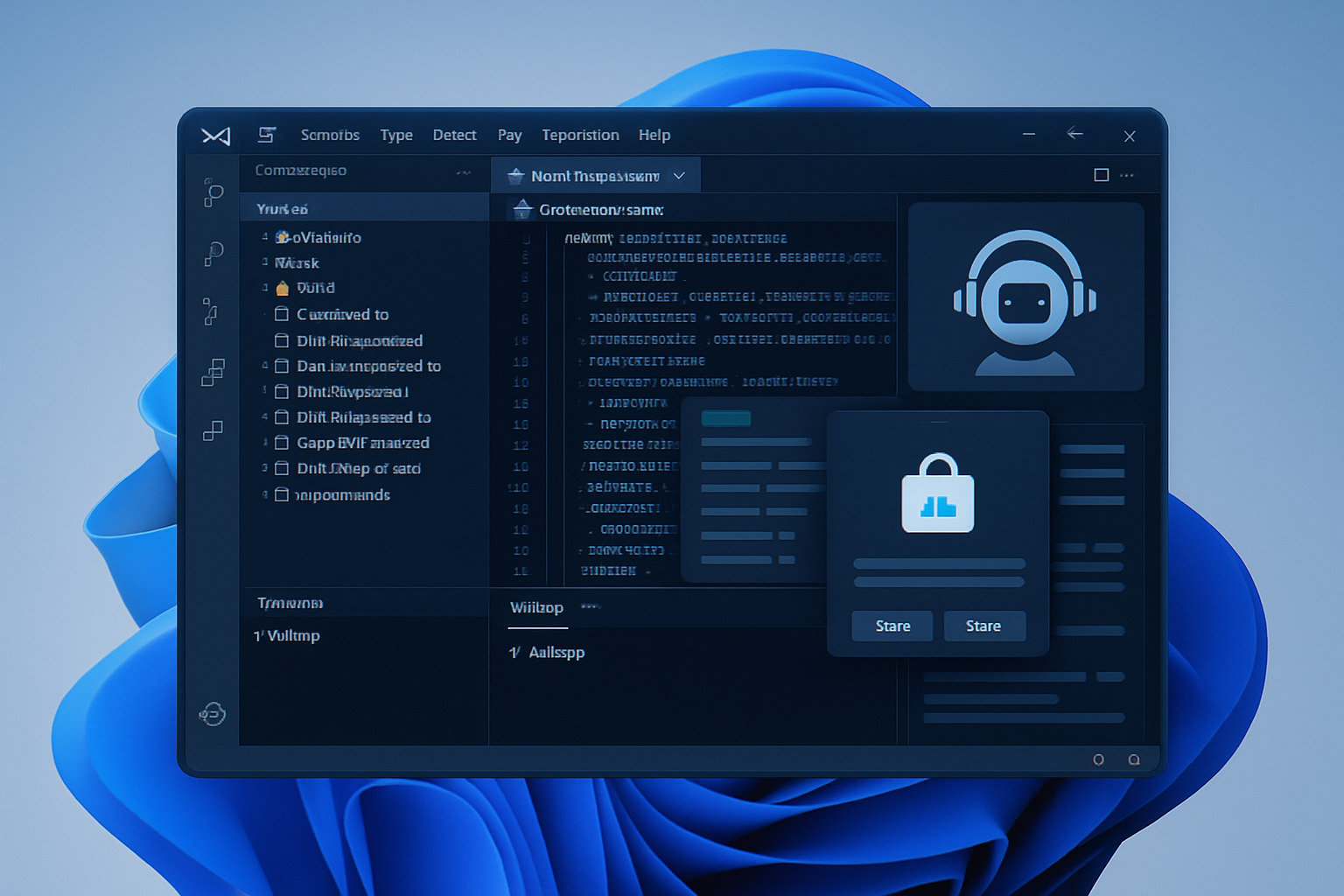
Microsoft highlights WinUI with a device that combines a guide, tools, and an AI agent. The company claims a creation and publication journey for applications can be completed in about thirty minutes and provides support for migration from WPF and UWP, as the transition to native apps is underway in Windows 11.
Promises of Memory Efficiency and Open Source Code Announced at Build 2026
At Build 2026, Microsoft announced its intention to reduce memory consumption and released WinUI as open source. Certain Windows applications, such as Weather, WhatsApp, and Discord, are cited as particularly resource-intensive. WinUI is presented as a more resource-efficient native framework compared to Win32 and WebView2.
Guided Migration from WPF and UWP to WinUI
The migration guides published by Microsoft detail the steps to adapt existing applications. For WPF, this includes replacing System.Windows.* with Microsoft.UI.Xaml.*, while ensuring equivalences for controls, thread management, windows, high-density display support, and data binding. Regarding UWP, the guide indicates that this framework is no longer under active development and that WinUI 3 along with the Windows App SDK are now the recommended solutions. An AI model trained on UWP examples is likely to replicate old patterns unless the migration skill enforces the necessary substitutions. The tool thus provides instructions for migrating WPF and UWP applications to WinUI.
A Tooled Journey with an AI Agent Up to Store Submission
Microsoft's guide outlines a process based on Visual Studio Code, .NET 10, the Windows App Development CLI (winapp), WinUI project templates, and GitHub Copilot. An AI agent plugin supports project creation, on-demand feature addition, testing, conversion to MSIX format, and submission to the Microsoft Store. This agent incorporates eight skills: project creation, Fluent Design compliance, code review, interface testing, packaging, migration from WPF, session reporting, and environment configuration. Microsoft recommends connecting the agent to its Learn MCP server to access up-to-date official documentation during requests. According to Microsoft, the entire journey can be completed in about thirty minutes. Furthermore, Windows 11 is gradually replacing its legacy elements with WinUI, and this initiative aims to encourage the creation of native applications for the Microsoft Store.
Brief IA — L'actualité IA en français
L'essentiel de l'actualité de l'intelligence artificielle, décrypté et expliqué chaque jour.