Claude Code: 7 Slash Commands to Optimize Your Sessions
Le brief IA que les pros lisent chaque soir
Les 7 actus IA du jour, décryptées en 5 min. Gratuit.
Inclus dès l'inscription : notre sélection des meilleurs guides & comparatifs IA.
Choisis ton rythme
Gratuit · Pas de spam · Désabonnement en 1 clic
Optimize Your Experience with Claude Code Using Slash Commands
Users of Claude Code now have seven essential slash commands at their disposal to enhance their experience and customize their sessions. These commands allow for control over various aspects of interaction with the AI tool.
Copy and Customize Reflection
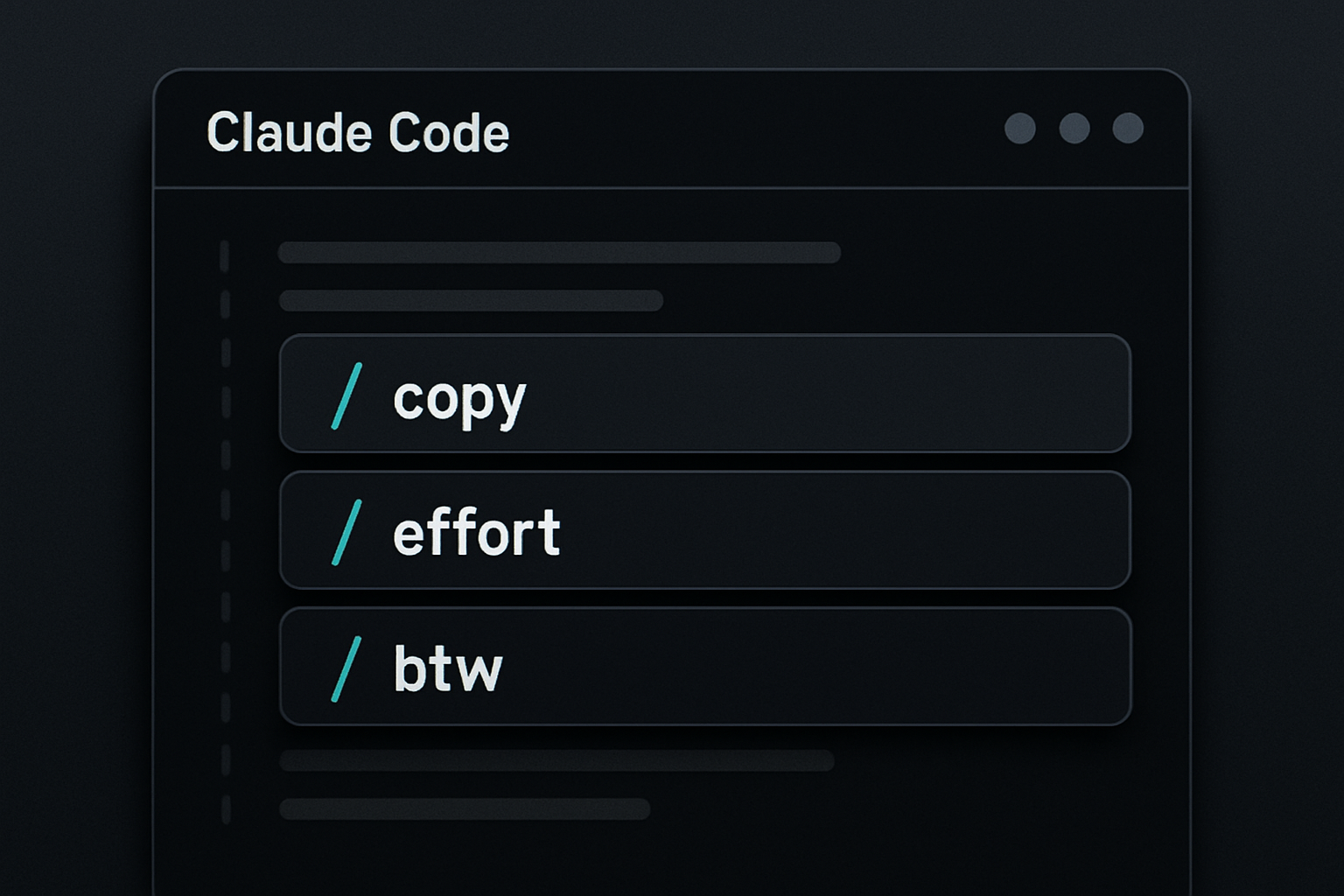
The /copy command is designed to facilitate the transfer of results generated by Claude Code directly to the clipboard, simplifying the sharing and use of produced data.
With /effort, users can adjust the depth of reflection of Claude Code. This command influences not only token consumption but also the speed of obtaining results. Less effort means fewer tokens used and a quicker response.
Add Details and Simplify Code
The /btw command allows users to add additional details that Claude Code should consider when executing a task, thereby enriching the quality of the results.
For those looking to refine the generated code output, /simplify is the ideal command. It allows for the simplification of the produced code, making the results more accessible and understandable.
Customization and Automation
The /color command offers the ability to change the color of the prompt bar in the current session, adding a touch of visual customization.
With /rename, users can change the name of their session, making it easier to organize and manage different tasks.
Finally, /loop allows for actions to be performed at regular intervals, thereby automating certain repetitive tasks and improving workflow efficiency.
Brief IA — L'actualité IA en français
L'essentiel de l'actualité de l'intelligence artificielle, décrypté et expliqué chaque jour.