Adobe: Over 70 Creative Tools Available in Slack
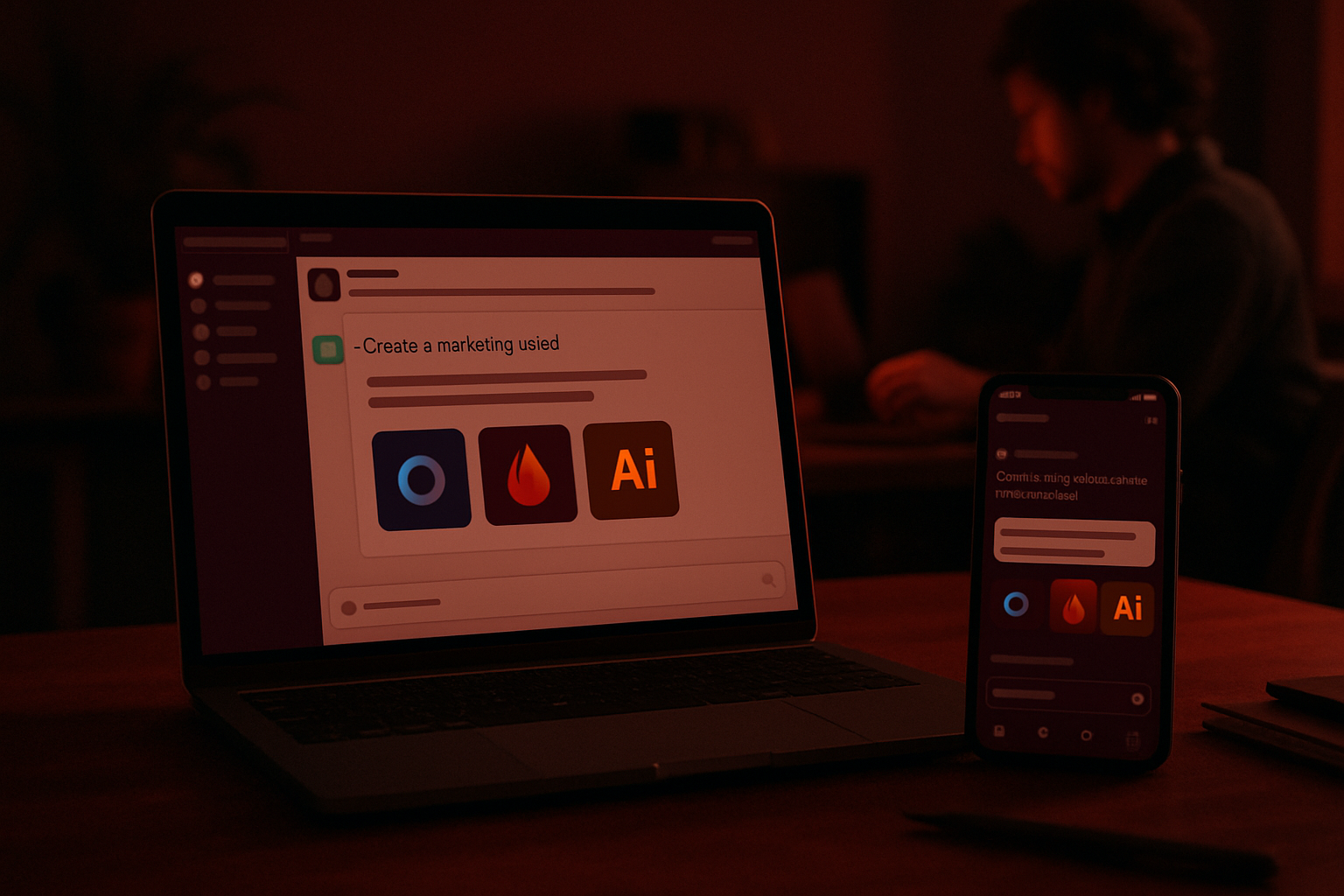
Adobe is globally deploying an MCP app for Slack, powered by Slackbot, which provides access to over 70 functions from its creative suites. The integration targets variations and automation, with more controls for users connected to an Adobe account. It is reserved for Slack's Business+ and Enterprise+ plans.
Paid Access, Guest Mode, and Functional Scope
The Adobe for Slack integration is available worldwide on desktop, web, and mobile, but it is currently accessible only to Slack's Business+ and Enterprise+ customers. An Adobe account is not required: a guest mode opens part of the tools. Logging into an account unlocks generative AI, access to Creative Cloud files, and the ability to resume projects between sessions. Adobe specifies that productions requiring pixel-perfect control or in-depth exploitation go through its full applications; the MCP app targets repetitive tasks and variations.
Natural Language Commands and Assistance in Threads
The application takes the form of an MCP app installed in the workspace and operated via Slackbot. The user describes the expected outcome in natural language, and then the assistant selects the appropriate tools. The assistant can also leverage, when permitted, conversations, files, channels, and canvases to enrich the request and avoid re-importing content that has already been shared. Jaime DeLanghe, chief product officer of Slack, emphasizes that this integration allows for creation without interrupting conversations. Adobe further claims that millions of people use Slack every day, and this context enables the production of images, videos, and documents directly within the messaging platform.
Le brief IA que les pros lisent chaque soir
Les 7 actus IA du jour, décryptées en 5 min. Gratuit.
Inclus dès l'inscription : notre sélection des meilleurs guides & comparatifs IA.
Choisissez votre rythme
Gratuit · Pas de spam · Désabonnement en 1 clic
Relevant Applications and Proposed Use Cases
More than 70 tools from Firefly, Express, Photoshop, Premiere, Acrobat, InDesign, Illustrator, Stock, and Lightroom become accessible from Slack. Highlighted use cases include transforming a brief or canvas summary into a PDF, image, or video, searching for Creative Cloud assets by subject, style, or mood before editing in the conversation, and adapting a campaign visual to social media formats. The integration can also convert spreadsheet data into shareable documents or visuals and process batches of images with background or element removal, lighting and tint adjustments, and cropping. Customizable templates are also offered.
Deployment, Setup, and Precedent on ChatGPT
For installation, users are instructed to search for Adobe in "Agents and Applications," then install the app, open a direct conversation with Slackbot, click on Applications, select the + icon or Connect next to Adobe, and then proceed in guest mode or by logging into an Adobe account. At the beginning of August, Adobe had already consolidated its creative and productivity applications into a single plugin for ChatGPT and mentioned upcoming variations on Slack and Gemini; the Slack variation is now delivered.
Brief IA — L'actualité IA en français
L'essentiel de l'actualité de l'intelligence artificielle, décrypté et expliqué chaque jour.