Adobe Revolutionizes ChatGPT with Photo and Video Editing Tools
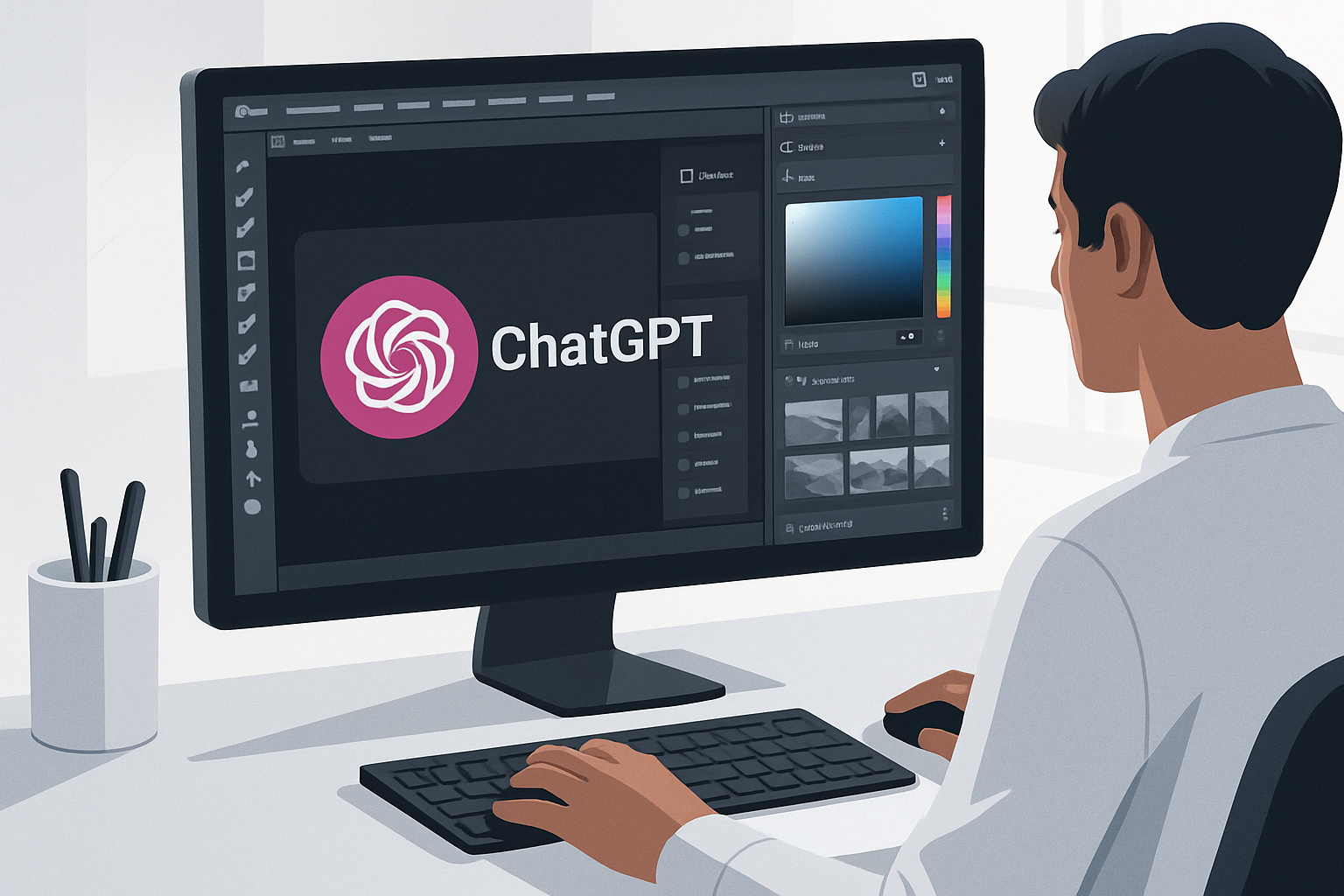
Adobe Integrates Its Creative Tools into ChatGPT
Adobe recently announced a major update that integrates its content editing capabilities directly into ChatGPT. This initiative introduces over 70 new creative and productive features into the chatbot, thereby expanding photo and video editing possibilities for users.
A Unified Plugin for Simplified Edits
Before this update, ChatGPT only offered a few Adobe plugins. Now, with a unified plugin, users can perform batch edits, such as applying a style to multiple photos simultaneously, and easily resize content for different online platforms. Access to Adobe Stock is also included, allowing users to tap into a vast library of photographs to enrich their creations.
Interactive Tools for Intuitive Editing
Image editing in ChatGPT primarily relies on text instructions. However, the update introduces interactive elements, such as customizing Express templates and using a color picker to select precise shades. These tools aim to make editing more intuitive and accessible.
Cross-Functional Workflows
Adobe for ChatGPT supports cross-functional workflows, allowing users to easily switch between different formats. For example, a user can upload a spreadsheet and ask Acrobat to generate a PDF of the main data, simplifying the process of creating complex documents.
A Goal of Simplification for Creators
According to Deepti Pradeep, product lead for the project, Adobe's goal is to provide creators with editing tools that allow them to stay within the ChatGPT environment without wasting time on repetitive tasks. This approach aims to lighten the workload for creators while giving them the opportunity to explore the Adobe ecosystem for more advanced features.
Le brief IA que les pros lisent chaque soir
Les 7 actus IA du jour, décryptées en 5 min. Gratuit.
Inclus dès l'inscription : notre sélection des meilleurs guides & comparatifs IA.
Choisissez votre rythme
Gratuit · Pas de spam · Désabonnement en 1 clic
Accessing and Using Adobe Tools in ChatGPT
To use Adobe in ChatGPT, simply include "@Adobe" in your prompt. Users with a free or paid Adobe subscription must log in to their account to access more tools and increased usage limits. Users without an account can create as guests, but with limited options.
Control Over Generation Settings
Generation limits in ChatGPT depend on the subscribed plan. For professional projects, it is advisable to modify ChatGPT settings to prevent the AI model from being trained with your data (Settings > Data Controls > Disable "Improve model for everyone").
AI at the Heart of Adobe's New Tools
Alongside the integration of its editing tools into ChatGPT, Adobe has enhanced Photoshop and Express with AI assistants. The company's AI hub, Firefly, continues to expand its creative capabilities, with beta AI creative agents capable of handling tasks autonomously. However, generative AI raises concerns among some professional creators who prefer workflows without AI.
The Rise of Professional Design Tools in Chatbots
While companies like OpenAI have long invested in AI image and video generators, recent updates focus on integrating professional design tools into chatbots. A notable example is Claude Design, which allows businesses to incorporate design systems so their employees can create websites and applications in compliance with their brand using AI.
Brief IA — L'actualité IA en français
L'essentiel de l'actualité de l'intelligence artificielle, décrypté et expliqué chaque jour.