Blender MCP Connects Claude Code to Blender for 3D Modeling
Le brief IA que les pros lisent chaque soir
Les 7 actus IA du jour, décryptées en 5 min. Gratuit.
Inclus dès l'inscription : notre sélection des meilleurs guides & comparatifs IA.
Choisis ton rythme
Gratuit · Pas de spam · Désabonnement en 1 clic
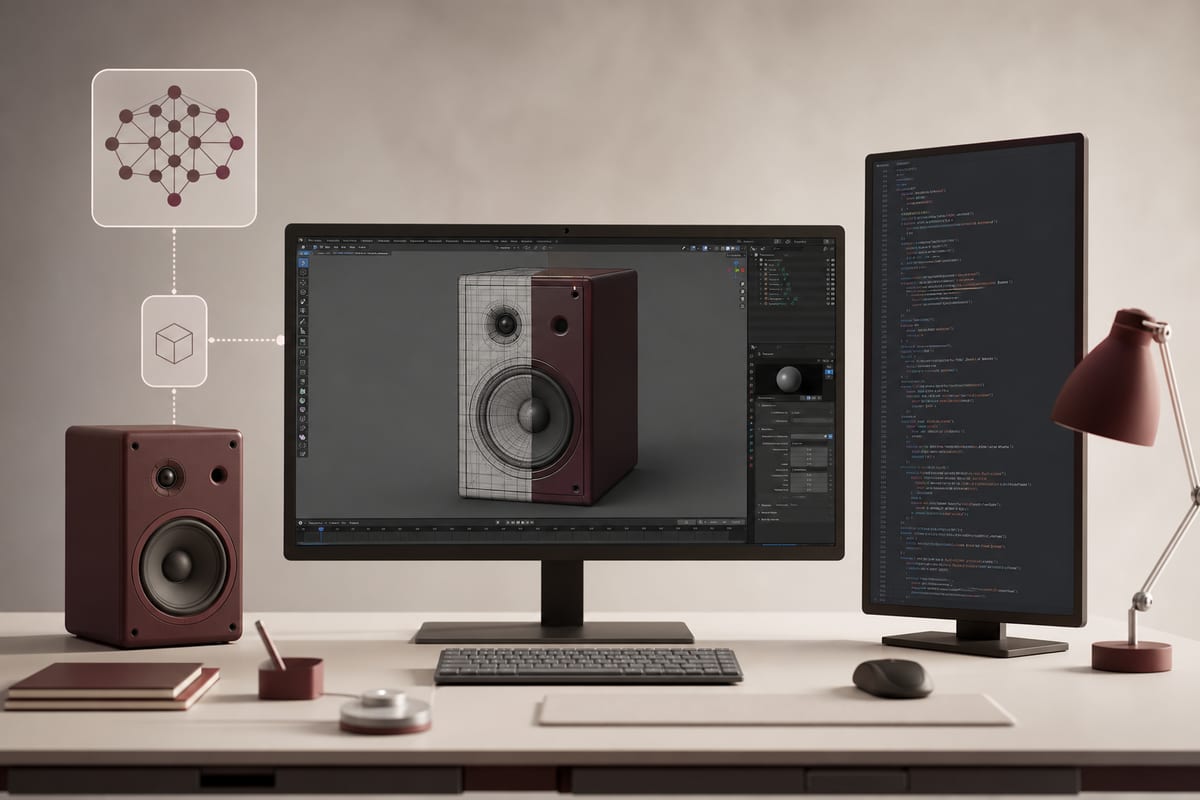
A workflow details how Claude Code drives Blender through Blender MCP. The recommended approach emphasizes the creation of reusable Python scripts rather than a one-time generation of objects. A desktop speaker project, inspired by Braun and Dieter Rams, serves as an example.
Driving Blender via Python and Accessing the Scene
Blender exposes most of its features through Python, allowing Claude Code to generate reusable modeling scripts. By connecting Claude Code to Blender through Blender MCP, the agent gains access to the Blender scene, including the creation and modification of meshes, material management, scene inspection, and asset retrieval. The connection scheme follows the order of Claude Code, Blender MCP, then Blender.
Favoring an Agent that Controls the Tool
It is advisable to use Claude Code as an agent that drives a dedicated modeling tool such as Blender, rather than asking it to generate a complete 3D model in one step. This way, Claude Code can be utilized for various design tasks, including 3D modeling.
A Case Study and an Announced Guide
This involves developing a high-end desktop speaker, whose aesthetics are inspired by the industrial design of Braun and Dieter Rams. The guide is set to describe a process for creating this model using Claude Code and Blender, detailing how to set up the tools and providing concrete recommendations for formulating queries to Claude Code.
Brief IA — L'actualité IA en français
L'essentiel de l'actualité de l'intelligence artificielle, décrypté et expliqué chaque jour.