ChatGPT Launches Sketch: Turn Your Sketches into Images
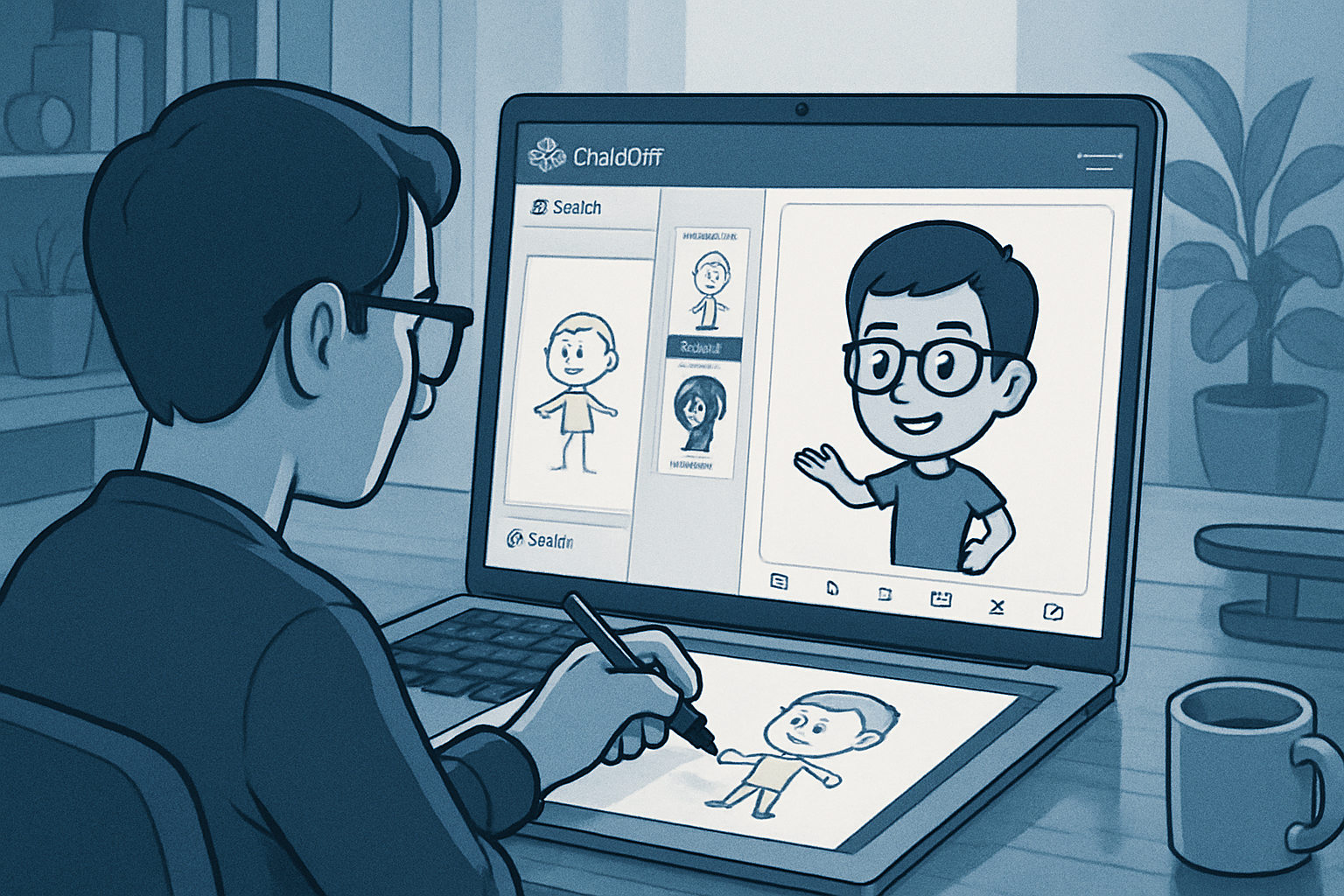
OpenAI adds Sketch to ChatGPT Images 2.5: an integrated drawing space that converts sketches into polished visuals. All ChatGPT, Work, and Codex accounts have access, both on the web and in the apps. Style templates, editing tools, and PNG export are on the agenda.
Edit, Retouch, and Export the Generated Image
After transformation by Sketch, the user can modify the generated image, add comments, erase parts, remove the background, and resize the visual. Export is possible in PNG format, with the option to copy a shareable link or publish on social media. In tests, a sketch depicting a person with a hat was interpreted as a turkey wearing a Pilgrim hat. Another sketch of a character with messy hair resulted in a cartoon character. Using the bobblehead model, a rough sketch was converted into a bobblehead of a football player. These trials produced images deemed creative, shareable, and usable for professional purposes.
Le brief IA que les pros lisent chaque soir
Les 7 actus IA du jour, décryptées en 5 min. Gratuit.
Inclus dès l'inscription : notre sélection des meilleurs guides & comparatifs IA.
Choisissez votre rythme
Gratuit · Pas de spam · Désabonnement en 1 clic
Who Can Use It and on Which Platforms
Sketch is accessible to all users of ChatGPT, ChatGPT Work, and Codex. The tool is available on the ChatGPT website, as well as in desktop and mobile applications. It is part of ChatGPT Images 2.5, OpenAI's latest imaging model.
Start a Sketch and Initiate the Transformation
To get started, one must open a new conversation and type @Sketch to display the drawing area. The user can then sketch with a palette of pencils and colors, and submit the drawing along with instructions. ChatGPT then transforms the sketch into a more polished image.
Integrated Style Templates and Composition Tools
Built-in templates, including bobblehead, statue, anime, sticker, and icon, are offered. To use them, one must select Images on the left, then Templates, choose a template, and start drawing. These templates provide style and add a description to enrich the image and scene. In addition to drawing, it is possible to add text and shapes, erase elements, and undo the last action.
Brief IA — L'actualité IA en français
L'essentiel de l'actualité de l'intelligence artificielle, décrypté et expliqué chaque jour.