ChatGPT: Locked Chats with PIN and Biometric Security
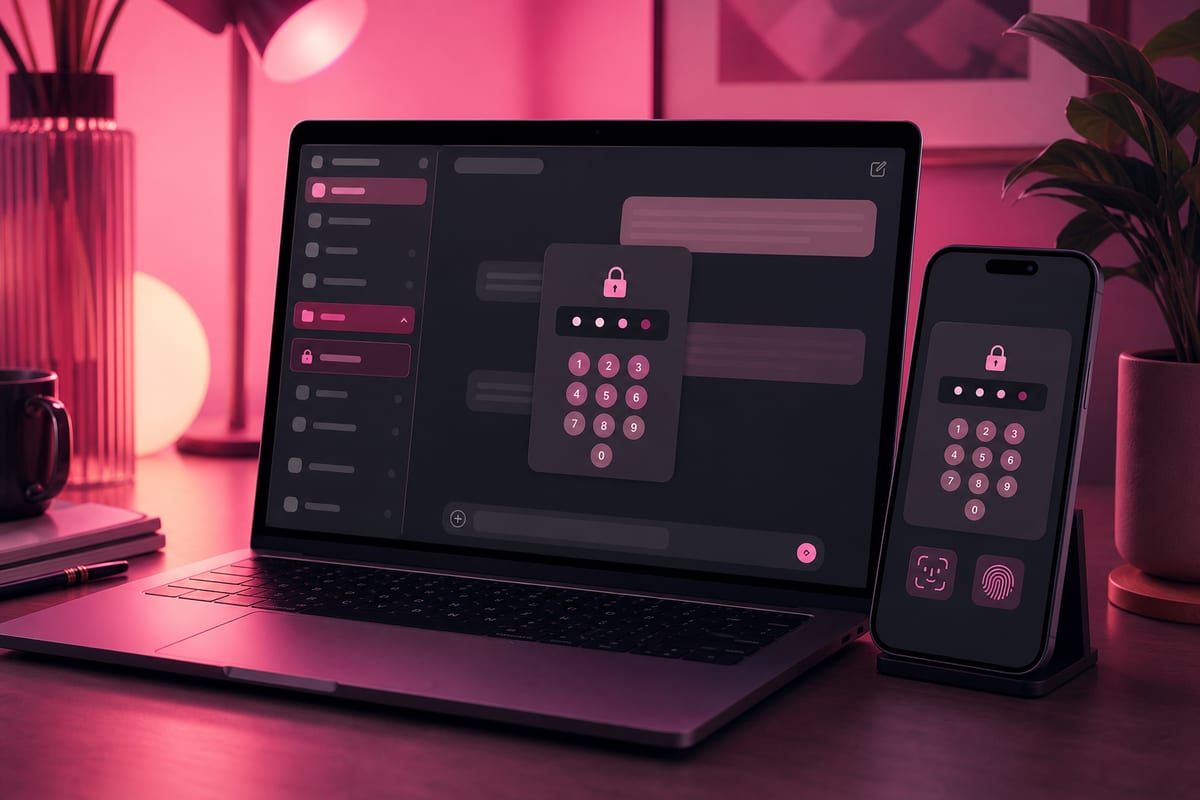
OpenAI has launched Locked Chats, a PIN-protected space designed to safeguard certain conversations within ChatGPT. This feature is gradually rolling out across web, desktop, iOS, and Android platforms, with specific rules that distinguish it from ephemeral chat and govern its usage.
Explicit Limits and Differences from Ephemeral Chat
According to OpenAI, locked conversations do not benefit from end-to-end encryption. Locking a chat does not disable the Improve Model option for all users if it is activated, nor does it delete information already stored by the chatbot, or modify the retention period of the conversation. Conversations protected in this manner remain saved and continue to adhere to the parameters set by the user. In contrast, the ephemeral mode, available since February 2024, does not display exchanges in the history, does not retain them permanently, and does not use them to train OpenAI's models. OpenAI also considers Locked Chats useful for concealing sensitive exchanges during screen sharing or on a shared device.
4-Digit PIN Access and Biometric Options
Access to locked conversations requires a four-digit PIN, created during the first use and linked to the account, making it valid across all connected devices. On iOS, it is possible to use Face ID or Touch ID in addition to the PIN, while on Android, the device's unlocking method can be used if available. If the PIN is forgotten, resetting it results in the permanent deletion of all locked conversations and content protected solely by the old code. However, changing the PIN, which requires the old one, does not erase any data.
Le brief IA que les pros lisent chaque soir
Les 7 actus IA du jour, décryptées en 5 min. Gratuit.
Inclus dès l'inscription : notre sélection des meilleurs guides & comparatifs IA.
Choisissez votre rythme
Gratuit · Pas de spam · Désabonnement en 1 clic
Streamlined History and Dedicated Space in Projects
When a conversation is locked, it no longer appears in the history, pinned conversations, or search results. It is then placed in a Locked Chats section accessible via the Projects tab in the sidebar, and any files imported or generated during the exchange are also hidden there. Messages added in these discussions do not count towards the memory of regular conversations. After the initial setup and PIN creation, it is possible to start a locked conversation directly from the Projects tab by selecting Locked Chats.
Gradual Rollout, All Offers, and Required Updates
Announced on October 20, 2026, Locked Chats is being gradually deployed on the web, desktop, and mobile applications of ChatGPT, and will eventually be accessible to all users, including those on Free, Go, Plus, Pro, Business, Enterprise, and Edu plans. This gradual rollout may result in delayed availability depending on accounts. Using the feature requires the latest version of the macOS or Windows application on desktop, and an update on iOS or Android. To activate protection on a conversation, one must start a discussion, open the menu (•••), select Lock chat, confirm, and then create and confirm a four-digit PIN.
Brief IA — L'actualité IA en français
L'essentiel de l'actualité de l'intelligence artificielle, décrypté et expliqué chaque jour.