ChatGPT Revolutionizes Chrome: Summarizes YouTube and Reads Your Tabs
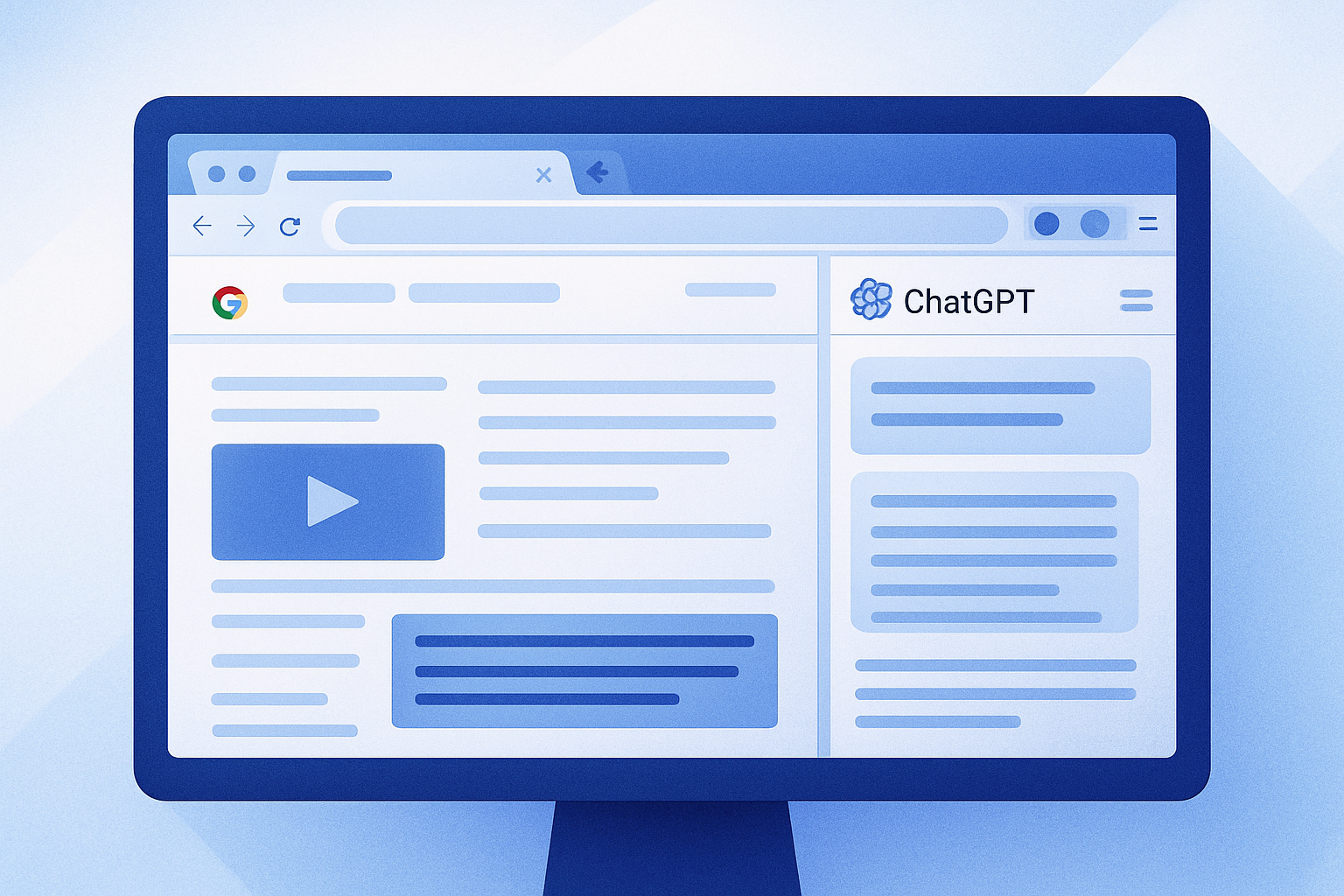
ChatGPT: Enhanced Features for the Chrome Extension
OpenAI recently announced, via a post on X, a series of significant improvements for the ChatGPT Chrome extension. These updates, implemented on Friday, July 31, 2026, aim to enrich the user experience by enabling the conversational agent to perform several advanced tasks. Among these are the ability to summarize YouTube video content, answer specific questions about highlighted passages on a web page, and cross-reference information between different open tabs.
A Redesigned Chrome Extension
The ChatGPT Chrome extension was relaunched in a completely revamped version on July 9. This new iteration includes a feature called "Side Chat," which displays the conversational agent in a sidebar. With this interface, users can interact directly with the content of the page they are viewing, summarize articles, or initiate tasks without leaving their browser. This redesign is a direct consequence of OpenAI's decision to gradually phase out its Atlas browser, which will no longer be accessible starting August 9. The features of Atlas, which failed to attract a broad audience, have been redistributed between the Chrome extension and the desktop application. OpenAI emphasized that these changes build on the lessons learned from Atlas to provide a more enriching browsing experience.
Le brief IA que les pros lisent chaque soir
Les 7 actus IA du jour, décryptées en 5 min. Gratuit.
Inclus dès l'inscription : notre sélection des meilleurs guides & comparatifs IA.
Choisissez votre rythme
Gratuit · Pas de spam · Désabonnement en 1 clic
The extension is available on the Chrome Web Store, and its latest update introduces several new capabilities. Among these is the ability to analyze and summarize a YouTube video directly from the Side Chat panel. Users can ask questions about the video they are currently watching or request a brief summary. Additionally, the cross-referencing feature allows ChatGPT to automatically retrieve the context from tabs mentioned by the user. Finally, a highlighted excerpt on a web page can be sent to ChatGPT to formulate a targeted question, and the chat panel can be opened via a right-click on a web page by selecting the "Ask ChatGPT" option.
New Features for the Desktop Application
Alongside the enhancements made to the Chrome extension, OpenAI has also enriched the ChatGPT desktop application with a series of new features. These include an integrated browser address bar that now offers URL suggestions. In the absence of results, a switch to Google is available, as noted in the release notes. Users can also manage their history from the settings and allow ChatGPT to search through this history if a task requires it.
Furthermore, images generated via GPT Image 2 can now be opened in a viewer offering two modes: Focused and Canvas. These modes allow users to add comments before requesting edits. Lastly, a new view called "Activity" has been added to the sidebar, enabling users to easily find recent conversations that require their attention, according to the details provided by OpenAI.
Brief IA — L'actualité IA en français
L'essentiel de l'actualité de l'intelligence artificielle, décrypté et expliqué chaque jour.