ChatGPT Revolutionizes the AI Ecosystem with Its Tools and Integrations
Le brief IA que les pros lisent chaque soir
Les 7 actus IA du jour, décryptées en 5 min. Gratuit.
Inclus dès l'inscription : notre sélection des meilleurs guides & comparatifs IA.
Choisis ton rythme
Gratuit · Pas de spam · Désabonnement en 1 clic
ChatGPT: An Expanding Ecosystem
Since its launch at the end of 2022, ChatGPT has quickly surpassed its initial role as a conversational agent to become the heart of a comprehensive technological ecosystem. OpenAI, the company behind ChatGPT, has diversified its offerings by multiplying products, models, and features. This strategy aims to meet the varied needs of its users, whether they are individuals or development professionals, while maintaining its position as a leader in the field of artificial intelligence.
OpenAI's Autonomous Tools
OpenAI is not limited to ChatGPT. The company offers an extensive range of products based on GPT models, integrating both native tools and solutions that enhance third-party services.
OpenAI's Native Solutions
Among OpenAI's flagship solutions are:
-
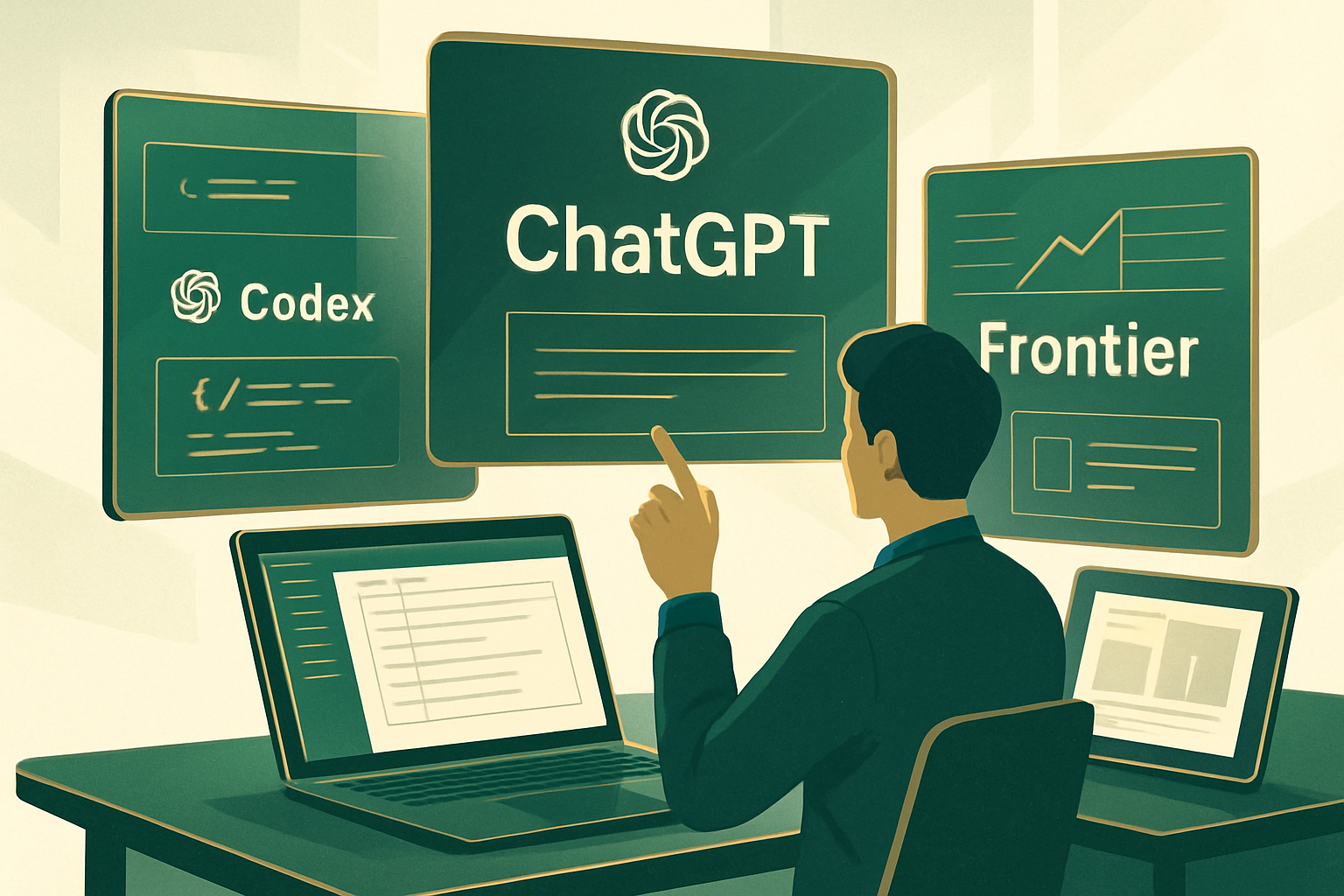
ChatGPT, the iconic conversational assistant, is available on multiple platforms, including web browsers, mobile apps on iOS and Android, as well as desktop computers for Mac and Windows. It allows users to formulate queries to which it responds, analyze documents, generate images, write code, and even conduct online research.
-
Codex, a code development assistance tool, works in various integrated development environments (IDEs) such as VS Code, JetBrains, and Xcode. It is also available in a desktop application and a cloud environment. Codex can analyze codebases, work on multiple files simultaneously, run tests, and manage pull requests on GitHub.
-
The API and AgentKit platform provides developers access to OpenAI's models via an API, accompanied by tools to design, connect, and integrate agents into their own applications.
-
Frontier, a platform dedicated to enterprises, allows for the deployment and management of AI agents in production at scale. It integrates with companies' internal systems and offers security and compliance controls.
It is worth noting that in 2026, OpenAI discontinued certain autonomous applications, such as the video generator Sora and the AI browser Atlas, the latter being shut down on August 9.
ChatGPT Integrations in Existing Tools
In addition to its standalone solutions, ChatGPT is integrated into various everyday tools, making it easier for users to utilize.
-
The ChatGPT extension for Chrome allows access to the assistant directly from the browser's sidebar. This extension enables interaction with the content of the web pages being viewed, answering questions, summarizing content, or launching more complex tasks without leaving the active tab.
-
ChatGPT for Excel and Google Sheets installs as a sidebar panel in these spreadsheets, allowing users to create spreadsheets from simple descriptions, update or correct existing workbooks, clean data, and answer questions about their content.
-
ChatGPT for PowerPoint operates similarly, supporting the creation, editing, and analysis of presentations. It can generate slides from briefs or documents, rewrite titles, simplify overly dense slides, and highlight structural issues.
-
ChatGPT in Apple Intelligence enhances Siri's capabilities on iPhone, iPad, and Mac, particularly for complex queries, and powers the system's writing tools, such as text generation or rephrasing.
Choosing the Right Model for the Task
OpenAI offers several ChatGPT models, each tailored for specific tasks, similar to what Anthropic does. Since version GPT-5.6, models are identified by a generation number and names such as Sol, Terra, and Luna, indicating their capability level, which remains consistent across generations.
-
GPT-5.6 Luna is the fastest and most cost-effective model, ideal for simple, high-volume tasks. It is available in ChatGPT Work, Codex, and the API, and has become the default model for free accounts since early August.
-
GPT-5.6 Terra offers a good balance between capability and cost, with performance close to that of GPT-5.5, at a reduced price, suitable for most everyday uses.
-
GPT-5.6 Sol is the highest-performing model, designed for complex tasks such as reasoning, code development, research, or cybersecurity. A Sol Pro version is available for users on the Pro plan for particularly demanding missions.
Access to Models Based on Subscription
The GPT-5.6 Luna model is available for free for common uses with an unlimited number of messages. In contrast, more advanced models like GPT-5.6 Sol are reserved for paid offerings, starting from ChatGPT Plus. The Terra model, on the other hand, is not available in standard conversations but can be found in ChatGPT Work, Codex, and the API.
Advanced Features of ChatGPT
ChatGPT is not limited to its tools and models. It also offers a range of features that extend, connect, and customize its capabilities:
-
Custom GPTs are specialized versions of ChatGPT that can be configured with specific instructions, files, and actions, which can then be shared or published on the GPT Store.
-
ChatGPT Work, the agent mode, allows for the execution of complex end-to-end tasks, producing deliverables such as documents, presentations, spreadsheets, or web applications.
-
Projects are dedicated workspaces for a topic, grouping files, instructions, and context that ChatGPT reuses from one conversation to another.
-
Scheduled tasks allow users to program prompts that execute automatically, providing reminders, briefings, or alerts on the progress of a topic.
-
Image generation is integrated directly into the conversation, allowing ChatGPT to create and modify visuals from simple descriptions.
-
ChatGPT's memory, accessible in the customization settings, defines what the AI retains from one conversation to the next, with the ability to review, modify, or delete this information. It combines explicitly requested memories and lessons learned from past exchanges.
-
Apps and connectors allow third-party services to be executed directly within the conversation, such as Photoshop, Canva, or Figma, while connectors link ChatGPT to external services like Google Drive or Dropbox.
-
GPT-Live, the voice mode, enables continuous voice dialogue with ChatGPT, mimicking the rhythm of a real conversation.
The ChatGPT ecosystem continues to evolve rapidly, with new tools, models, and features regularly announced, promising to further transform the interaction with artificial intelligence.
Brief IA — L'actualité IA en français
L'essentiel de l'actualité de l'intelligence artificielle, décrypté et expliqué chaque jour.