ChatGPT at Work: Automatic Account Login, Risks to Watch Out For
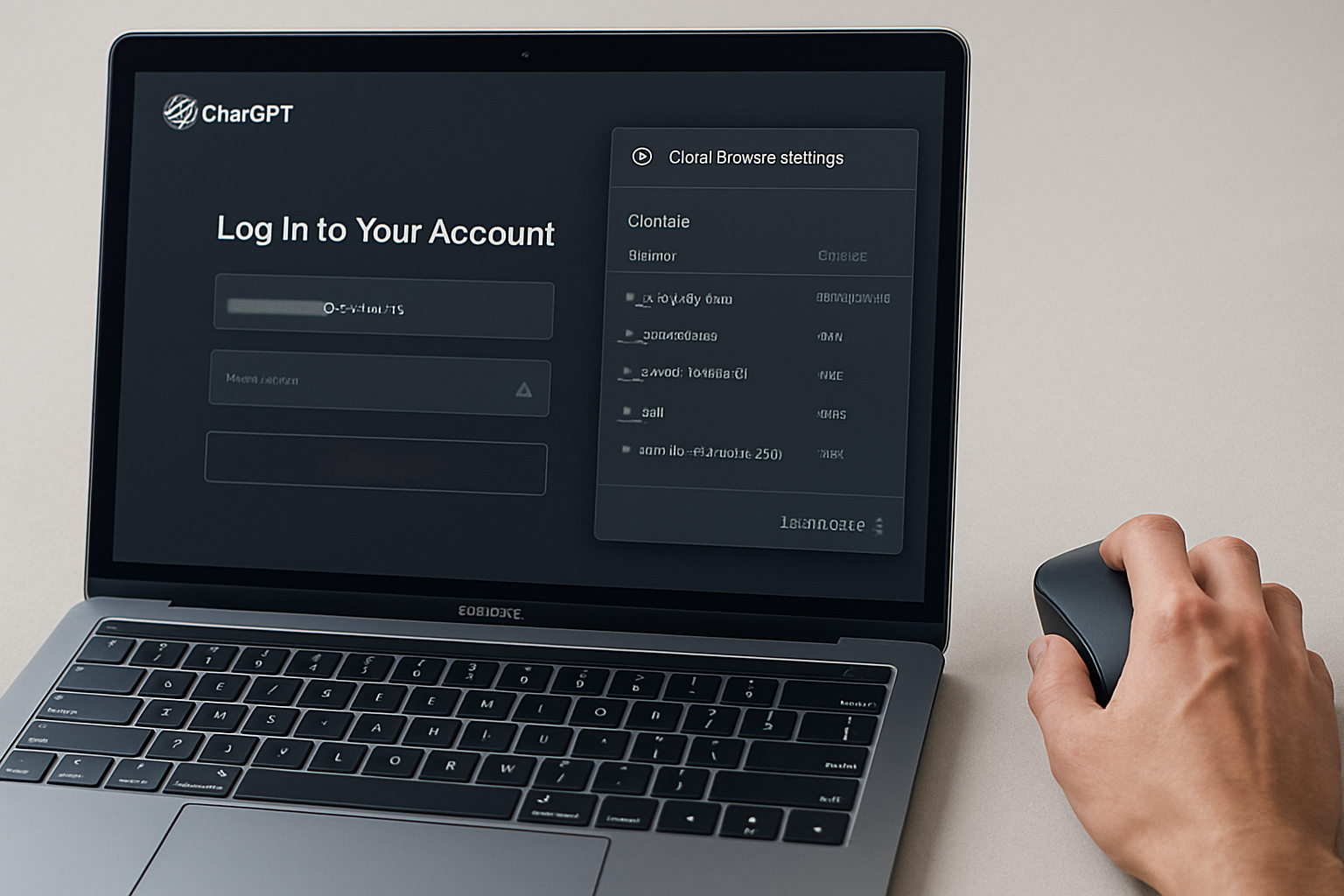
A ChatGPT Work option now allows access to online accounts without further interaction after initial authentication. OpenAI assures that it does not access credentials or use them for training. However, security experts point out the risks associated with active sessions, and tests have reported blocks with third-party services. There are settings to delete cookies, and it is recommended to proceed with caution.
Exploitable Sessions According to an Expert, and Blocks on Amazon's Side
Morey Haber, a security advisor at BeyondTrust, believes that the main risk concerns identity and authorization security once the connection is established. He indicates that after authentication, an open session could be exploited by a malicious actor. During tests, an attempt to log into Amazon via the ChatGPT website was blocked. After several successful accesses, access was subsequently denied, likely due to repeated activity.
Automatic Login via Cookies After Initial Authentication
The new ChatGPT Work feature allows the AI to log into online accounts without user intervention after the first authentication. During this initial login, the user enters their username and password, which are then stored in cookies. These cookies enable ChatGPT to automatically reconnect during subsequent visits.
Le brief IA que les pros lisent chaque soir
Les 7 actus IA du jour, décryptées en 5 min. Gratuit.
Inclus dès l'inscription : notre sélection des meilleurs guides & comparatifs IA.
Choisis ton rythme
Gratuit · Pas de spam · Désabonnement en 1 clic
Suggested Uses by OpenAI and Observations in Real Conditions
OpenAI offers several examples of using this option, such as signing up for public services during a move, making appointments at the DMV, renewing a passport, checking medical exam costs via an insurance portal, or searching for candidate profiles based on a job description. In a test with the ChatGPT application on Windows, a request to log into Amazon to view a wishlist required entering credentials during the first login, after which subsequent accesses occurred automatically.
Controlling Cookies and Adopting a Gradual Approach
The stored cookies can be viewed and deleted in the settings under the Cloud Browser section. OpenAI specifies that ChatGPT cannot see the credentials and that they are not used for model training. It is not necessary to avoid this option, but it is recommended to start with low-stakes sites and avoid those containing financial or health information until the protection of persistent access is detailed. It is advisable to regularly check account settings for any unknown sessions and not to assume that a session ends automatically after use. The security of credentials alone is not enough to eliminate the risk of identity theft.
Brief IA — L'actualité IA en français
L'essentiel de l'actualité de l'intelligence artificielle, décrypté et expliqué chaque jour.