Chrome: ChatGPT Accesses Tabs and Operates from the Toolbar
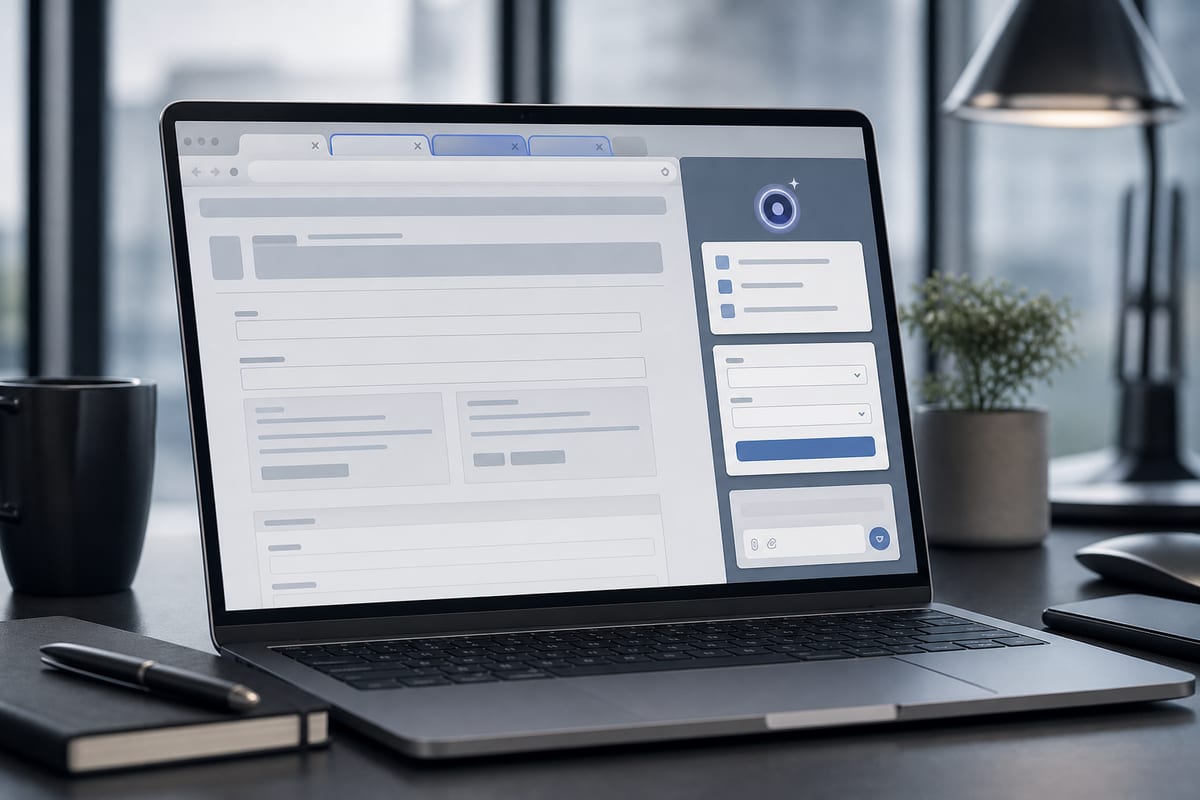
OpenAI is rolling out an update to the ChatGPT Chrome extension that opens access to already opened tabs and introduces a sidebar with the complete conversation history. ChatGPT Work can also perform actions on these tabs, such as sending messages, filling out forms, or uploading files. Examples of instructions detail possible uses, from comparing suppliers to preparing for an appointment.
ChatGPT Work Executes Actions in Chrome Tabs
ChatGPT Work can control Chrome tabs to perform tasks such as sending messages, filling out forms, or uploading files. This feature is described as being similar to the automated browsing offered by Google's Gemini. The extension also allows users to organize or group open tabs. Additionally, a sidebar provides access to all ChatGPT features as well as the complete conversation history in Chat or Work, without leaving the current page.
Le brief IA que les pros lisent chaque soir
Les 7 actus IA du jour, décryptées en 5 min. Gratuit.
Inclus dès l'inscription : notre sélection des meilleurs guides & comparatifs IA.
Choisissez votre rythme
Gratuit · Pas de spam · Désabonnement en 1 clic
Access to Open Tabs from the App When Chrome is Mentioned
The update allows ChatGPT to access the already opened tabs in the browser. According to OpenAI, once the extension is installed, simply mentioning Chrome in the web app or on a computer enables the assistant to see the open tabs. A demonstration video shows a person asking ChatGPT to compare three tabs displaying sofas in preparation for a purchase.
Sample Queries for Forms, Comparisons, and Emails
OpenAI provides several usage examples: relying on information from an event brief to complete a registration form without submitting it, retrieving the suppliers listed in the tabs to create a comparison table with prices, main features, and source links, analyzing the services of contractors displayed in the tabs before drafting an email to the chosen provider, or filling out a form for a dentist appointment and then adding the event to both professional and personal calendars.
Brief IA — L'actualité IA en français
L'essentiel de l'actualité de l'intelligence artificielle, décrypté et expliqué chaque jour.