Chrome: Code an Extension in 60 Minutes, Publication Depends on Google
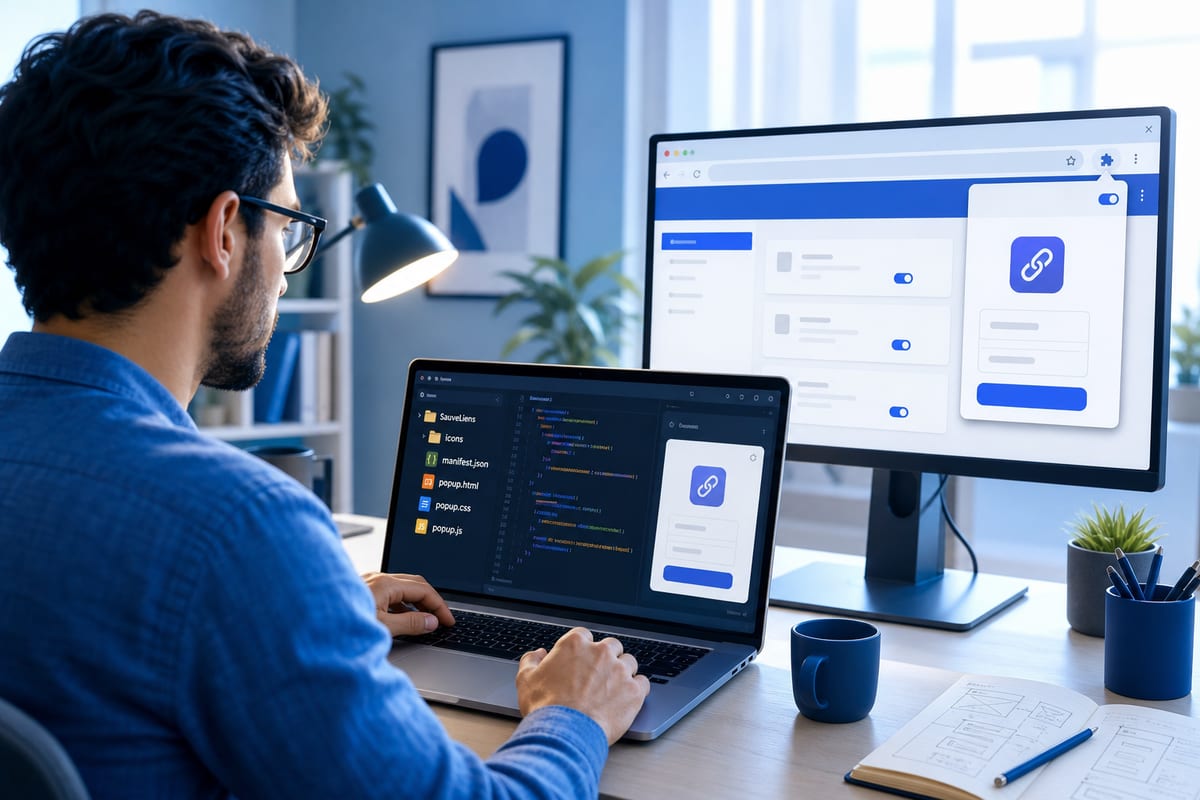
A prototype extension like SauveLiens can be generated and validated locally in about an hour using Cursor. However, going live depends on the rules of the Chrome Web Store, security checks, and compliant packaging, which the AI does not handle.
Publication Depends on Google's Review and Compliance of Elements
Submitting a ZIP file is not enough to appear on the Chrome Web Store, as the extension is reviewed by Google. Even if the timeline is respected, approval is not guaranteed, as the review time is part of Google's process. Before going live, it is essential to ensure that the name, description, version, and icons are well-aligned. The listing requires a PNG icon of 128 × 128 pixels and at least one screenshot, with recommended dimensions of 1280 × 800 or 640 × 400 pixels. The archive must include manifest.json, popup.html, popup.css, popup.js at the root level, along with the icons folder, without a parent folder, and without temporary files, logs, or sensitive data. A missing icon path can block installation. A promotional illustration is possible, but the screenshot must reflect the actual functionality. Saved URLs and titles may constitute user data, necessitating a public and up-to-date privacy policy detailing collection, usage, and potential sharing. For SauveLiens, this policy must state that links remain on the device and are not transmitted to the developer.
The Narrow Scope Allows for the One-Hour Goal
A suggested timeline of about 60 minutes makes it possible to create a functional prototype locally, provided the extension is limited to a single function, without authentication or external services. SauveLiens focuses on recording the active tab in a personal list, including title, address, and deletion. Adding translation, a paid API, or synchronization would complicate permissions and risks. The timer remains an estimate and assumes that Cursor and Chrome are installed. Submitting within the hour also requires an operational developer account and ready listing elements, with the final submission occurring between 55 and 60 minutes in this scenario.
Minimum Technical Components: Manifest V3, Targeted Permissions, and Files
The technical foundation relies on native HTML, CSS, and JavaScript, loaded directly by the browser, with a manifest compliant with Google’s distribution rules. New extensions intended for the store use Manifest V3. The prompt targets SauveLiens and mandates a popup in French, local link recording and management via chrome.storage.local, without server, CDN, tracker, or API. Permissions are limited to activeTab, which provides temporary access to the triggered tab, and storage, sufficient for this case without resorting to tabs or history. Only http and https URLs are accepted. The files to be produced are manifest.json, popup.html, popup.css, popup.js, and PNG icons sized 16, 48, and 128 pixels. In terms of code, popup.js queries the active tab, filters schemes, avoids duplicates, and title display preferably uses textContent, without treating data as executable instructions. Local storage does not ensure synchronization across devices or persistence after uninstallation.
Le brief IA que les pros lisent chaque soir
Les 7 actus IA du jour, décryptées en 5 min. Gratuit.
Inclus dès l'inscription : notre sélection des meilleurs guides & comparatifs IA.
Choisissez votre rythme
Gratuit · Pas de spam · Désabonnement en 1 clic
Preliminary Checks: No Remote JavaScript and Verified Manifest
It is advisable to ask the agent for a summary of the files and permissions, then personally review the manifest. Icon paths should be checked, ensuring that no remote scripts or network calls are present, as the Chrome Web Store prohibits remotely hosted JavaScript in extensions. The example provided for SauveLiens has been verified for its structure and syntax, but this does not exempt one from conducting an actual test in Chrome.
Loading and Testing in Chrome Validate Functions and Failures
Loading is done via chrome://extensions, developer mode, and the unpacked load option pointing to the folder containing manifest.json. Tests cover the recording of an HTTPS page, persistence after reopening the popup, prevention of duplicates, reopening the link, and its deletion. Pages like chrome://settings should not be saved, and an unusable URL must generate a clear message without blocking the interface. For diagnostics, inspecting the popup and the console helps isolate errors. After any modification, the extension must be reloaded via chrome://extensions, and previously validated tests should be replayed to detect any regressions. A real screenshot of the popup will then serve for the store listing.
Work Organization: From Idea to ZIP with Targeted Corrections
A task sequencing helps meet the deadline: 0 to 5 minutes to frame the idea and its limits, 5 to 25 minutes to generate the manifest and popup with Cursor, 25 to 40 minutes to load and test the recording, opening, and deletion, 40 to 55 minutes to correct and prepare the archive. Vague instructions at the start push the agent to add unnecessary functions and permissions; precise instructions, along with manual testing and error and duplicate management, set the course. In case of a bug, providing the exact message and requesting a targeted fix from Cursor avoids breaking already validated functionalities.
Brief IA — L'actualité IA en français
L'essentiel de l'actualité de l'intelligence artificielle, décrypté et expliqué chaque jour.