Claude Code: 7 Steps to Optimize Your Workflow
Le brief IA que les pros lisent chaque soir
Les 7 actus IA du jour, décryptées en 5 min. Gratuit.
Inclus dès l'inscription : notre sélection des meilleurs guides & comparatifs IA.
Choisis ton rythme
Gratuit · Pas de spam · Désabonnement en 1 clic
Optimizing Your Workflow with Claude Code: A Product Designer's Experience
After a year of daily use of Claude Code, an experienced product designer shares the seven key steps that have transformed his productivity. This feedback is the result of numerous attempts and adjustments.
Create a Project Context with the Command /init
The first crucial step is to initiate each new project with the command /init. This command allows Claude Code to generate a CLAUDE.md file, which contains all the contextual information necessary for the current project. This establishes a solid foundation for effective work.
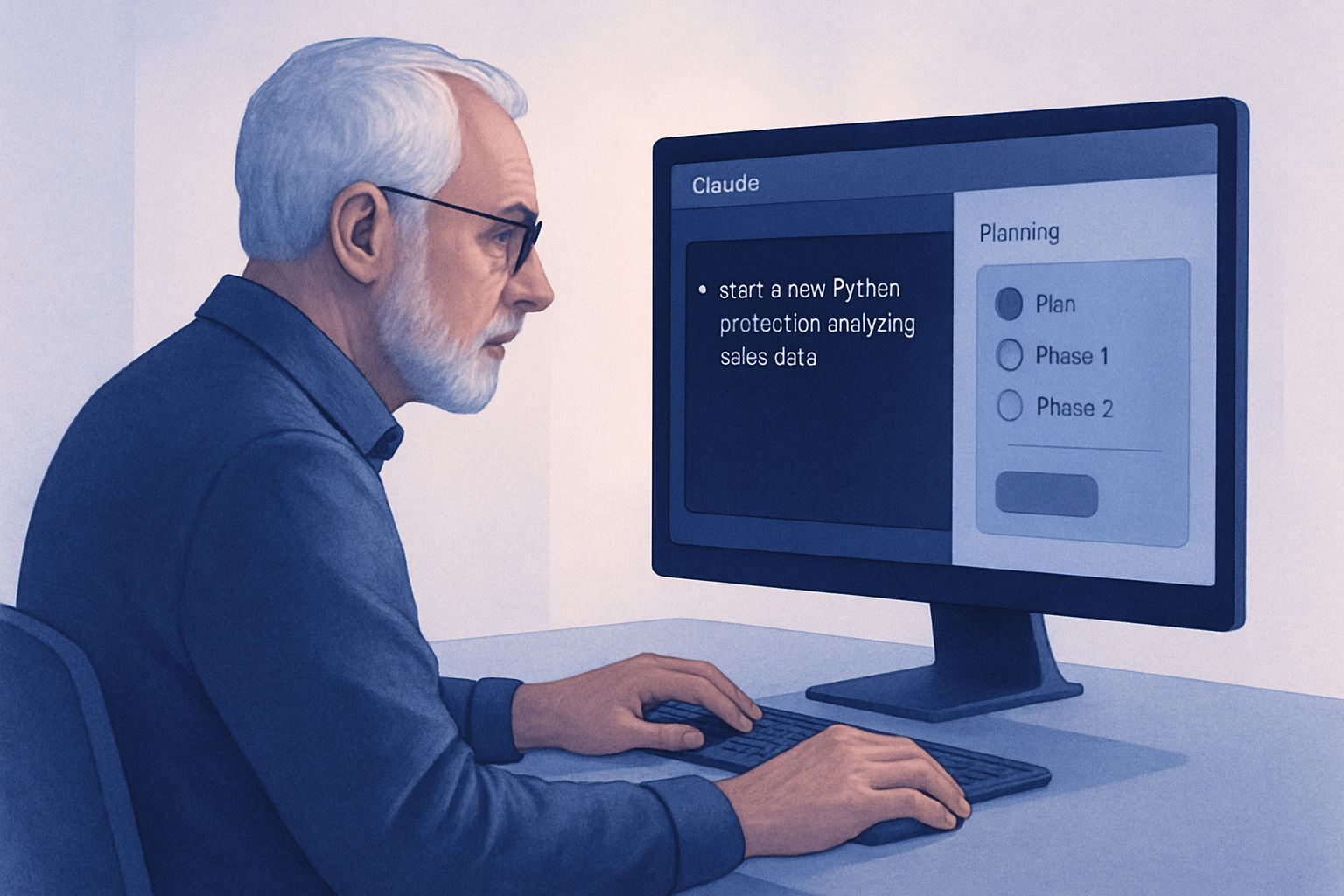
Leverage the "Plan" Mode for Complex Projects
For complex tasks, it is advisable to use the "Plan" mode before diving into implementation. This mode enables Claude Code to formulate a detailed plan that outlines its approach and poses essential questions. This avoids many back-and-forths and optimizes working time.
Brief IA — L'actualité IA en français
L'essentiel de l'actualité de l'intelligence artificielle, décrypté et expliqué chaque jour.