Claude Code Connects Figma to Create and Critique Designs
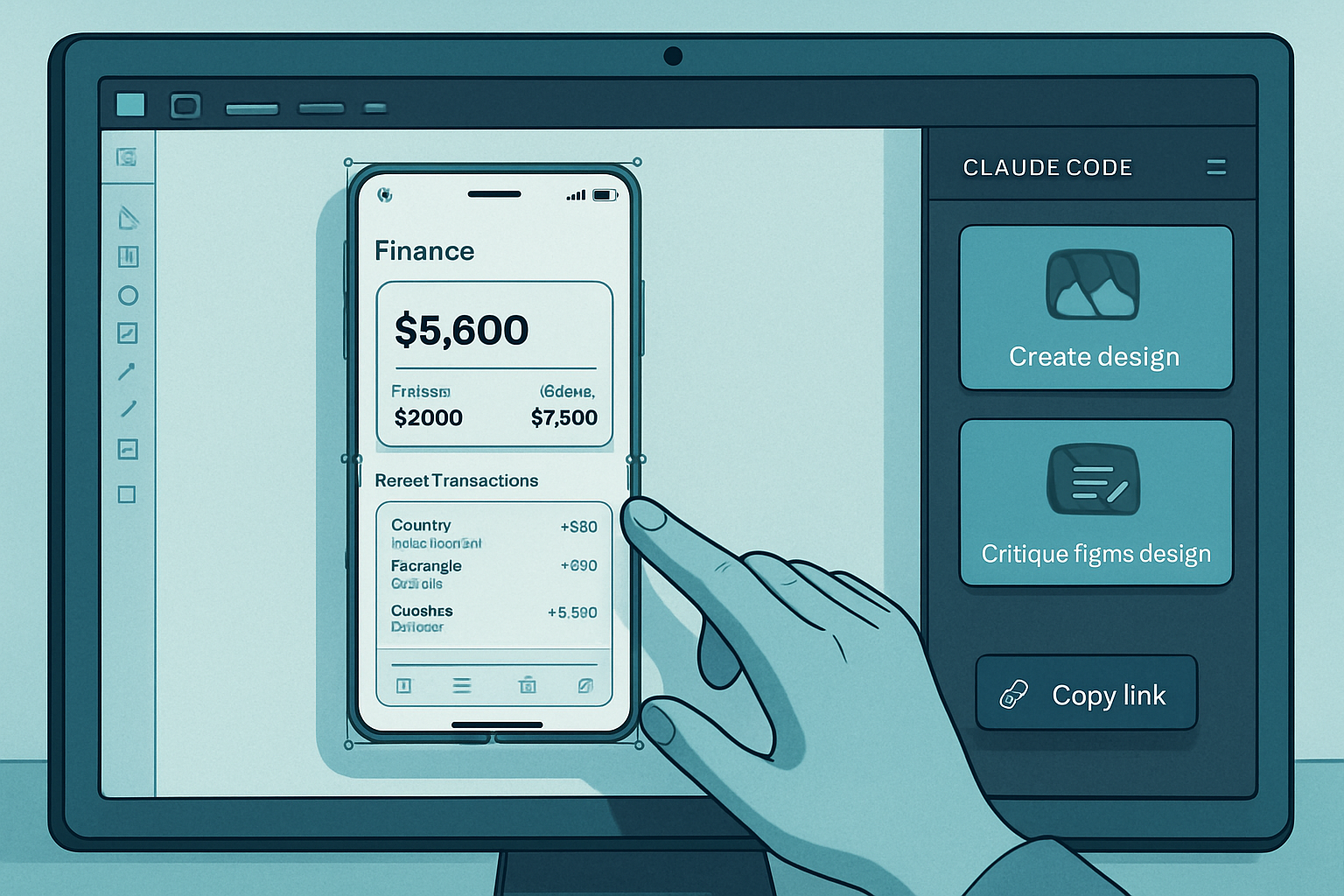
Claude Code has recently launched a plugin to create interfaces within its environment and to critique and refine Figma designs. One example is based on a simple mobile mockup, built using Auto Layout and intentionally without design system components. The first action described involves copying the link of the selected frame in Figma.
A Figma Example Without Components, Built with Auto Layout
The presented example concerns a mobile finance application mockup created in Figma. This design does not use any components or styles from a design system, a choice made deliberately. It is meant to be very balanced and was designed with Auto Layout.
Le brief IA que les pros lisent chaque soir
Les 7 actus IA du jour, décryptées en 5 min. Gratuit.
Inclus dès l'inscription : notre sélection des meilleurs guides & comparatifs IA.
Choisissez votre rythme
Gratuit · Pas de spam · Désabonnement en 1 clic
First Planned Step: Copy the Selection Link
Before using Claude Code, you need to select the frame containing the mockup in Figma, and then copy the selection link.
A Claude Code Plugin for Creating, Critiquing, and Refining
Claude Code has recently launched a plugin that allows users to create designs directly within its interface. This plugin can also be used to critique and improve designs made in Figma. A process is detailed to show how to use this tool to critique and refine Figma mockups.
Brief IA — L'actualité IA en français
L'essentiel de l'actualité de l'intelligence artificielle, décrypté et expliqué chaque jour.