Claude Code: Default Auto Mode Revolutionizes Safety
Le brief IA que les pros lisent chaque soir
Les 7 actus IA du jour, décryptées en 5 min. Gratuit.
Inclus dès l'inscription : notre sélection des meilleurs guides & comparatifs IA.
Choisis ton rythme
Gratuit · Pas de spam · Désabonnement en 1 clic
Auto mode Becomes the Default Setting for Claude Code
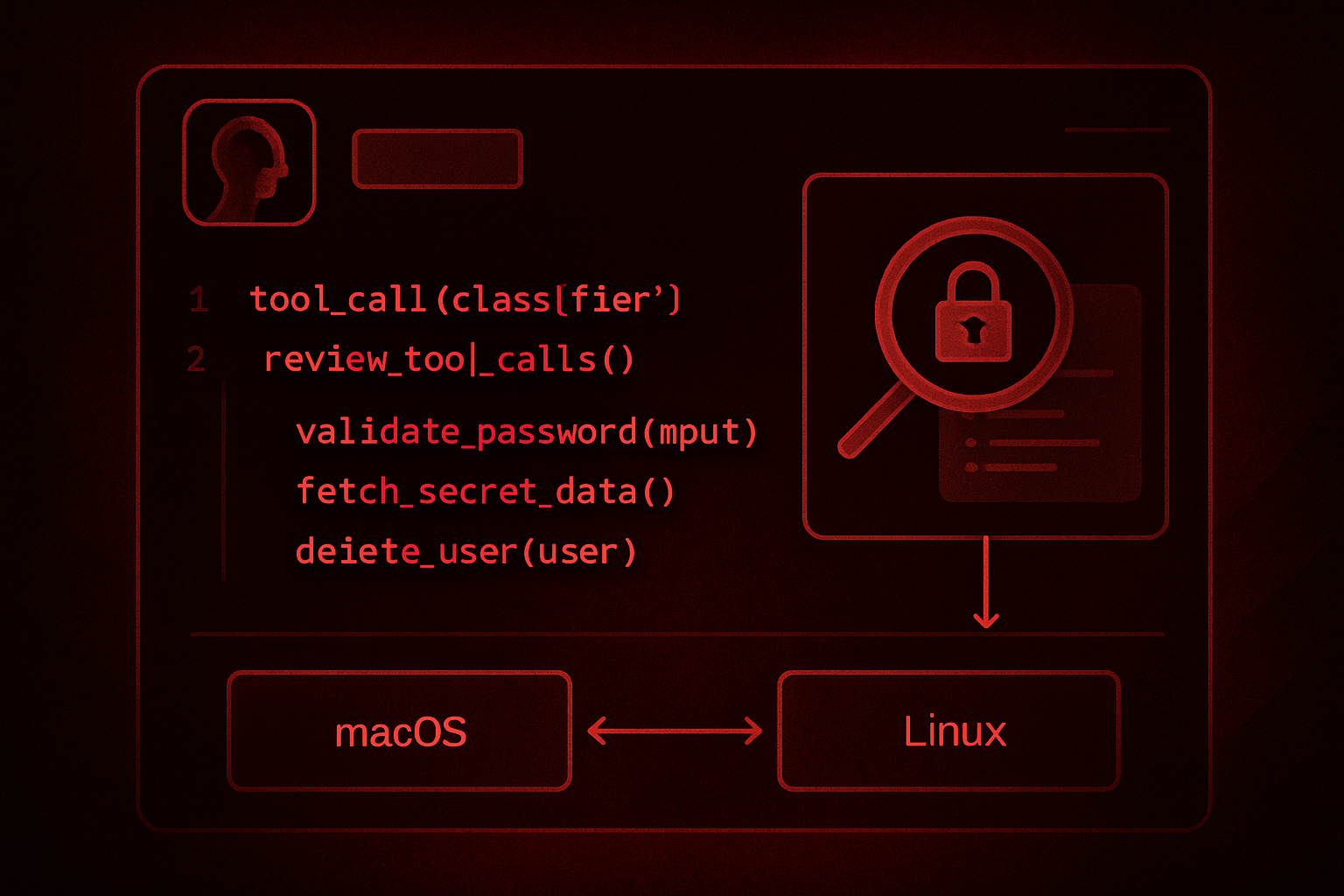
In the field of artificial intelligence, Claude Code, the AI-assisted coding tool developed by Anthropic, has recently adopted auto mode as its default setting. This operating mode relies on a classifier that examines each tool call before execution. Actions deemed safe are automatically validated, while those considered potentially destructive or outside the scope of work are blocked. In the event of a block, the AI agent seeks an alternative or requests user approval. If three consecutive blocks or twenty cumulative blocks occur during the same session, the system reverts to manual validation mode.
This mechanism, initially proposed in a trial version since last March, now relies on recently published safety data from Anthropic. In a study involving 1,053 paid testers, a dangerous command was inserted into their session. The results showed that only 13.6% of testers detected this command, while auto mode blocked it in 89% of cases. Furthermore, Anthropic found that manually validated sessions contained harmful high-impact actions twice as often compared to those processed through auto mode.
Auto Mode Default: Upcoming Deadlines
Starting August 14, all new sessions of Claude Code on the Pro, Max, and Team plans will automatically switch to auto mode. Anthropic has decided to no longer charge the slight token surcharge generated by the classifier for these users. Those who have already configured a different setting will receive a proposal for change, unless an administrator has locked a mode via the settings.
For Claude Enterprise users, the API, and Claude Platform on AWS, Google Cloud, and Microsoft Foundry, auto mode remains optional for the time being. However, Anthropic plans to extend it to these platforms in the coming month while also eliminating the billing surcharge related to the classifier.
Claude Code Now Allows Sessions to Communicate with Each Other
Anthropic has also introduced an inter-session messaging feature in Claude Code, available on macOS and Linux with version 2.1.224 of the tool. This feature allows one session to send a message to another, conveying a summary of the situation without including the complete conversation history or working files. The receiving session can then resume the task while considering this context.
Among the use cases mentioned by Anthropic are the ability to alert a session that an ongoing modification could compromise its work, to relay the answer to a blocking question for another session, or to report the status of a long-running task. However, messaging does not allow for the validation of a permission request or remote configuration changes. If an action requires authorization, the session receiving the message must still obtain user consent.
What This Change Means for Development Teams
The shift to auto mode as the default changes how Claude Code operates for all affected accounts, without any intervention on their part. Anthropic justifies this decision by the limitations of manual validation, where users approve 97% of permission requests, a rate that reflects more of an automatic validation than a thorough review of each command.
Teams wishing to maintain complete control over every action can adjust the managed settings. The defaultMode parameter allows an administrator to set a different default setting for the entire organization, while disableAutoMode completely disables auto mode. For users of Claude Code via Claude Enterprise, the API, or one of the partner clouds, there are still a few weeks to anticipate this transition before Anthropic generalizes it as well.
Brief IA — L'actualité IA en français
L'essentiel de l'actualité de l'intelligence artificielle, décrypté et expliqué chaque jour.