Claude Cowork by Anthropic: The AI Redefining Work
Le brief IA que les pros lisent chaque soir
Les 7 actus IA du jour, décryptées en 5 min. Gratuit.
Inclus dès l'inscription : notre sélection des meilleurs guides & comparatifs IA.
Choisis ton rythme
Gratuit · Pas de spam · Désabonnement en 1 clic
Claude Cowork: The AI Agent Transforming Collaborative Work
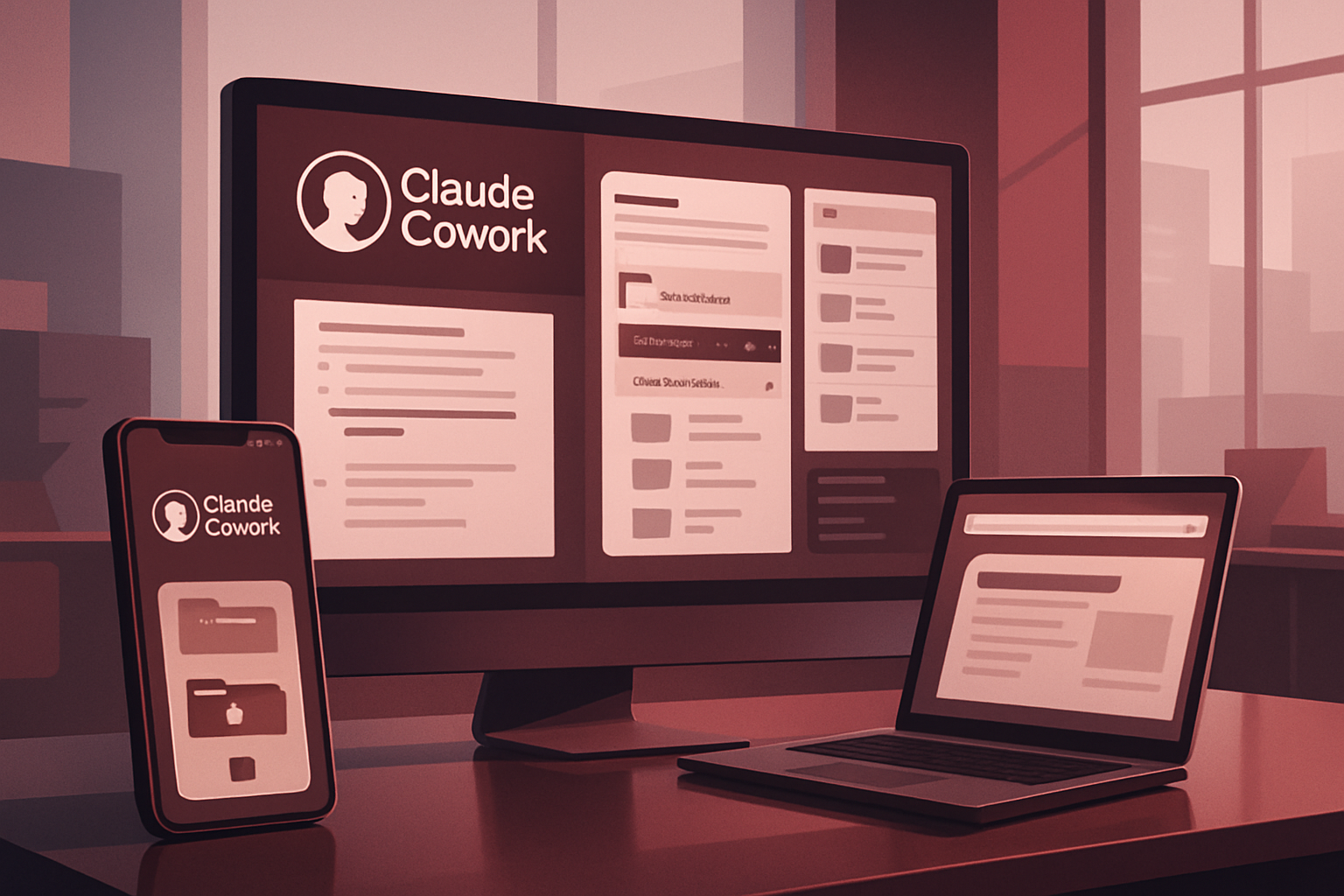
In January 2026, Anthropic introduced Claude Cowork, initially in a limited preview version on macOS. By spring, this tool was rolled out across all paid plans, reaching web and mobile platforms in July. This rapid evolution underscores Anthropic's commitment to making Cowork a comprehensive AI workspace, moving beyond the experimental stage reserved for developers.
A Tool Tailored for Professionals
Unlike Claude, the chat that merely answers questions, Cowork is designed to execute tasks. Users can set a goal, step away, and then return to find that the work is completed: documents formatted, files reorganized, research synthesized into actionable reports, and even content created. Cowork relies on the agentic architecture of Claude Code, Anthropic's development tool, but does not require the use of a terminal. While the chat handles one instruction at a time, Cowork manages multi-step tasks until completion.
The Task Processing Workflow of Cowork
Cowork operates systematically, as described in the official documentation. Claude begins by analyzing the user's request, then develops a plan. If necessary, it breaks the work down into sub-tasks. It executes code and shell commands in a secure environment on Anthropic's servers and uses various tools if permitted. Claude can coordinate multiple projects in parallel if the subject allows. Finally, it delivers the results in the session, where they can be previewed and downloaded. This method explains both the tool's efficiency and its cost, while allowing users to intervene at any time.
Access Conditions for Cowork
As of August 2026, access to Cowork is reserved for paid subscriptions, including Pro, Max, Team, and Enterprise. The Claude Desktop application for macOS or Windows is essential for managing local files, the browser, and the computer. An active Internet connection is required throughout the session.
Three Essential Permission Modes
Cowork offers three permission modes that are crucial for optimal use. These settings allow for managing access and task execution permissions, thus ensuring enhanced security and efficiency when using the tool.
Limitations to Know Before Getting Started
Before diving into Cowork, it is important to understand its limitations. While powerful, the tool has restrictions on the tasks it can accomplish, and it is essential for users to be aware of these limitations to avoid unrealistic expectations.
Building Your Cowork Space in 5 Blocks
Creating an effective Cowork space relies on five essential blocks. These elements structure the work environment and enable smooth and productive use of the tool, maximizing its automation and task management capabilities.
Cowork in the Enterprise: Tips for Administrators
For enterprise administrators, integrating Cowork requires special attention. It is crucial to understand how to configure and manage the tool so that it harmoniously fits into existing processes while adhering to the company's security and data management policies.
How to Start a Cowork Session
The chat and Cowork now share a single entry point. On any platform, simply locate the message area, select Cowork at the bottom left, and then describe the task to be performed. To return to a classic conversation, just select Chat. On the web, the switch is easy to find on the usual interface. On mobile, you need to open the latest version of the iOS or Android app. If the Cowork option does not appear, it means the app is not up to date.
Six Exclusive Capabilities of Cowork
The differences between Cowork and the chat go beyond conversation. They concern what the tool can do on your behalf.
-
Work Continuity Without Supervision
During a remote session, Claude's work takes place in the cloud on Anthropic's servers. Even if the device is closed, the task continues in the background. Sessions and files are saved in the user account, accessible from any interface. -
Direct Access to Local Files
On the desktop application, Claude can read and write to local files without requiring manual download or upload. No need to copy chat output to paste into a document; Claude works directly within the relevant folders and files. -
Ready-to-Use Deliverables
Cowork is capable of producing Excel files with functional formulas, including VLOOKUP, as well as conditional formatting and multiple tabs. Users receive ready-to-use files, without needing to rework a CSV. -
Coordination of Sub-Agents
For complex tasks, Claude divides the work and coordinates multiple sub-agents that progress simultaneously. This parallelization is invisible to the user, except in the progress indicators. -
In-Place Editing
On a Markdown document created by Claude, it is possible to highlight a passage to modify, click on Edit with Claude, and type the request. The correction is applied directly to the marked location. -
Browser Control
Claude can open Chrome and interact with websites. It can click, type, navigate, and fill out forms, which is useful for tasks without an exploitable API.
Capabilities of Different Cowork Interfaces
By default, Cowork executes your sessions remotely. Claude's work is done on Anthropic's servers, while sessions and files are saved in the user account. Anthropic summarizes this by stating that "your sessions and files follow you, regardless of the device."
Features Available on All Platforms
The comparison table published by Anthropic clearly distinguishes the three surfaces. Available on the app, web, and mobile are:
- Starting, controlling, and reviewing tasks
- Resuming a session started on another surface
- Connectors
- Skills and plugins
- Previewing files created by Claude
- Scheduled tasks
- Projects
Features Exclusive to the Desktop Application
Live artifacts only work on the desktop application. Local connectors and plugins that integrate local MCP servers are also exclusive to this application.
Brief IA — L'actualité IA en français
L'essentiel de l'actualité de l'intelligence artificielle, décrypté et expliqué chaque jour.