Claude by Anthropic Labs: Interactive Prototyping
Claude Design from Anthropic Labs: Interactive Prototyping
On April 17, 2026, Anthropic launched Claude Design. On the same day, Figma's stock dropped by about 7%, and a board member of Figma, Mike Krieger, resigned just three days before the announcement — a timing coincidence that market observers immediately noted. This is a genuine reaction from real investors, and it speaks volumes about how the industry interprets this launch. However, it says almost nothing about what a newcomer should actually do with the tool on their first afternoon.
This guide addresses that second question. Claude Design is new enough that most writings about it are either marketing texts or enthusiastic first impressions. This article focuses on what really matters if you are about to open it for the first time: what it is under the hood, how to kick off a real project instead of a generic draft, where it truly competes with tools you already know, and where its imperfections are still visible.
What Claude Design Really Is
Claude Design is a research preview under Anthropic Labs, Anthropic's category for early and evolving products. It is powered by the vision capabilities of Claude Opus 4.7, and it is available now at claude.ai/design. It is accessible to anyone with a Pro, Max, Team, or Enterprise plan, although Enterprise administrators must deliberately enable it, as it is disabled by default at that level.
Claude Design Interface
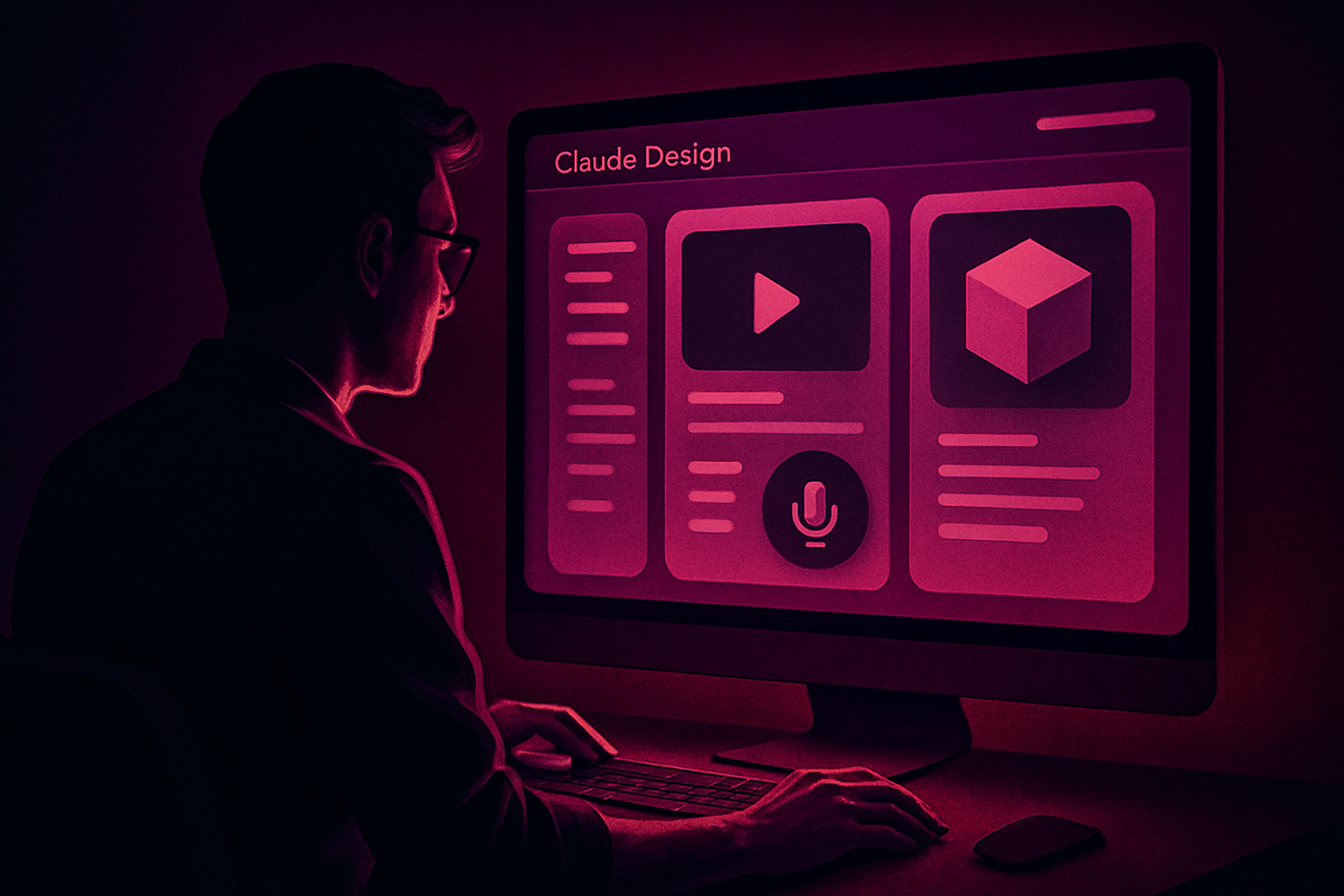
The detail that truly matters for your use is what happens under the canvas. Claude Design does not generate flat images like an image model does. It generates real functional code, and this unique distinction makes everything else in the tool possible: interactive prototypes with functional navigation, embedded video, voice input, and 3D elements, as the output is genuinely code that a browser can execute, not a static image of an interface. A detailed report described this as code being the underlying universal medium for everything Claude Design produces, whether the output resembles a slideshow, a landing page, or a complete interactive prototype.
This approach is important because it properly sets expectations from the start. It is not a faster Canva, nor is it a replacement for Figma's vector design tools. Rather, it is a design partner that produces code, which means its current strengths and weaknesses stem directly from this architectural choice.
Getting Started: Your First Project
Opening Claude Design for the first time presents four starting points:
- Prototype, for interactive interfaces and flows;
- Slideshow, for presentations;
- From a template, for a pre-designed starting structure;
- Other, an open space for anything that doesn’t fit the first three — one-page documents, infographics, or unique visual elements.
Claude Design Workspace Layout
The workspace layout features a chat panel next to a live canvas, which will feel immediately familiar if you have used Claude Code, and the resemblance is not superficial. Type an initial prompt describing what you want, and rather than immediately generating something, Claude Design often first asks clarification questions — about the audience, tone, or structure — before it begins to build. This is the same underlying pattern as the Plan Mode in Claude Code: propose before executing, rather than guessing and hoping the first draft is satisfactory.
Answering these clarification questions correctly is worth more time than it seems. A vague initial prompt almost always yields a generic result, resembling a portfolio template, and the main reason for this is not a weak prompt; it is a missing design system, which is the true subject of the next section.
The Design System is Key
Skipping this step means that everything you generate afterward will look competent but interchangeable with what any other Claude Design user gets from an equally vague prompt. Set it up correctly once, and every subsequent project will inherit your true brand, rather than a generic default aesthetic. This is by far the most consequential decision a newcomer can make, and it is also the step that most people skip because it doesn’t seem necessary to get an initial result.
-
First, gather your true brand elements — colors, fonts, logo files, existing screenshots, and anything that represents what your output should actually look like.
-
Second, upload them and let Claude generate a starting user interface kit from what it has received.
-
Third, critically review this draft rather than accepting it, as the model's first attempt to interpret your elements will not always match your intent.
Le brief IA que les pros lisent chaque soir
Les 7 actus IA du jour, décryptées en 5 min. Gratuit.
Inclus dès l'inscription : notre sélection des meilleurs guides & comparatifs IA.
Choisissez votre rythme
Gratuit · Pas de spam · Désabonnement en 1 clic
-
Fourth, validate it with a few test prompts covering different types of content — a form, a data table, and a hero section — to confirm that the system holds up outside of the exact example it was built from.
-
Fifth, publish it, and consider it a living document that you continue to refine rather than a one-time setup task that you never revisit.
There is a genuinely useful two-step workflow to adopt here if your brand elements are scattered across a dozen files and old slides rather than living in a clean source: first, use Claude Cowork to synthesize all of that into a single organized brand document, then feed that document into the Claude Design system setup. Doing the messy consolidation work in Cowork before Claude Design ever sees your elements means that the design system it builds starts from something coherent rather than forty conflicting screenshots.
Once a design system is published, it applies at the organization level for Team and Enterprise accounts, meaning that the second project anyone on your team starts automatically inherits the same components, colors, and typography scales, rather than each new project starting from scratch.
Crafting Your Prompts Well
The gap between a beginner's first result and a truly usable result is almost always the difference between a one-line prompt and a properly structured brief. The pattern to adopt covers four elements each time:
- The goal (what this output should accomplish);
- The audience (who is actually going to see it);
- Key information (the specific content that must be present, not just implied);
- The layout structure (basically how it should be organized, not just what it should contain).
Once a design system is in place, referencing its components by name in a prompt — "use the primary button style from the design system" rather than "make the button blue" — yields visibly more consistent results, as Claude Design relies on a defined component rather than reinterpreting your intent each time.
For revisions, there is a significant difference between the inline comment tool and the chat panel. Inline comments work well for specific and localized feedback related to an element — "this title is too small" — anchored directly to the element you’re pointing at. The chat panel is the best tool for structural or scope changes — "reorganize this into three sections instead of two" — where the change affects the entire layout rather than a single component.
One habit to adopt early: save a version before attempting a significant change. Claude Design supports version history, but if you are in the midst of experimentation and want to compare two different directions rather than only being able to revert to the last save point, deliberately saving before a major change gives you a clear point of comparison rather than a fuzzy memory of what the previous version looked like.
Positioning Claude Design Against Figma, Canva, and Vibecoding Tools
Claude Design does not neatly replace a single existing category; it simultaneously overlaps three of them, which is part of its real utility and also why it is easy to misuse if you expect it to behave like the tool you know.
-
Depth of collaboration
-
Quick drafts, interactive prototypes, slideshows, and iterations through natural conversation
-
Chat-driven design, single canvas, organizational-level design systems on Team/Enterprise
-
Real code (HTML/CSS/JS under the hood)
-
Code package; PPTX for slideshows (with some layout simplifications)
-
Precise vector design, complex multi-page design systems, and deep team collaboration
-
Native multiplayer editing, comments, version branching, and developer handoff tools
-
Vector design files
-
Figma files, developer mode specifications, plugin exports
-
Quick marketing assets, template-based social content
-
Shared workspace, brand kits, simple comments
-
Flattened graphics, some interactive elements
-
PNG, PDF, video, direct social publishing
-
Vibecoding tools (v0, Lovable, Bolt)
-
Directly transitioning from a prompt to a deployable application
-
Collaboration primarily solo, based on code review
-
Fully deployable application code
-
Git repository, direct hosting deployment
The practical reading of this table: choose Claude Design when you want to quickly move from an idea to something interactive, especially if the output will ultimately be handed over to code. Choose Figma when the project requires pixel-perfect design precision or a large team collaborating deeply on a complex system. Choose Canva when the deliverable is a flat, template-based marketing asset and speed matters more than customization. Choose a vibecoding tool when the real goal is a deployed application, not a design artifact that still requires a build step afterward.
Things to Try as a Beginner
A number of starting exercises tend to teach the tool faster than reading the documentation. Try converting an existing document — a brief one-page document, or a set of notes — into a neat single page, and pay attention to how many formatting decisions Claude Design handles by itself versus what you need to specify. Try uploading a rough screenshot of an interface you like and ask it to transform it into an interactive prototype, which is a quick way to see the underlying architecture of the code in action, since the result is not a static copy — it’s something you...
Brief IA — L'actualité IA en français
L'essentiel de l'actualité de l'intelligence artificielle, décrypté et expliqué chaque jour.