Cortex AI Automates Call Sorting from AAC Audio
Le brief IA que les pros lisent chaque soir
Les 7 actus IA du jour, décryptées en 5 min. Gratuit.
Inclus dès l'inscription : notre sélection des meilleurs guides & comparatifs IA.
Choisis ton rythme
Gratuit · Pas de spam · Désabonnement en 1 clic
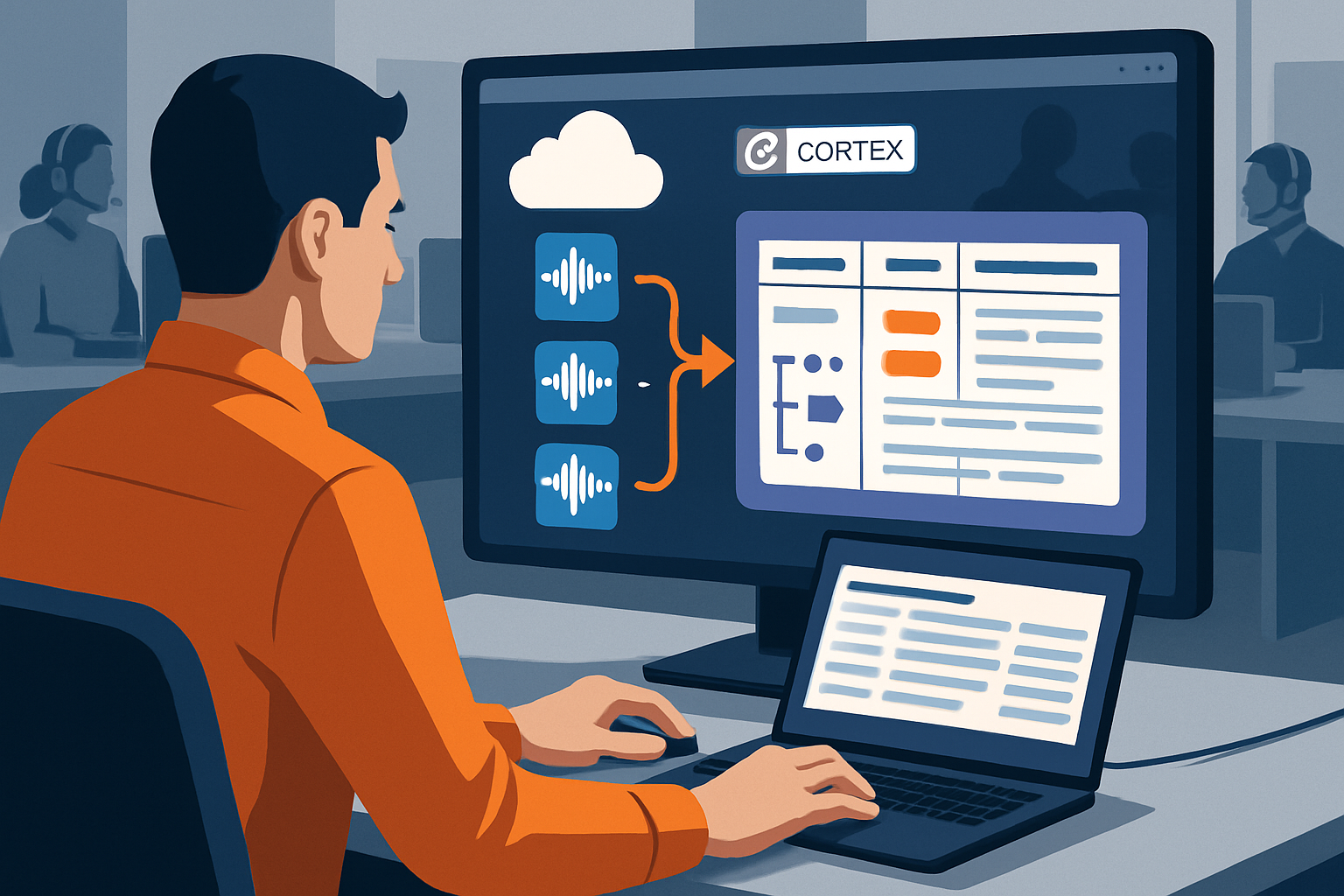
A pipeline based on integrated AI functions transcribes calls, categorizes them, and summarizes them without manual input. Three typical scenarios—billing, technical bug, and account access—serve as a testing ground and result in an analysis table ready for querying.
The Results: An Analysis Table and Correct Categories
The operational output consolidates transcript, category, and summary in the call_analysis table, with a direct query for inspecting the columns file_name, category, and call_summary. The results demonstrate that the pipeline works end-to-end: the three processed calls are correctly classified and summarized from raw audio. In the sample, support_call_1.aac is categorized as "Billing," with a transcript focused on a double charge and a correction issued by Maya. The classifier preferred "billing" over a general inquiry. support_call_2.aac is classified as "Technical Support" for a crash during photo sending, with the model choosing this option over "account access" or "billing." The three cases cover billing, technical bug, and account access, and the category list includes four labels used in the demonstration.
Transforming Audio into Queryable Text with AI_TRANSCRIBE
The conversion begins with AI_TRANSCRIBE, which produces a structured object rather than a simple string. The text is found under a dedicated key and is accompanied by metadata, including the duration of the audio. A query flattens text and duration into specific columns, facilitating subsequent processing. Intermediate results are visible via the CALL_TRANSCRIPTS_FLAT table. From this point, the entire flow works on the text, with the audio having fulfilled its role.
Categorizing and Summarizing in One Pass
The flattened transcripts are used to generate two columns per call: a category and a summary, calculated in a single pass. AI_CLASSIFY directly accepts a list of labels as an argument, without a separate model or mapping table, a functionality that suits a team lacking a custom classifier. The classifier reads the transcript and retains the closest label. Its output is a structured object, and the expression :labels[0]::STRING allows for storing the chosen label. Meanwhile, AI_SUMMARIZE_AGG(transcript_text) produces a short summary in natural language for each call, replacing the note typically written by hand.
Setup, Audio Formats, and Production Use
The demonstration relies on three AAC files, a compressed format widely used in streaming and phone recordings, for reduced size and quality close to MP3. The files are uploaded via Snowsight after creating a database, schema, and storage step, then successfully imported. The three calls were scripted and recorded to simulate a real queue: a billing dispute with a refund, an application crash logged as a bug with a workaround, and blocked access related to a spam filter. The goal is to eliminate post-call input—notes, category choices, and summaries—identified as a primary source of delays and inconsistencies. In a production environment, manual upload is avoided: the contact center platform typically writes recordings to cloud storage immediately after the call ends, and then an external step or a Snowpipe trigger automatically ingests them.
Brief IA — L'actualité IA en français
L'essentiel de l'actualité de l'intelligence artificielle, décrypté et expliqué chaque jour.