Creating Captivating AI Flyers: 8 Essential Strategies
Le brief IA que les pros lisent chaque soir
Les 7 actus IA du jour, décryptées en 5 min. Gratuit.
Inclus dès l'inscription : notre sélection des meilleurs guides & comparatifs IA.
Choisis ton rythme
Gratuit · Pas de spam · Désabonnement en 1 clic
AI and Flyer Creation: A Potential to Exploit
Artificial intelligence is now capable of producing visually acceptable flyers, but their quality often leaves much to be desired. By providing precise instructions and setting clear boundaries, the final output can be significantly improved. While a professional designer is always the ideal choice, these tips prove valuable when that option is not feasible.
AI-generated flyers can be intriguing, but they are not always to everyone's taste. Some people can often recognize them at first glance. They tend to contain too much text, mismatched fonts, and images that, while attempting to be realistic, often appear off. On Facebook, where they are frequently encountered, they are sometimes shared to lament these creations that seem trapped in poorly executed AI design.
Why is AI a Popular Option for Non-Designers?
Many people are not trained in graphic design. They may lack experience with software like Photoshop or Illustrator, or even with more accessible tools like Canva. Hiring a professional is not always possible, especially for events such as a school fundraiser, a community gathering, or a high school reunion. In these cases, AI becomes a quick and cost-effective solution.
For example, a friend recently shared a flyer for a high school reunion. It was surprisingly well-made, and although she does not use design tools, it was assumed that it had been generated by AI. The label "AI-generated content" in one corner confirmed this intuition. Despite some typical AI flaws, such as an excess of clovers and competing fonts, the flyer had positive aspects: the images and the black and green palette matched the school's colors and logo, the event was immediately recognizable, and the date and details were accurate.
The Importance of Instructions and Experience
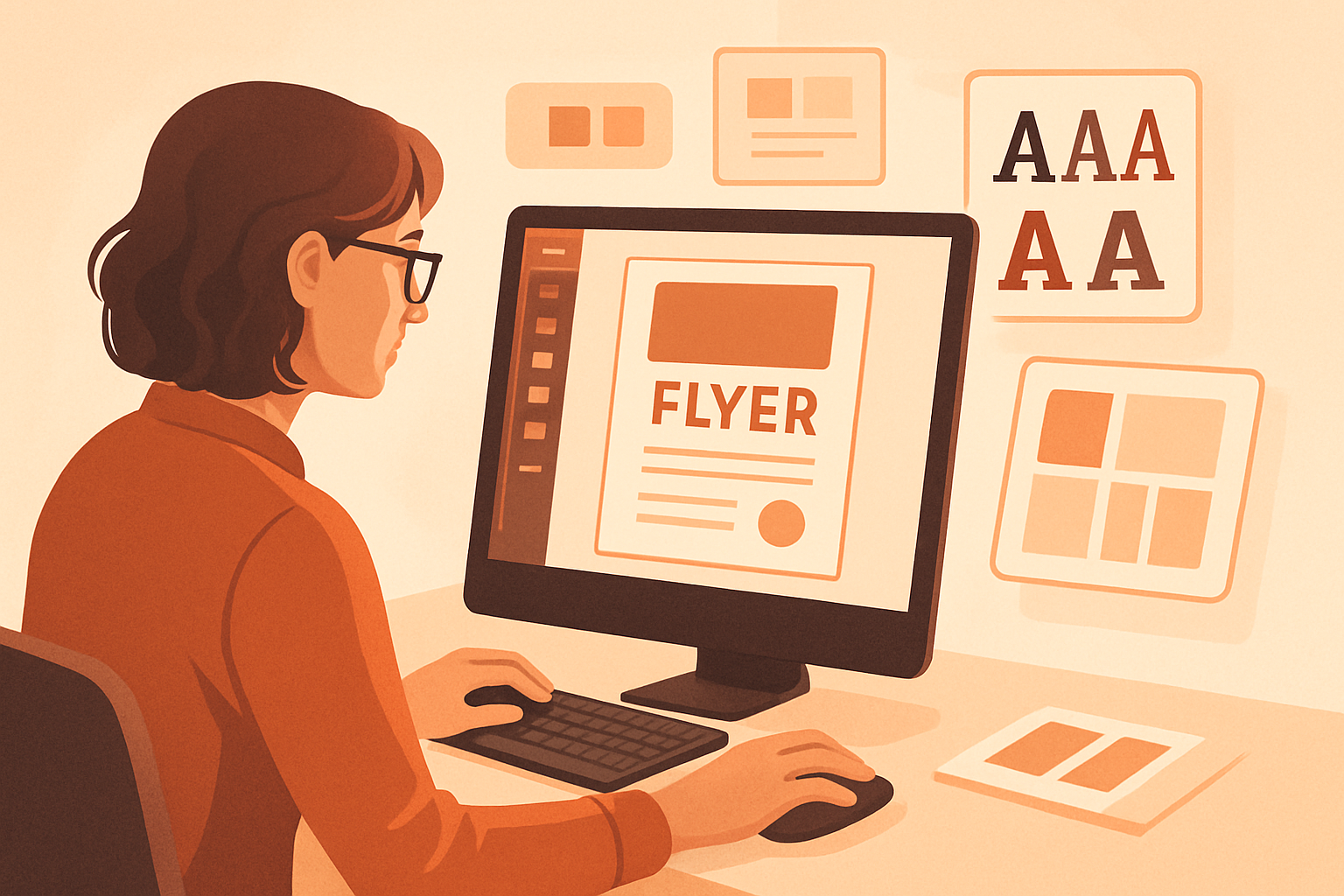
Despite its imperfections, this flyer shows that AI is progressing in managing text and layouts. It is likely that the instructions given to the AI play a crucial role. A person with design experience who regularly tests AI tools decided to create their own flyer using AI. After several attempts, here are the best tips and prompt suggestions to avoid making the flyer scream "AI."
1. Seek a Designer's Opinion
The first piece of advice, and perhaps the most important, is to consult a designer if possible. These professionals know what they are doing, and their rates may be more affordable than one might think. If not, asking a designer friend for feedback on the initial concept can be helpful. Offering a coffee or lunch as a thank you can be a good idea. They can help identify issues to correct before distributing the flyer.
2. Clarify the Flyer’s Message
Before generating a flyer, it is essential to clearly define its message. Reducing the message to a concise sentence is good practice. For example, for a 20-year high school reunion, the flyer should simply inform classmates of the date and location of the event this summer.
3. Draw Inspiration from Existing Designs
This is not about copying a design, but rather about drawing inspiration. Examining professional flyers that appeal to you, whether on Facebook, Etsy, or elsewhere, can be beneficial. Downloading an example into an AI template like ChatGPT or Gemini and asking for a description of the design, layout, and overall appearance can provide useful ideas.
4. Define the Format and Limits
Specifying where the flyer will be used is crucial. Will it be a vertical 4:5 image for Facebook or an 8.5 by 11-inch printed page? Decide, then impose limits: one focal point, a maximum of one or two fonts, consistent line spacing, two or three colors, generous margins and white space, as well as limited effects like shadows and outlines.
5. Avoid the Typical AI Flyer Look
Being explicit in the prompt is essential. Telling the AI model to create a flyer that "does not look like an AI-generated flyer" can make a difference. Naming the usual cues to avoid: no bright text, no fake 3D lettering, no excessive iconography, no ornamental borders, no random gradients, no distorted objects, and no decorative script for small details.
6. Use Original Images and Text
To prevent the flyer from looking like an AI product, it is recommended to upload original photographs. If an image of a lake is needed, taking one yourself or using a public domain photo can be a solution. The Library of Congress offers thousands of royalty-free images ready to be integrated into projects.
7. Separate Art and Text Generation
One of the most reliable processes is to have the AI create the background, illustration, or overall concept without text. Then, adding the final text in a layout editor like Canva, Affinity, Adobe Express, or Figma can be effective.
8. Write Prompts and Iterate
OpenAI recommends structuring prompts in this order: "background or scene > subject > key details > constraints." For complex requests, breaking the prompt into "briefly labeled sections or separate lines" rather than one long paragraph can be helpful. In any case, the first result is often a very rough draft.
Brief IA — L'actualité IA en français
L'essentiel de l'actualité de l'intelligence artificielle, décrypté et expliqué chaque jour.