Datasette-llm version 0.1a11 simplifies local use of LLMs
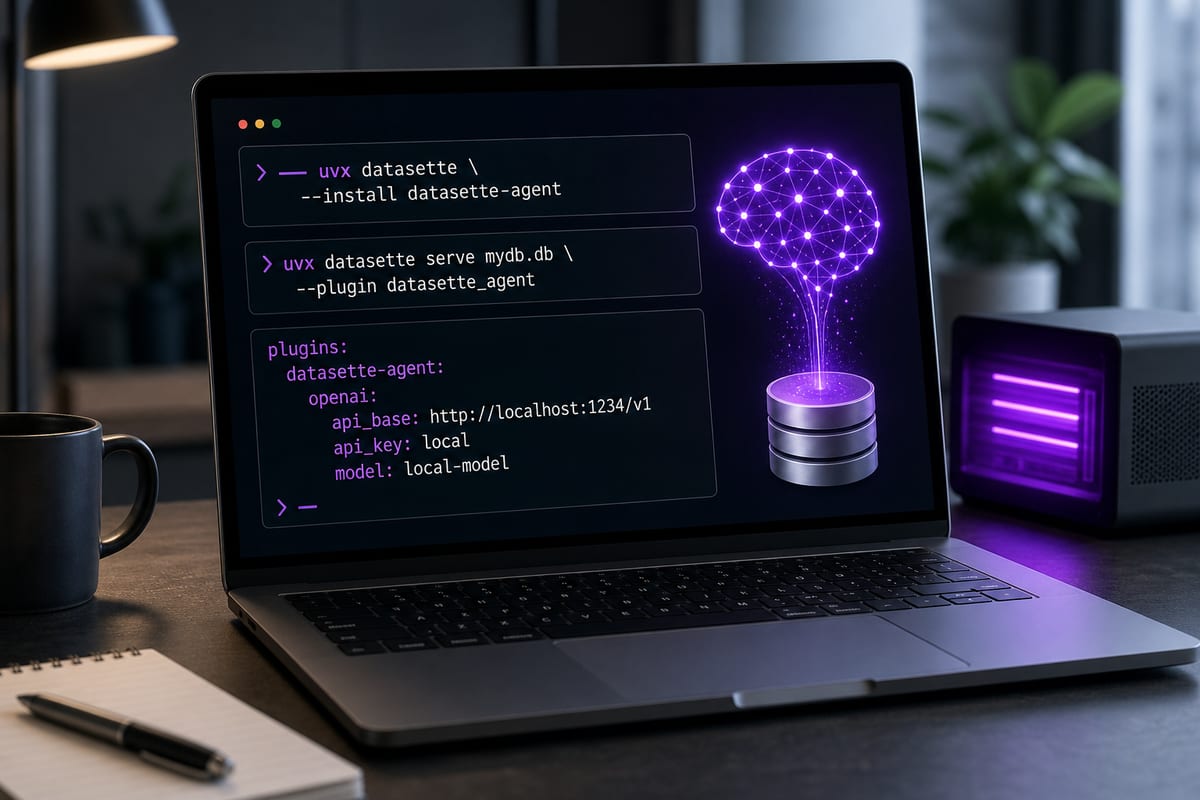
The new version of the datasette-llm plugin makes it easier to use local or self-hosted language models with Datasette. It supports OpenAI-compatible endpoints and provides a typical configuration to get started locally with Datasette Agent.
Local models usable with Datasette, including llama.cpp 1.0.0
Language models running locally with LM Studio, Ollama, or llama.cpp can now be used with Datasette thanks to datasette-llm. Version 1.0.0 of llama.cpp is supported. By following the provided procedure, it is possible to launch a local server that runs an instance of Datasette Agent powered by the local model.
Le brief IA que les pros lisent chaque soir
Les 7 actus IA du jour, décryptées en 5 min. Gratuit.
Inclus dès l'inscription : notre sélection des meilleurs guides & comparatifs IA.
Choisissez votre rythme
Gratuit · Pas de spam · Désabonnement en 1 clic
The plugin supports OpenAI-compatible endpoints
Version 0.1a11 of datasette-llm adds compatibility with endpoints using the pseudo-standard web protocol from OpenAI. This allows Datasette to query a hosted LLM anywhere, as long as it exposes this type of API. datasette-llm acts as an intermediary plugin to configure LLMs for other Datasette plugins.
Local setup with uvx and Datasette Agent
To get started, download the demo database https://datasette.io/content.db using wget, then run Datasette via uvx with the --with datasette-agent option, adding the --root and --secret 1 options. The model configuration is done with the -s plugins.datasette-llm.default_model parameter, which takes a JSON object where "model" is "lmstudio-qwen", "model_name" is "qwen/qwen3.8-27b", and "api_base" is "http://localhost:1234/v1".
Brief IA — L'actualité IA en français
L'essentiel de l'actualité de l'intelligence artificielle, décrypté et expliqué chaque jour.