Ethan Mollick: Which AI to Choose for Optimizing Your Productivity?
The Evolution of Ethan Mollick's AI Guide
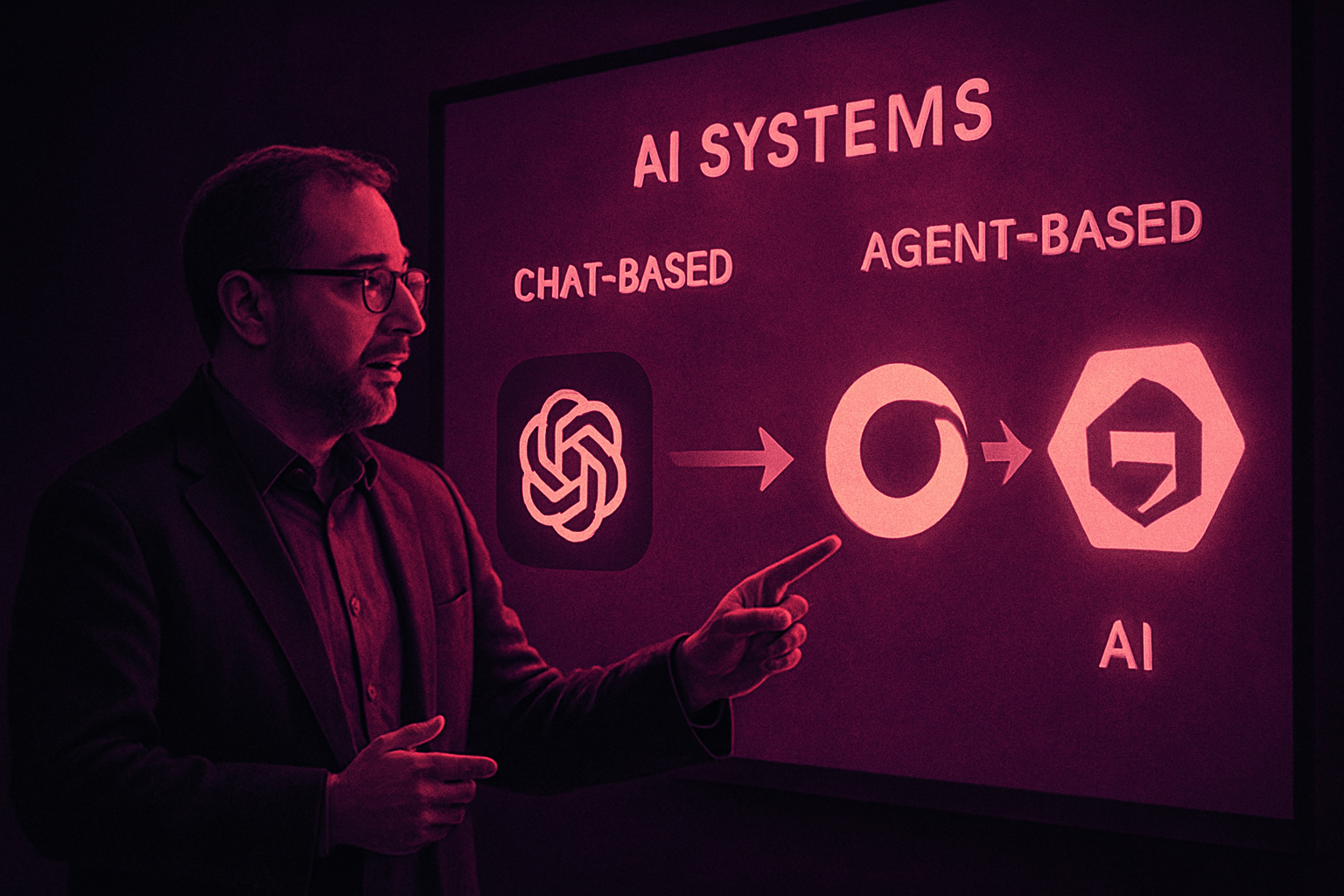
Ethan Mollick, known for his analyses on artificial intelligence technologies, has recently updated his guide on using AIs to accomplish various tasks. It is fascinating to see how his recommendations have evolved over time. A year ago, his guide primarily focused on chat systems, featuring models such as ChatGPT, Claude, Gemini, and advanced versions like o3, Claude 4 Opus, and Gemini 2.5 Pro. Deep Research was also mentioned as an interesting alternative.
The Rise of Agent Systems
Today, Mollick places greater emphasis on agent systems. These systems are capable of accomplishing in one go what would take many hours of human work. This evolution reflects a trend towards more autonomous and efficient AIs in managing complex tasks.
The Absence of Gemini and Google's Challenges
A notable change in the guide is the absence of Gemini. Google has yet to establish a solid presence in the category of systems like Codex or ChatGPT Work/Cowork. Gemini Spark, while promising, still needs to prove its effectiveness to be included in this list.
Le brief IA que les pros lisent chaque soir
Les 7 actus IA du jour, décryptées en 5 min. Gratuit.
Inclus dès l'inscription : notre sélection des meilleurs guides & comparatifs IA.
Choisissez votre rythme
Gratuit · Pas de spam · Désabonnement en 1 clic
AI Use of Computers: ChatGPT and Claude
Mollick explains how to give ChatGPT or Claude access to a computer to maximize their potential. This requires using computers provided by AI companies. In ChatGPT, this mode is called ChatGPT Work, while in Claude, it is named Cowork. Although these names may be confusing, they are essential for understanding how these AIs can be used effectively.
Agent Modes and Their Features
The most powerful method for using AI involves giving it direct access to your computer. This is done by downloading the ChatGPT or Claude applications and selecting a usage mode. ChatGPT offers Work and Codex modes, while Claude provides Cowork and Code. These modes, while sharing similar names, function differently and offer more features when they have access to your computer.
Differences Between Mobile and Desktop Versions of ChatGPT
Mollick highlights a notable difference between using ChatGPT Work on a mobile device and on a desktop computer. On mobile, switching from "Chat" mode to "Work" mode allows access to a version where the Code Interpreter is no longer limited in its access to the Internet. This makes using ChatGPT on mobile particularly powerful for certain tasks.
Brief IA — L'actualité IA en français
L'essentiel de l'actualité de l'intelligence artificielle, décrypté et expliqué chaque jour.