Extracting SPOC Quads with a Local LLM via Ollama
Le brief IA que les pros lisent chaque soir
Les 7 actus IA du jour, décryptées en 5 min. Gratuit.
Inclus dès l'inscription : notre sélection des meilleurs guides & comparatifs IA.
Choisis ton rythme
Gratuit · Pas de spam · Désabonnement en 1 clic
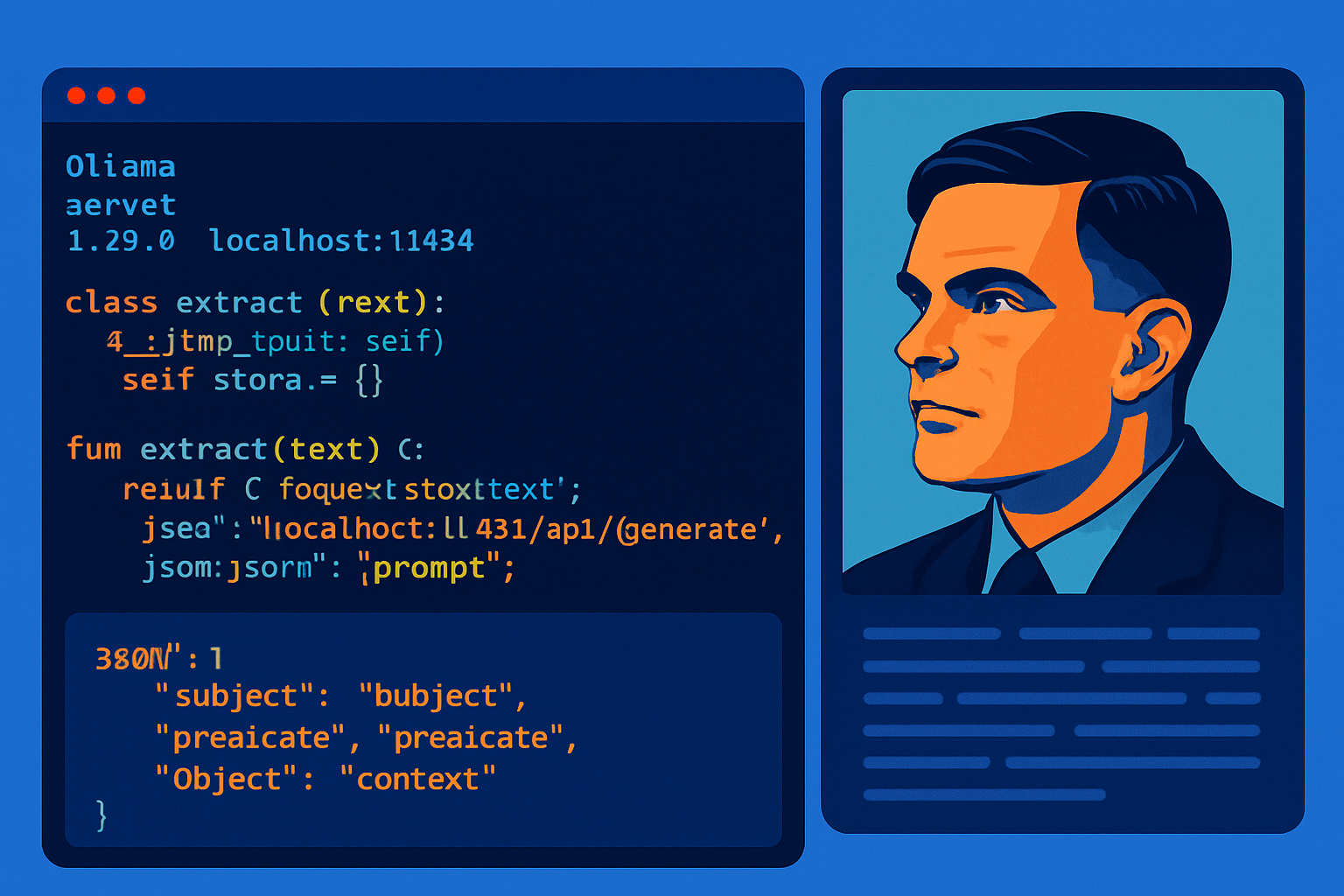
A local pipeline transforms Wikipedia summaries into SPOC quads by imposing a JSON output on Llama 3.2. The quads are deduplicated, normalized, and ready to be loaded into a QuadStore for Graph-RAG usage.
The pipeline converts Wikipedia summaries into enriched quads
The extraction process operates in strictly JSON mode, a condition deemed necessary to ensure the reliability of the extraction. Classic RDF triples are enriched with context to form SPOC quads, allowing for the tracing of a fact's origin and assessing its veracity. One example illustrates the transformation of a triple into a quad with a context like NBA_2023_Roster. The prompt addressed to the LLM mandates the production of a single JSON object containing the key facts, with each element required to include the keys subject, predicate, and object. During post-processing, each valid fact is converted into a quad by adding the key context.
The heart of the pipeline: a robust extractor connected to the Ollama API
The extraction function receives the source text, a context label, and a default model set to llama3.2. It sends a POST request to http://localhost:11434/api/generate, with a payload specifying the model, the prompt, the json format, streaming disabled, and a temperature of 0.0. The response is checked by raise_for_status, and then the generated string in the response key is parsed into JSON. The code first looks for a facts array, or if absent, the first list-type value found. Each element is filtered to be a dictionary, its keys are normalized to lowercase and stripped of spaces. The function returns the list of constructed quads, or an empty list after displaying a failure message in case of an exception.
Preparing the raw material: two paragraphs extracted from Wikipedia
The content comes from Wikipedia, obtained through the dedicated Python API. The option auto_suggest=False is used to avoid title corrections that could cause a crash. The targeted page is Alan Turing, and its summary is obtained via the summary property. The pipeline selects the first two paragraphs by splitting on line breaks, then assembles them with spaces to create a short text. The character count of the prepared text is displayed before processing.
Storing and querying: a minimalist QuadStore without duplicates
A module quadstore.py contains a QuadStore class that stores the quads in a list. The add method adds a SPOC quad only if it is not already present. The query method returns the quads matching the provided subject, predicate, object, and context filters, if any. The extracted quads can be loaded into this graph for later use in a simulated Graph-RAG pipeline.
Running locally or in Colab: installing Ollama and Llama 3.2
The workflow operates in both a Google Colab notebook and a local Python IDE. Locally, Ollama must be installed manually, and the Llama 3.2 model downloaded. In Colab, installation involves apt-get for zstd, an installation script for Ollama via curl, and adding the libraries wikipedia and requests with pip. Llama 3.2 is described as a lightweight and free model. The Ollama server is launched in the background with the command ollama serve, allowing about three seconds for startup, then the model is downloaded with ollama pull llama3.2. The entire pipeline aims to extract structured data through few-shot prompting and JSON output, to feed a knowledge graph in SPOC quads with a local LLM.
Brief IA — L'actualité IA en français
L'essentiel de l'actualité de l'intelligence artificielle, décrypté et expliqué chaque jour.