Gemini Omni 1.1 Flash: More Control for Generative Video
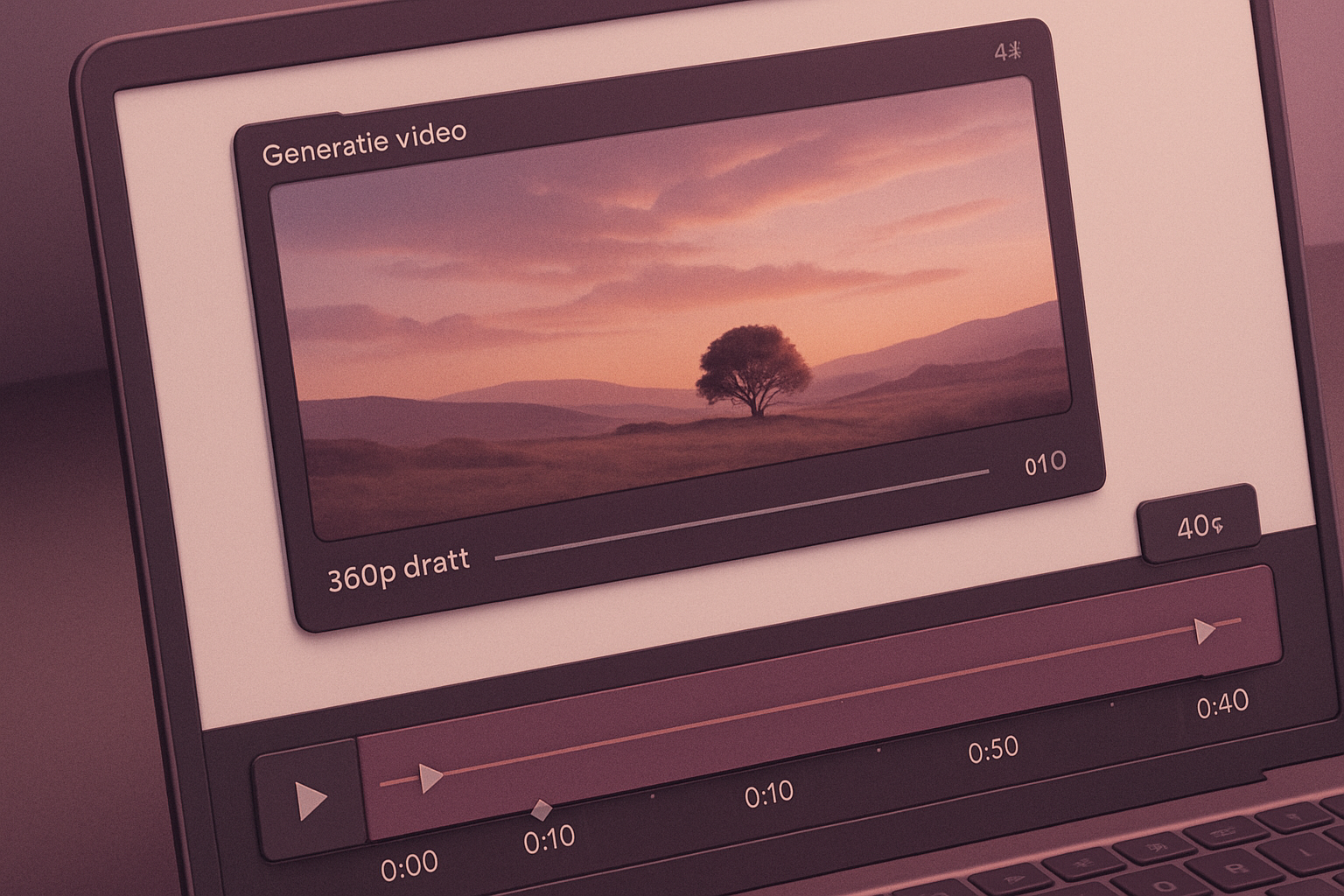
The Gemini Omni 1.1 Flash update focuses on mastering shots and output quality while accelerating low-cost iterations. Integrations with Adobe and in Figma Weave, as well as usage via the Agent API, attest to real-world deployment. The model is accessible through Google AI Studio and the Gemini Enterprise Agent platform.
Production Uses and Displayed Integrations
Clients are already using Gemini Omni Flash for productions via the Agent platform API. Adobe has integrated the model into Adobe Firefly, showcasing its video editing capabilities in a video. Itay Schiff, Creative Director of Figma Weave, considers Gemini Omni Flash one of the most powerful video models available in the tool, describing a canvas that allows for attaching references, branching versions, and shaping unique outcomes. GMI Cloud highlights the model's precision, deemed essential for creating educational and explanatory content, as the generated details withstand scrutiny.
Keyframe-Driven Transitions and Continuous Loops
Omni 1.1 offers the ability to define a starting image and an ending image for a shot. The model then creates a smooth animation connecting these keyframes, suitable for complex camera movements, gradual zoom effects, or creating seamless video loops.
Le brief IA que les pros lisent chaque soir
Les 7 actus IA du jour, décryptées en 5 min. Gratuit.
Inclus dès l'inscription : notre sélection des meilleurs guides & comparatifs IA.
Choisis ton rythme
Gratuit · Pas de spam · Désabonnement en 1 clic
Extend a Shot Up to 40 Seconds with Extended Context
Scene extension allows for taking an existing video and continuing to generate sequences seamlessly. The model can analyze up to 10 seconds of previous context, whereas earlier versions only considered one second. Sequences can be extended in increments of 10 seconds, up to a total duration of 40 seconds, with enhanced visual consistency and storytelling.
Iterate in 360p at Lower Cost, Deliver in 1080p or 4K
Preview renders in 360p can be produced up to 60% faster and at one-third the cost compared to standard 720p. This feature proves relevant for quickly testing, adjusting a storyboard, or speeding up rendering on development tools. For final delivery, Omni 1.1 allows for producing outputs in 1080p or 4K, ready for professional production.
Developer Access and Suggested Use Cases
The model is accessible via Google AI Studio and the Gemini Enterprise Agent platform, in a version announced as production-ready and focused on increased control. Features include scene extension, keyframe definition, and 4K generation. Several scenarios are suggested: an application that generates a transition between a first and last image using presets or free input, relying on the model's contextual reasoning; an application that moves the camera through different rooms of a house without adding non-existent elements; and a Draft Room concept to produce 3 to 4 variants of drafts in 360p, varying one parameter at a time and comparing results side by side.
Brief IA — L'actualité IA en français
L'essentiel de l'actualité de l'intelligence artificielle, décrypté et expliqué chaque jour.