GitHub Revolutionizes DevOps with Its Agentic Workflows
Le brief IA que les pros lisent chaque soir
Les 7 actus IA du jour, décryptées en 5 min. Gratuit.
Inclus dès l'inscription : notre sélection des meilleurs guides & comparatifs IA.
Choisis ton rythme
Gratuit · Pas de spam · Désabonnement en 1 clic
GitHub and the Innovation of Agentic Workflows
Understanding GitHub's Agentic Workflows
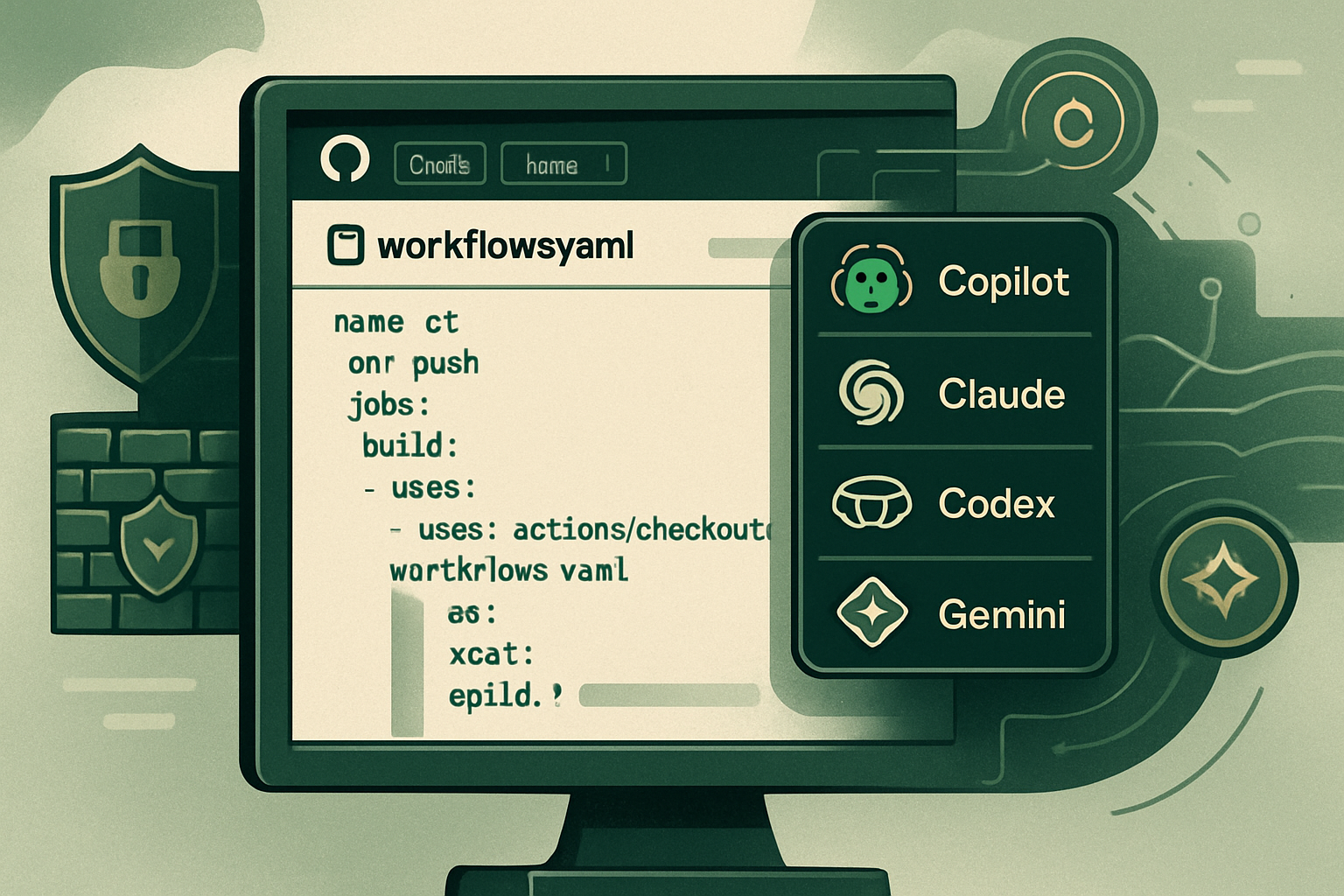
GitHub has recently introduced an innovative concept called agentic workflows, which aims to integrate artificial intelligence into the software development process. This concept relies on the creation of a Markdown file located in the .github/workflows/ directory. At the top of this file, a YAML block specifies the conditions for executing the workflow, the permissions granted, and the AI engine used. The instructions, written in simple English, describe the actions that the agent must perform.
A command-line tool, known as gh-aw, reads this Markdown file and transforms it into a .lock.yml file. The latter is a standard GitHub Actions workflow, meaning there is no separate agent runtime added to the repository. Agentic workflows reuse existing runners, branch protection rules, and policies already in place, as under natural language, they are just Actions.
Developed by GitHub Next and Microsoft Research, this project supports four default AI engines: GitHub Copilot, Claude from Anthropic, OpenAI Codex, and Google Gemini. It is also possible to integrate a custom engine if necessary. Copilot is the default engine, and if an organization already has a Copilot subscription, workflow executions can be billed directly to that organization, eliminating the need to manage a separate API key.
This initiative is part of a broader vision that GitHub calls Continuous AI, which involves systematically applying AI throughout the software lifecycle, rather than on an ad-hoc basis. Agentic workflows allow for the automation of tasks on a schedule or in response to repository events, rather than waiting for a user to ask a question to Copilot.
It is crucial to distinguish these workflows from Copilot's cloud coding agent, which is manually launched to accomplish a specific task. Agentic workflows, on the other hand, are designed to automate recurring processes, such as summarizing issue activity each week or reviewing new pull requests for security concerns.
The Benefits of Agentic Workflows
GitHub surprised many by incorporating customer testimonials right at the launch of this feature in preview, showcasing the advancement of internal testing.
-
Carvana expressed satisfaction with the flexibility and built-in controls of agentic workflows, which have allowed their engineering team to manage complex systems, including changes affecting multiple repositories simultaneously.
-
Marks & Spencer shared a similar experience, highlighting that their developers were wasting time on repetitive tasks like triaging issues and maintaining dependencies. Thanks to a catalog of reusable agentic workflows, they were able to automate these tasks across different repositories, saving time and resources.
Hud.io highlighted an often-overlooked aspect: the challenge is not in having an agent create a pull request, but in trusting that action. This is where the security design of the workflows comes into play.
Features of Agentic Workflows
The current features of agentic workflows, as presented on GitHub's page, include:
- Supported AI Engines: Four built-in engines (Copilot, Claude, Codex, Gemini) with the option to add custom engines.
- Security Controls: Five levels of security, including read-only tokens, no secrets, a network firewall, secure outputs, and threat detection.
- Documented Design Patterns: Over 18 patterns, such as IssueOps, ChatOps, DailyOps, BatchOps, etc.
- Supported GitHub Event Triggers: More than 10, including issues, pull_request, push, schedule, discussion, label, etc.
- Safe Output Types: More than 8, such as create-issue, create-pull-request, add-comment, add-label, etc.
A Robust Security Model
Security is a crucial aspect of agentic workflows. GitHub has implemented five layers of security to prevent errors or malicious tampering.
-
Read-only Tokens: By default, the agent's GitHub token is limited to read-only access, preventing any direct modification of code or files.
-
Zero Secrets in the Agent's Process: The process running the AI model never receives write tokens or API keys. This information is managed in a separate job after verifying the agent's output.
-
An Isolated Container Behind a Network Firewall: The agent operates in an isolated container, and all outgoing traffic passes through a Squid proxy, which enforces a strict allowlist of domains.
-
Safe Outputs: The agent cannot write directly to the repository. It generates a structured description of the actions to be taken, which is then verified by a separate job with defined write permissions.
-
Agent Threat Detection: Before changes are applied, a threat detection scan checks the proposed changes for any anomalies.
Together, these measures allow the agent to read almost everything in the repository but to act only within a strict and auditable contract defined by the user.
Prerequisites to Get Started
To start using agentic workflows, you will need a few essential items:
-
An account with one of the supported AI engines: GitHub Copilot, Claude from Anthropic, OpenAI Codex, or Google Gemini.
-
A GitHub repository with write access and GitHub Actions enabled.
-
The GitHub CLI version 2.0.0 or later, already authenticated on your machine.
Check your CLI version with gh --version, and if necessary, authenticate with:
# Connects your local gh CLI to GitHub with the two scopes
# required for agentic workflows: repository access and write access to workflow
gh auth login --scopes repo,workflow
Then, install the extension to compile Markdown into YAML:
# Installs the gh-aw extension in your existing GitHub CLI
gh extension install github/gh-aw
If you are already using GitHub CLI 2.90.0 or newer, running any gh aw command will automatically prompt the installation of the extension upon its first use.
Configuring Authentication
Authentication can be tricky during the first use, so it is important to understand this step well.
If you are using GitHub Copilot in a repository belonging to an organization with a Copilot plan, it is recommended to use the built-in GITHUB_TOKEN approach. This allows billing to be charged directly to the organization, without requiring personal access token management. The organization administrator must enable "Allow Copilot CLI usage billed to the organization" in the Copilot policy settings. Once enabled, simply add in the workflow's frontmatter:
copilot-requests: write # routes Copilot billing through the organization, not a personal token
GitHub's agentic workflows no longer require a PAT for this path, simplifying authentication.
Brief IA — L'actualité IA en français
L'essentiel de l'actualité de l'intelligence artificielle, décrypté et expliqué chaque jour.