Google Chrome: The 4GB AI Model Finally Explained
Le brief IA que les pros lisent chaque soir
Les 7 actus IA du jour, décryptées en 5 min. Gratuit.
Inclus dès l'inscription : notre sélection des meilleurs guides & comparatifs IA.
Choisis ton rythme
Gratuit · Pas de spam · Désabonnement en 1 clic
Google Chrome: The 4 GB AI Model Finally Explained
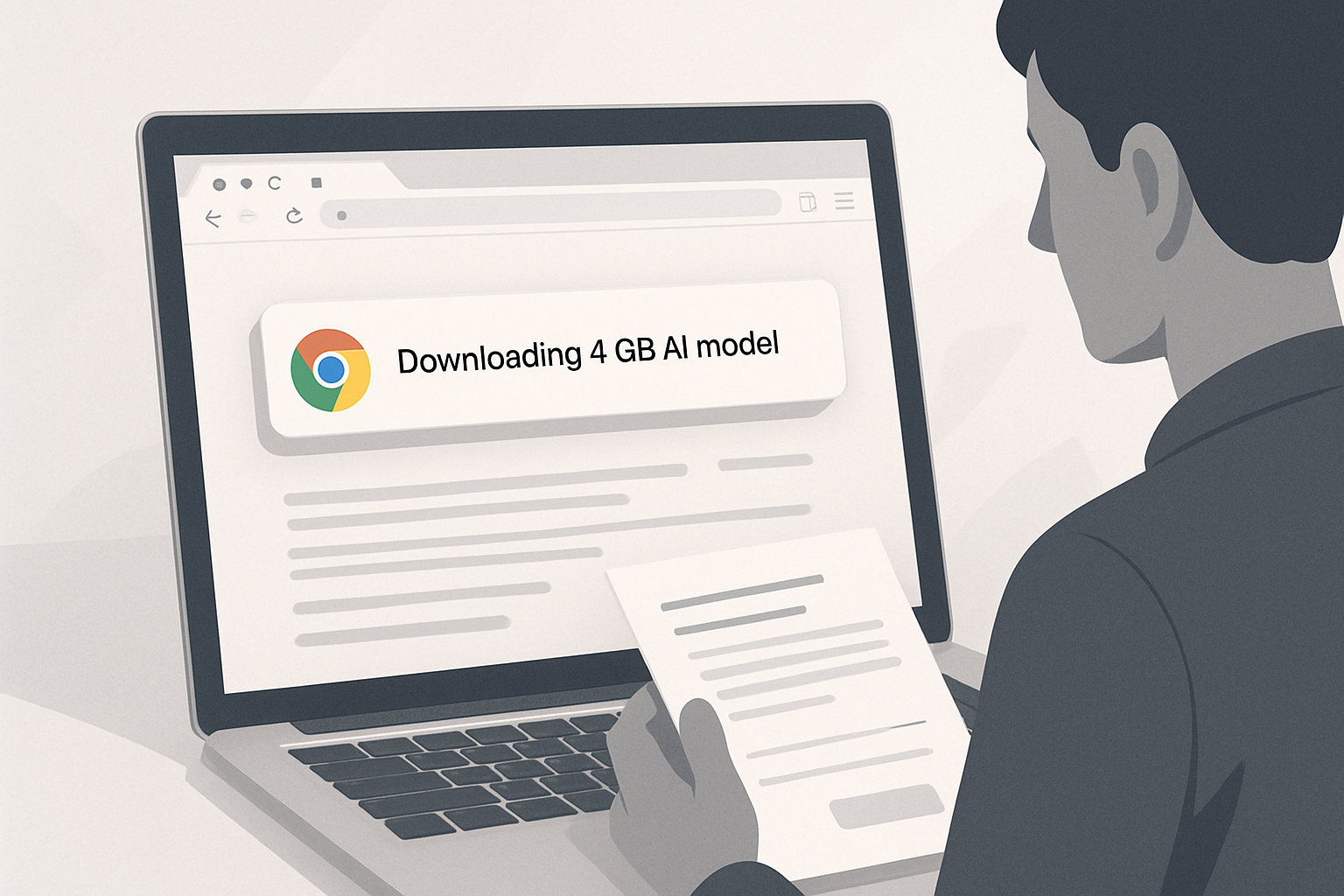
In May 2026, users noticed that Chrome was silently downloading a 4 GB AI model onto their machines. Since then, Google has updated its documentation to explain how these downloads work and to allow users to disable them.
A Recent Discovery
Users had observed that Chrome was quietly downloading an AI model of about 4 GB onto their machines without any prior explicit request. Some questioned this behavior. The next day, a Chrome representative clarified that the local AI was "a central element of the browser's development and security strategy, and that the model processes data directly on the device."
What the Documentation Update Changes
Between July 29 and August 1, 2026, Google updated its support page dedicated to local AI in Chrome. Four new sections were added, covering:
- Device eligibility requirements
- Download conditions
- Management across multiple users and devices
- Specific rules for enterprise environments
At least 20 GB of available disk space is required for the download to occur. Chrome does not attempt any downloads if the device lacks the necessary hardware to run the model. Incompatible machines are simply ignored.
For eligible devices, Chrome now checks several conditions before initiating the download:
- The internet connection must not be restricted by network locks
- The storage medium must have at least 20 GB of available space, including the 4 GB model
- The machine must have sufficient processing power
How to Manage These Downloads
Google also provides more clarity on how users can control these downloads. The documentation specifies that the only supported way to manage them is through the toggle button labeled "On-device AI" in Chrome's settings.
This feature can be turned on or off. Google further advises against manually searching for and deleting the model files, as this approach does not prevent Chrome from re-downloading them. However, when the toggle is turned off, Chrome deletes the relevant files and disables all dependent features. The browser will only recheck eligibility and restart a download if the option is re-enabled by the user.
These settings apply individually, per user and per device. IT administrators have separate control through the Chrome Enterprise policy.
A Timely Update
Google has not confirmed a link between this documentation update and the reports from May 2026. However, the close timing of the two events suggests that the clarification is not unrelated to the reactions triggered by these silent downloads of Gemini Nano, Chrome's embedded AI model.
Brief IA — L'actualité IA en français
L'essentiel de l'actualité de l'intelligence artificielle, décrypté et expliqué chaque jour.