Google Launches Gemini on Windows with AI and Subscriptions
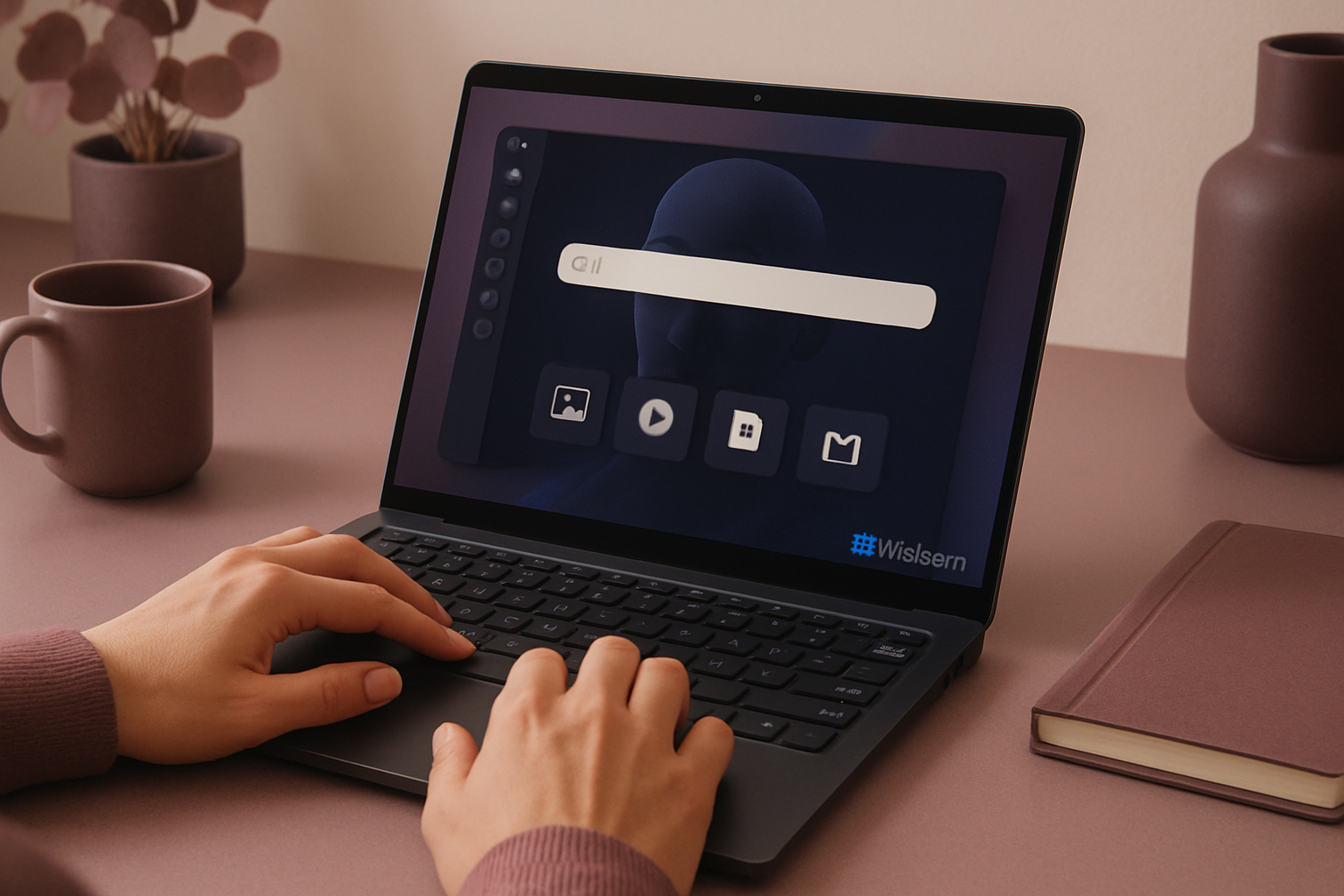
Google now offers Gemini as a desktop application on Windows. The tool combines image generation, assisted search, and service integrations, with features subject to age and subscription type. The company announces that additional features will be rolled out over time.
New Features and Integrations Available Now
Google plans to continue rolling out new features for the desktop application. The interface includes a sidebar for conversations and a central search bar. Users can create notebooks for group discussions via Gemini Notebook and find their content in the Library. The application connects to Google Docs and Gmail for accessing documents and emails. For image generation, the application uses Nano Banana. Video generation is available with a Google AI subscription using Gemini Omni, restricted to individuals aged 18 and older.
Le brief IA que les pros lisent chaque soir
Les 7 actus IA du jour, décryptées en 5 min. Gratuit.
Inclus dès l'inscription : notre sélection des meilleurs guides & comparatifs IA.
Choisissez votre rythme
Gratuit · Pas de spam · Désabonnement en 1 clic
Subscription-Related Access and Age Restrictions
Access to AI models depends on the level of paid Google subscription. Gemini Spark is reserved for users aged 18 and older with a Gemini AI subscription. With a paid non-AI Google Workspace account, the available models include Gemini 3.5 Flash-Lite, 3.6 Flash, and 3.1 Pro, along with a "extended thought" switch, which Google presents as suitable for solving complex problems.
Supported Windows, Quick Launch, and Previous Mac Release
The application runs on Windows 10 and Windows 11 and can be opened via the shortcut Alt + spacebar. It combines image generation and AI-assisted search. Google had previously launched a similar application on Mac in April. Since then, the company has added enhanced voice capabilities and improved screen awareness.
Brief IA — L'actualité IA en français
L'essentiel de l'actualité de l'intelligence artificielle, décrypté et expliqué chaque jour.