Google Uses Your Data for AI: How to Protect Yourself
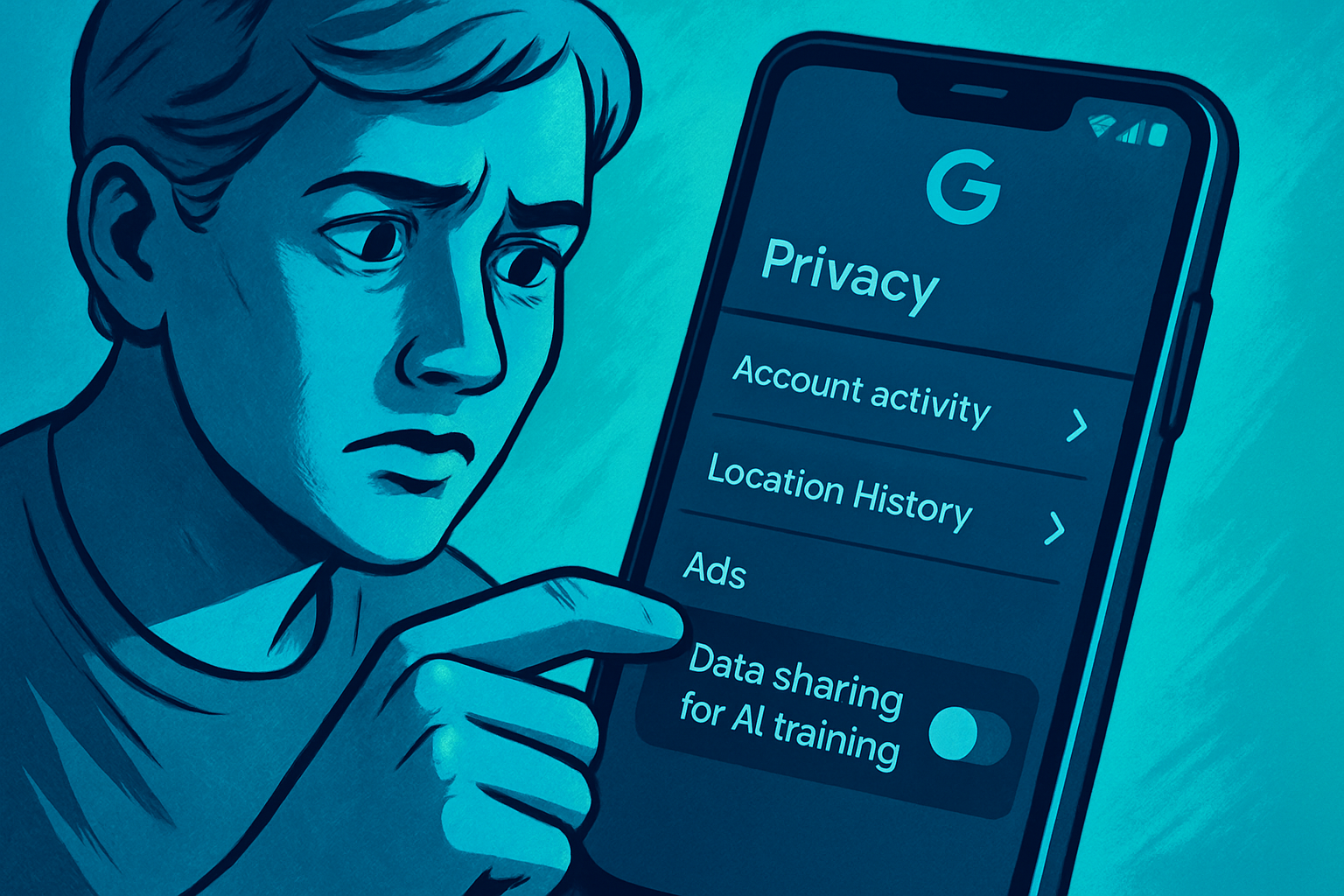
Google Intensifies Use of Your Personal Data
Recently, Google has adjusted its personal data usage policy, allowing its artificial intelligence systems to train on your images, voice searches, and videos. This new approach automatically includes all users unless they choose to opt out manually. This decision was quietly communicated by Google through an update to its privacy settings, sent via email last month.
The media you upload to Google's search services is now integrated into the AI training process. This means a potential decrease in your privacy unless you choose to unsubscribe. Google implemented this change with little publicity, automatically enrolling all its users in this expanded AI training program.
Implications of This New Policy
Essentially, this policy means that any media generated by your interactions with Google services can be used for various purposes, including future research and improving the company's language models. By combining this usage with current targeted advertising practices, user privacy is further compromised.
For example, if you discuss with a chatbot your intentions to leave your job, mentioning details like your company's name or information about your supervisor, this data could be used to train the language models. A few days later, if your boss queries the same model, they might receive information that gives them clues about your plans.
Le brief IA que les pros lisent chaque soir
Les 7 actus IA du jour, décryptées en 5 min. Gratuit.
Inclus dès l'inscription : notre sélection des meilleurs guides & comparatifs IA.
Choisis ton rythme
Gratuit · Pas de spam · Désabonnement en 1 clic
How to Protect Your Data
For those who wish to protect their privacy, the first step is to opt out of this feature. This will prevent your media files from being used to train Google's language models.
It is crucial to check two pages in the settings: Search Services History and Search Services Personalization.
-
For Search Services History:
- Open the Google app.
- Click on your profile picture in the top right, then select "Search History."
- Ensure that "Save Media" is unchecked, then check the entry at the top for search services history. If it is enabled, disable it.
-
For Search Services Personalization:
- Go back to the Google app, tap on your profile picture, then on "Search Personalization."
- On this page, check the entry at the top and make sure the service is turned off.
If these options are not available on your device, you can also go to myactivity.google.com, access the Search Services History, and uncheck "Save Media."
Considerations on Opting Out
For some users, Google's ability to anticipate their advertising needs may be viewed positively. If you appreciate that your images, voice, videos, and other files are used to improve language models, you might choose to keep these features active. Similarly, if you find personalized ads useful, maintaining these settings could be your preference.
Ultimately, the decision depends on your personal comfort level regarding privacy. For those who prioritize privacy above all, it is advisable to disable this feature to prevent Google's language models from training on your media. For enhanced protection, consider using locally installed AIs.
Brief IA — L'actualité IA en français
L'essentiel de l'actualité de l'intelligence artificielle, décrypté et expliqué chaque jour.