Claude Code: Master Animations with Precise Instructions
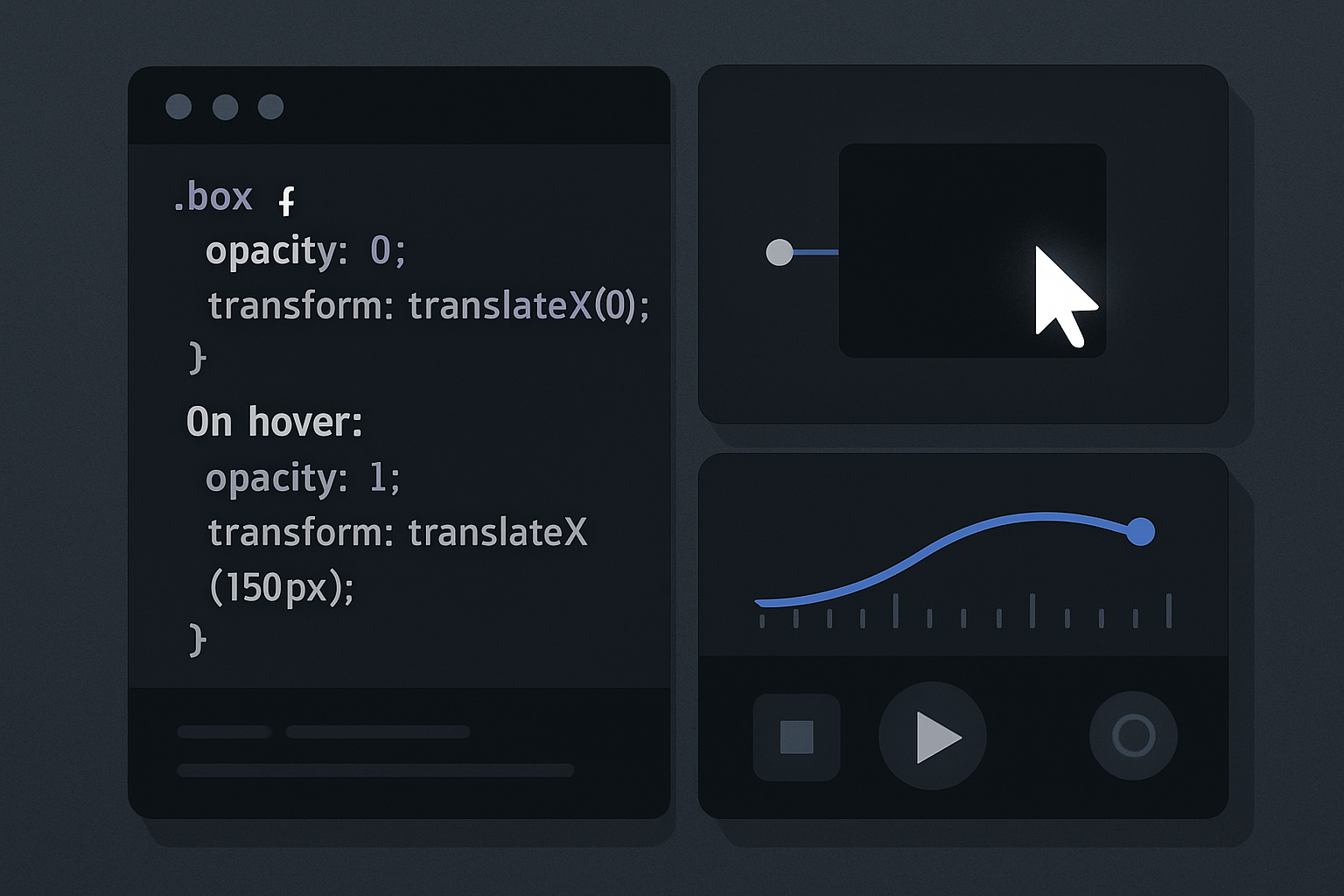
To make the most of Claude Code in creating animated effects, it is essential to formulate precise and targeted requests. Rather than asking for a general improvement of the user interface, it is recommended to request a specific animation, such as a slight lift of a card on hover.
When designing animations, although a manual approach may rely on the emotional aspect of the experience, AI tools like Claude Code require explicit instructions. These tools cannot interpret emotions; they need clear guidelines on how the animation should look and function.
The AI brief the pros read every evening
The 7 best AI stories, the essentials in 5 min. Free.
Included when you join: our pick of the best AI guides & comparisons.
Choose your rhythm
Free · No spam · Unsubscribe in 1 click
Therefore, it is crucial to provide a detailed specification of the animation, including elements such as the trigger. For example, determining whether the animation should be activated by a mouse hover, a click, or a scroll is fundamental to the success of the animated effect with Claude Code.
Brief AI — AI news in French
The essentials of artificial intelligence news, decoded and explained every day.