Hermes AI and MCP: A Partnership to Optimize Complex Workflows
The Hermes AI Agent: A Revolution in Workflow Execution
The Hermes AI agent, an innovation from Nous Research, stands out for its ability to manage persistent workflows across various environments, whether on local machines, servers, or cloud platforms. This autonomous and open-source execution environment focuses on stateful and long-duration execution, unlike traditional approaches that concentrate on isolated prompts. Hermes AI is designed for continuous and structured task execution. By breaking down a global objective into distinct steps, Hermes not only responds to inputs but actively oversees the complete lifecycle of a task.
One of the key features of Hermes is its ability to transform completed workflows into reusable skills. This means that after a task is completed, the system analyzes and captures the procedure, storing it as a structured skill. Over time, this enriches a library of execution templates that refine as the system is used in real-world scenarios. This approach is particularly advantageous for repetitive or scalable tasks, where consistency and efficiency improve with accumulated experience.
The Internal Structure of Hermes for Workflow Execution
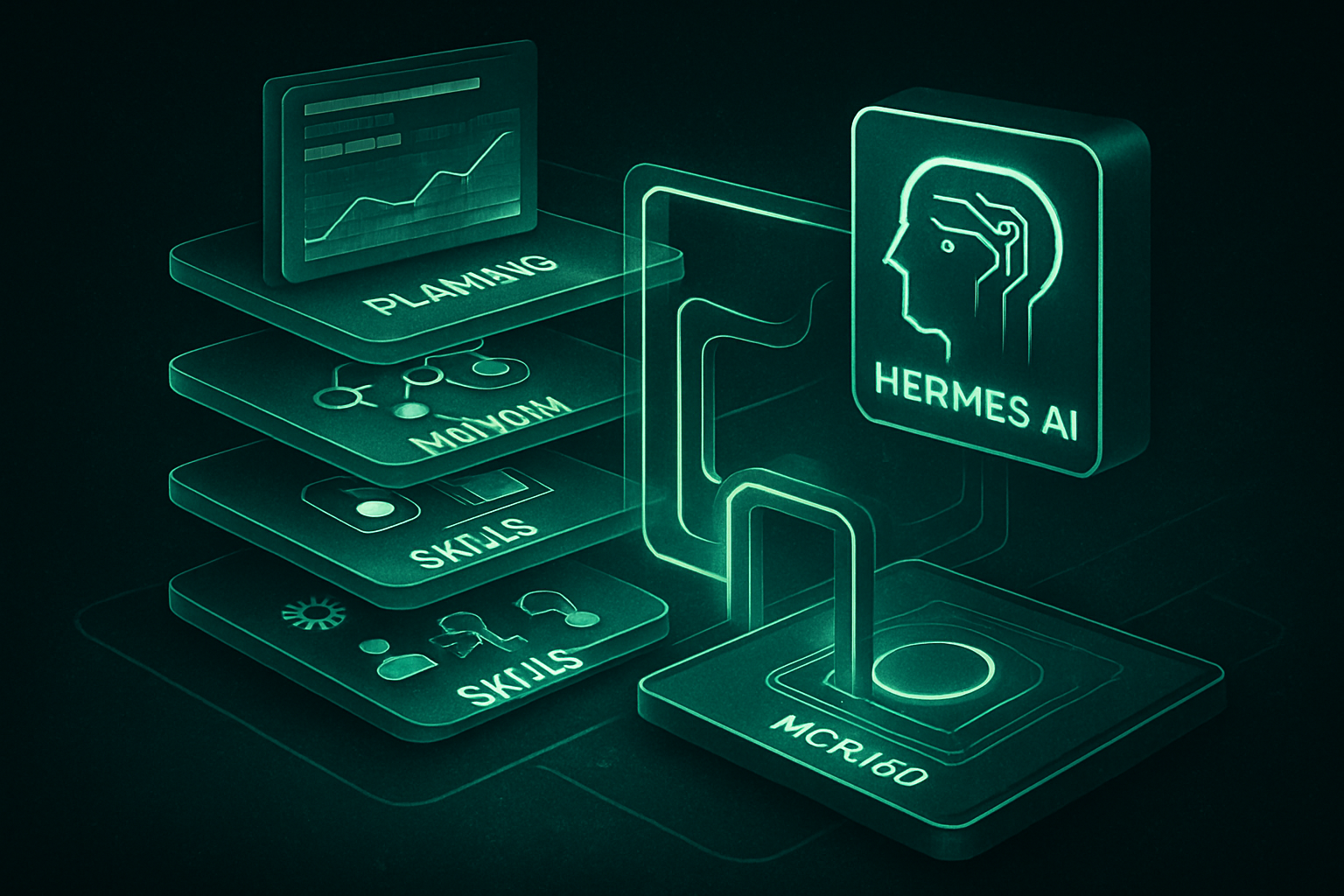
Hermes AI operates through a four-layer interconnected architecture, each playing a crucial role in transforming an intention into a completed task.
-
The Planning Layer: It breaks down an objective into smaller, adjustable steps, continuously revising the plan as new information becomes available.
-
The Execution Layer: This layer is responsible for carrying out each step, including calling external tools when necessary.
-
The Memory Layer: It retains session context, intermediate results, and task history in a persistent SQLite-based system with full-text search, allowing workflows to adapt without losing state.
-
The Skills Layer: It captures successful workflows as reusable procedures for future tasks.
These layers work in synergy in a continuous cycle of observation, execution, reflection, and refinement. Each completed task contributes to improving the system for future tasks. The integration of external tools is an integral part of this cycle, where each step can solicit external systems, process responses, and pass structured results to the next step. Hermes is designed to be model-agnostic, meaning it is not limited to a fixed set of tools.
Le brief IA que les pros lisent chaque soir
Les 7 actus IA du jour, décryptées en 5 min. Gratuit.
Inclus dès l'inscription : notre sélection des meilleurs guides & comparatifs IA.
Choisissez votre rythme
Gratuit · Pas de spam · Désabonnement en 1 clic
The Challenges of Using Hermes in Production
While Hermes AI performs well in isolated environments, production use presents distinct challenges. Issues primarily arise at the interfaces between Hermes and external systems.
-
Fragmentation: A workflow may require the use of multiple tools, such as search APIs, e-commerce platforms, or scraping services. Without a shared abstraction layer, each integration imposes its own management model, making the workflow dependent on the specifics of each tool.
-
Inconsistency of Data Structures: External tools often return data in varied formats, ranging from structured JSON to HTML or poorly formatted text. This necessitates the inclusion of transformation logic between steps, increasing fragility and complicating updates when APIs evolve.
-
Reliability: Rate limits, authentication failures, and endpoint changes directly affect workflow execution. These behaviors vary from tool to tool, requiring the agent to manage multiple failure modes within the same workflow logic. As the number of tools increases, the maintenance burden grows, sometimes exceeding that required to build the workflows themselves. Debugging also becomes more complex, as failures can stem from either the agent's logic or the external systems involved.
These challenges are not intrinsic to Hermes but result from managing integrations at the agent level rather than through a dedicated infrastructure layer.
Integrating the MCP with Hermes AI
To simplify the management of tool integrations, the MCP is used as a unified layer between Hermes and external systems. The MCP360, in particular, offers a single gateway for all interactions with the tools.
Steps to Connect the MCP to Hermes AI
-
Step 1. Copy Your MCP360 Gateway URL
Log into your MCP360 dashboard and open an existing project or create a new one. In the left navigation menu, open MCP Servers. You can select a specific MCP server or use the universal MCP gateway, which provides access to all tools available in your MCP360 workspace. Copy the MCP gateway URL to use when configuring tool access in the Hermes AI agent. -
Step 2. Install the Hermes AI Agent
Open Windows PowerShell as an administrator and execute the necessary commands. Alternatively, you can use an AI coding assistant like Codex or Cursor AI to automate the setup. In Codex, enter the following prompt to install the Hermes AI agent: "Install the Hermes AI agent on this Windows machine using the official installation method." After confirming the installation, the next step is to connect Hermes to the previously copied MCP360 gateway URL. -
Step 3. Start the Hermes Chat and Connect MCP360
Open a new terminal window in Windows PowerShell and start the Hermes chat interface. After adding the MCP360 gateway URL and the token, Hermes confirms that the MCP is correctly configured for the use of external tools.
Brief IA — L'actualité IA en français
L'essentiel de l'actualité de l'intelligence artificielle, décrypté et expliqué chaque jour.