iOS 27: Apple Integrates AI to Transform the iPhone
Le brief IA que les pros lisent chaque soir
Les 7 actus IA du jour, décryptées en 5 min. Gratuit.
Inclus dès l'inscription : notre sélection des meilleurs guides & comparatifs IA.
Choisis ton rythme
Gratuit · Pas de spam · Désabonnement en 1 clic
A Discreet but Effective AI Strategy
At the Apple Worldwide Developers Conference, the announcement of Siri's redesign grabbed attention, but it was just a glimpse of Apple's broader strategy regarding artificial intelligence. Rather than focusing solely on a voice assistant, Apple has chosen to integrate AI into various aspects of its software ecosystem, making the iPhone more useful in everyday life. This approach allows the device to handle a variety of tasks, such as splitting restaurant bills, securing passwords after data breaches, and automating tasks, all while organizing information in a more intuitive manner.
Individually, these features may seem less impressive than a Siri capable of understanding the user's personal context. However, their combination illustrates a vision of AI aimed at making Apple's software smarter and more autonomous, without being limited to simple interaction with a voice assistant.
New Features in iOS 27
With iOS 27, Apple is introducing a series of AI features that are already available to developers in beta and will soon be accessible to the general public. These innovations are expected to launch this fall, coinciding with the general release of the new iOS.
Simplified Bill Splitting
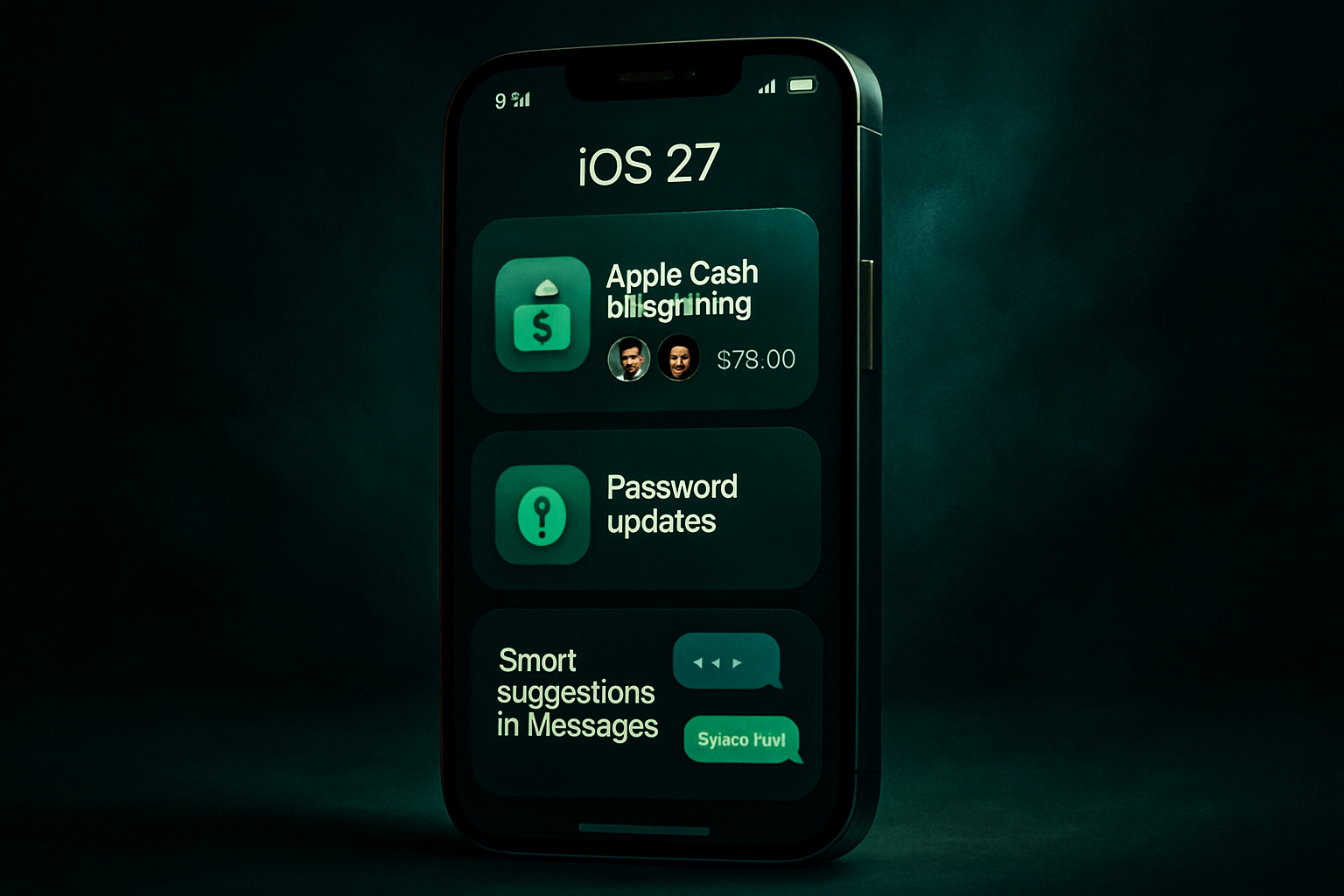
One of the most anticipated features of iOS 27 is the ability to split restaurant bills via Apple Cash. Thanks to Apple Intelligence, all it takes is a photo of the receipt to see an option to share the bill with others. The app automatically extracts essential details, such as ordered items, quantities, tips, and the total. Users can then select the items they ordered and share a request with their friends via a group chat. This feature integrates seamlessly with Messages and Apple Cash, making the process simple and intuitive.
Bill splitting is designed to be intuitive and only activates when necessary, working smoothly with the apps and services users are already familiar with. It is smart enough to include taxes and tips in the calculation of each person's share.
Enhanced Password Security
Password security is a major concern, and Apple understands this well. With iOS 27, AI is used to identify weak or compromised passwords, often exposed during data breaches. Instead of asking users to manually change their passwords, the new feature navigates to the affected websites, logs in, and securely updates the passwords.
This feature relies on password managers like Apple's Passwords app or other third-party services such as 1Password, Dashlane, or Bitwarden. It automates the password update process, ensuring enhanced security without additional effort from the user.
Smart Suggestions in Messages
The Messages app in iOS 27 now offers one-click suggestions based on the context of conversations. For example, if a friend asks you to bring something to a meeting, the app might suggest adding that item to your reminders. Similarly, if someone requests photos, Apple Intelligence can identify relevant images to share. These suggestions appear subtly, as a natural extension of the app.
This feature uses AI to understand the context of discussions and propose relevant actions, making exchanges smoother and more efficient.
Simplified Call Context
Another discreet yet useful feature is the display of relevant information during phone calls, particularly with customer service. For instance, if you call about a flight reservation, your confirmation code will appear directly on the call screen. This feature uses Apple Intelligence to extract necessary information from your emails while preserving data privacy.
This innovation aims to reduce the stress associated with customer service calls by providing the necessary information at the right moment, without requiring additional interaction from the user.
Adding Events to the Calendar
Inspired by third-party apps, Apple now allows users to add or modify calendar events using natural language. Apple Intelligence takes care of extracting contacts and locations to create an event title, simplifying the process of adding items to your calendar.
This feature makes managing your schedule easier by allowing you to quickly and effortlessly add events based on everyday language descriptions.
Simplified Automation with Shortcuts
The Shortcuts app becomes more accessible with iOS 27. Users can now simply describe what they want to automate, and the app will create the necessary scripts. Whether it's setting an alarm based on your schedule or automatically sending a message to your partner, Shortcuts makes managing daily tasks easier.
This simplification of automation allows users to fully leverage their iPhone's capabilities without needing advanced technical knowledge.
Smart Notifications in the Home App
For smart home users, iOS 27 offers smarter notification management. Instead of receiving a multitude of notifications for each action, Apple Intelligence groups related events into a single notification. For example, if someone comes home and closes the garage door, a single notification is sent to report the entire activity.
AI can also help locate relevant video clips, such as a package delivery, using search. Additionally, the Home app highlights notable clips to review, making it easier to manage home events.
Tab Organization in Safari
Finally, the Safari browser benefits from a new tab organization feature. Thanks to Apple Intelligence, Safari can group tabs by topic, making navigation easier. For instance, if you're planning a trip, all relevant tabs can be grouped together, allowing for quick and organized access to your research.
This feature respects user privacy by processing data locally on the device, without exposing it to third parties, not even Apple.
Brief IA — L'actualité IA en français
L'essentiel de l'actualité de l'intelligence artificielle, décrypté et expliqué chaque jour.