AI Dictation Apps: Wispr Flow and Willow Lead the Way
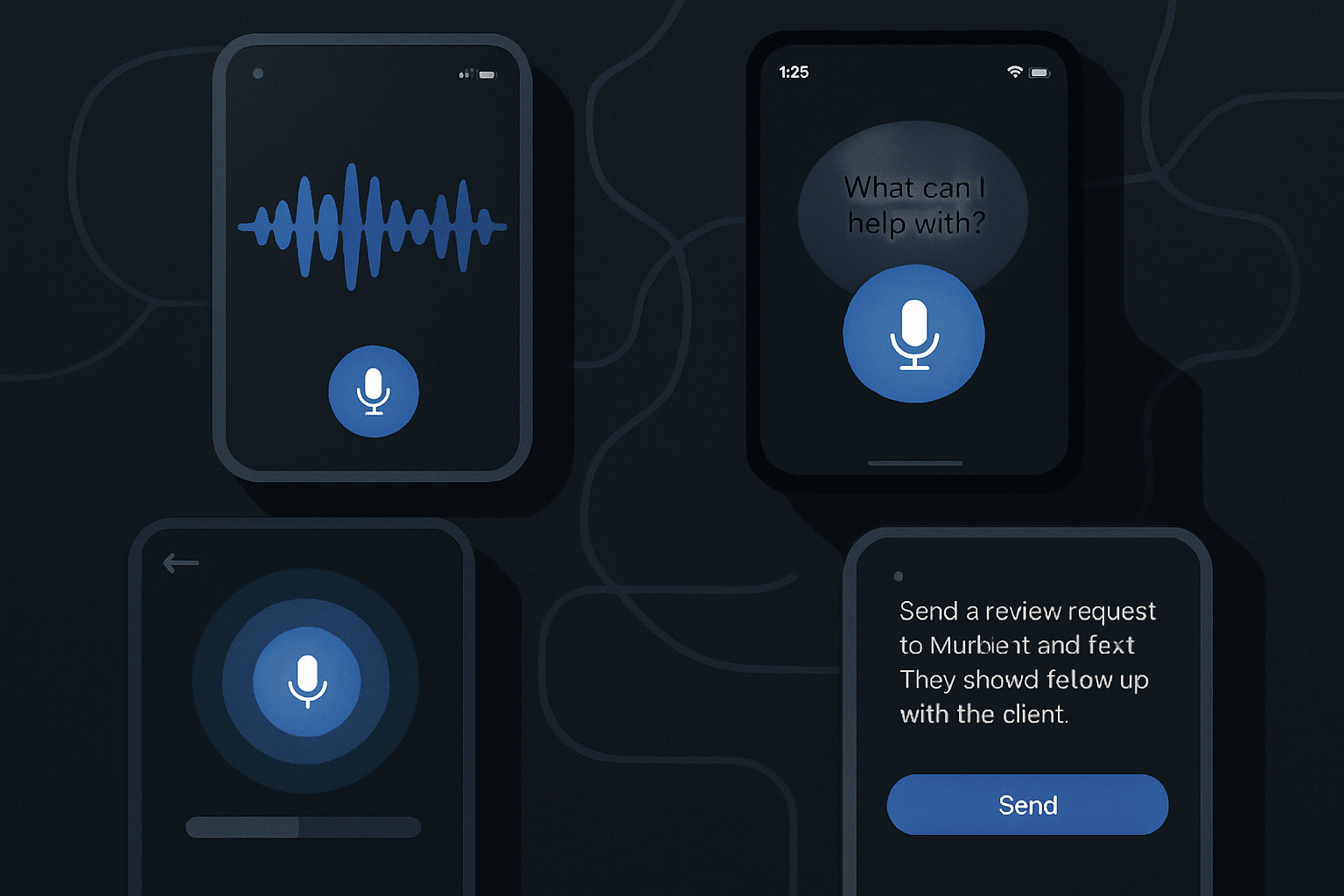
AI dictation applications have made significant progress in a short amount of time. For years, they were slow and inaccurate, unless you spoke with a particular accent and articulated clearly.
Advancements in large language models (LLMs) and speech recognition models have changed the game, producing systems capable of decoding speech more accurately while retaining enough context to format the text correctly. Developers have also integrated features to automatically remove filler words, correct hesitations, and manage punctuation, resulting in text that requires much less editing.
With dozens of these applications now on the market, we have gathered our picks for the best and most useful dictation applications currently available.
Wispr Flow
Wispr Flow is a well-funded AI dictation application that allows you to add custom words and instructions for dictation. It has native apps for macOS, Windows, and iOS; an Android version is in development.
The app lets you customize the transcription of your text by choosing from "formal," "casual," and "very casual" styles for different types of writing, such as personal messages, work, and emails. Additionally, if you use it with vibe-coding tools like Cursor, you can enable a feature to automatically recognize variables or tag files in chat.
The app allows you to transcribe up to 2,000 words per week for free on desktop, and 1,000 words per month on iOS. Paid subscriptions offer unlimited transcription and start at $15 per month.
Willow
Willow presents itself as a significant time-saver for those who dislike typing. In addition to common features like automatic editing and formatting, the app uses large language models to generate a complete passage of text from just a few dictated words.
Willow also takes a privacy-focused approach by storing all transcriptions locally on your device and allowing you to fully opt-out of model training. It also lets you add custom vocabulary to tailor it to your industry terminology or local dialect.
Willow allows you to dictate 2,000 words per month on its desktop app for free. Individual subscriptions start at $15 per month, unlocking unlimited dictation and enabling the app to remember your writing style.
Monologue
If privacy is your priority, Monologue allows you to download its AI model directly to your device for transcriptions, keeping your data completely off the cloud. Additionally, the app lets you customize its tone based on the application you are using it with.
Monologue allows you to transcribe 1,000 words per month for free; a subscription costs $10 per month or $100 per year. The company also sends its most active users a physical shortcut device called Monokey to use with the app.
Superwhisper
Superwhisper is primarily a dictation app, but it can also transcribe from audio or video files. The app allows you to choose and download AI models, including several of its own at different speeds and levels of accuracy, as well as Nvidia's Parakeet speech recognition models.
The app also lets you write custom prompts to guide the output, and you can view both processed and unprocessed transcriptions directly from your system keyboard.
Le brief IA que les pros lisent chaque soir
Les 7 actus IA du jour, décryptées en 5 min. Gratuit.
Inclus dès l'inscription : notre sélection des meilleurs guides & comparatifs IA.
Choisissez votre rythme
Gratuit · Pas de spam · Désabonnement en 1 clic
The basic speech recognition feature is free, and you have 15 minutes to test Pro features such as translation and transcription. The paid tier allows you to use your own AI API keys and connect cloud and local models without any usage limits.
The monthly plan costs $8.49 per month, the annual plan costs $84.99 per year, or you can pay $249.99 for a lifetime subscription.
VoiceTypr
The VoiceTypr app takes an offline approach, with no subscription, allowing you to use local models for transcription. It also has a GitHub repository for those who wish to host and run the open-source version themselves. VoiceTypr supports over 99 languages and works on both Mac and Windows.
The app is available for a three-day free trial, after which it allows you to purchase a lifetime license. The app costs $35 for one device, $56 for two, and $98 for four devices.
Aqua
Aqua is a Y Combinator-backed dictation app for Windows and macOS that claims to be one of the fastest tools in its category in terms of latency (the delay between when you speak and when the text appears on the screen).
In addition to handling grammar and punctuation, Aqua also allows you to auto-fill text by saying phrases — for example, you can say "my address," and Aqua will write it down.
The app also offers its own speech recognition API, allowing other applications to connect to Aqua's transcription engine.
The free tier allows you to transcribe 1,000 words per month. Paid plans start at $8 per month billed annually and unlock unlimited words and 800 custom dictionary values.
Handy
Handy is a free, open-source transcription tool that works on Mac, Windows, and Linux. The app is quite basic and does not offer much customization, but if you want to start using your voice more without paying, it’s a good option.
The app has a basic settings menu that allows you to enable push-to-talk mode and change the shortcut key to activate transcription.
Typeless
Typeless stands out for its high number of free words. The company claims it does not retain any data or use it to train AI models. Typeless also offers to rewrite sentences you may have poorly phrased.
The app allows you to dictate up to 4,000 words per week (about 16,000 words per month) on its free tier. You can pay $12 per month (billed annually) to unlock unlimited words and access new features. Typeless is available only for Windows and macOS.
VoiceInk
VoiceInk is a private open-source dictation app for Mac. The app supports global shortcuts to start/stop recording, as well as a push-to-talk mode. It reads the context on the screen and adjusts its output accordingly.
The app can automatically detect certain applications and URLs and apply custom formatting or rules to each. It also has an assistant mode that can answer your questions. The app costs $25 for lifetime access for one device, $39 for two devices, and $49 for three devices.
Dictato
Dictato is a dictation app for Mac priced at €9.99 — about $12 — which gives you lifetime access and two years of feature updates. The app works with offline models like Parakeet, Whisper, and Apple Speech Analyzer, and uses Apple’s Intelligence for light reading and filler word removal. Thanks to these local models, the app claims super-fast latency of 80 ms, meaning the text appears almost instantly after you speak.
AudioPen
AudioPen started as a web-based voice notes application but has evolved over the years. Its Mac version now allows you to dictate text and rewrite it in the format and style of your choice, switching between styles at any time. In addition to live transcription, AudioPen allows you to store audio notes across different platforms, combine notes for summaries, upload audio files, and rewrite existing notes using AI. The app costs $33 for three months, $99 for a year, and $159 for two years.
Brief IA — L'actualité IA en français
L'essentiel de l'actualité de l'intelligence artificielle, décrypté et expliqué chaque jour.